12 Version of November 22th, 2021
►Menu: Program
► Installation
► Channel
► System
► Media / Internet
► Conditional Access
► Applications
► IPTV
► EPG
►Installation
► Terrestrial Scan DVB-T/T2
► Cable Scan DVB-C
DVB-T/T2
This menu item will come in
handy when setting up DVB-T
reception. Make sure the anten-
na is in a good receiving posi-
tion.
At the bottom you can see the
intensity and quality level of the
antenna signal. This indication
may vary depending on the an-
tenna installation location or the
values you select in the menu
elds.
Menu functions and settings:
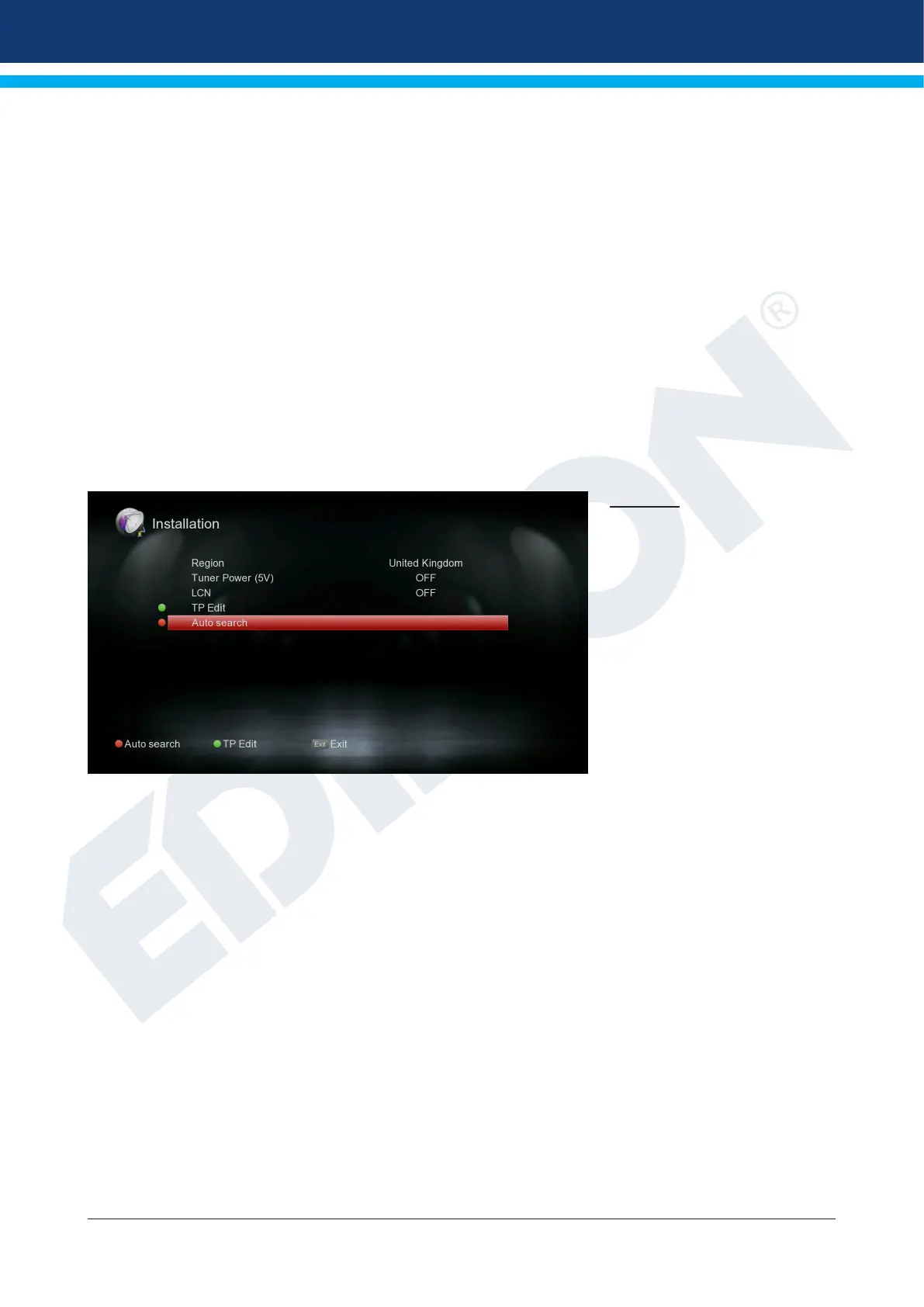
Scan DVB-T2: Press the OK button here to enter the DVB-T setup menu (see below).
Region: Select the area here.
Tuner Power 5V: Here you can set additional voltage for DVB-T reception.
LCN: Here you can choose if you want the channel names to be included in
the search.
Red key (Auto search):
In the “Auto search” section you can choose between “All”
and “Free to Air”. With OK, the automatic channel search starts.















 To Next Page