22 Version of November 22th, 2021
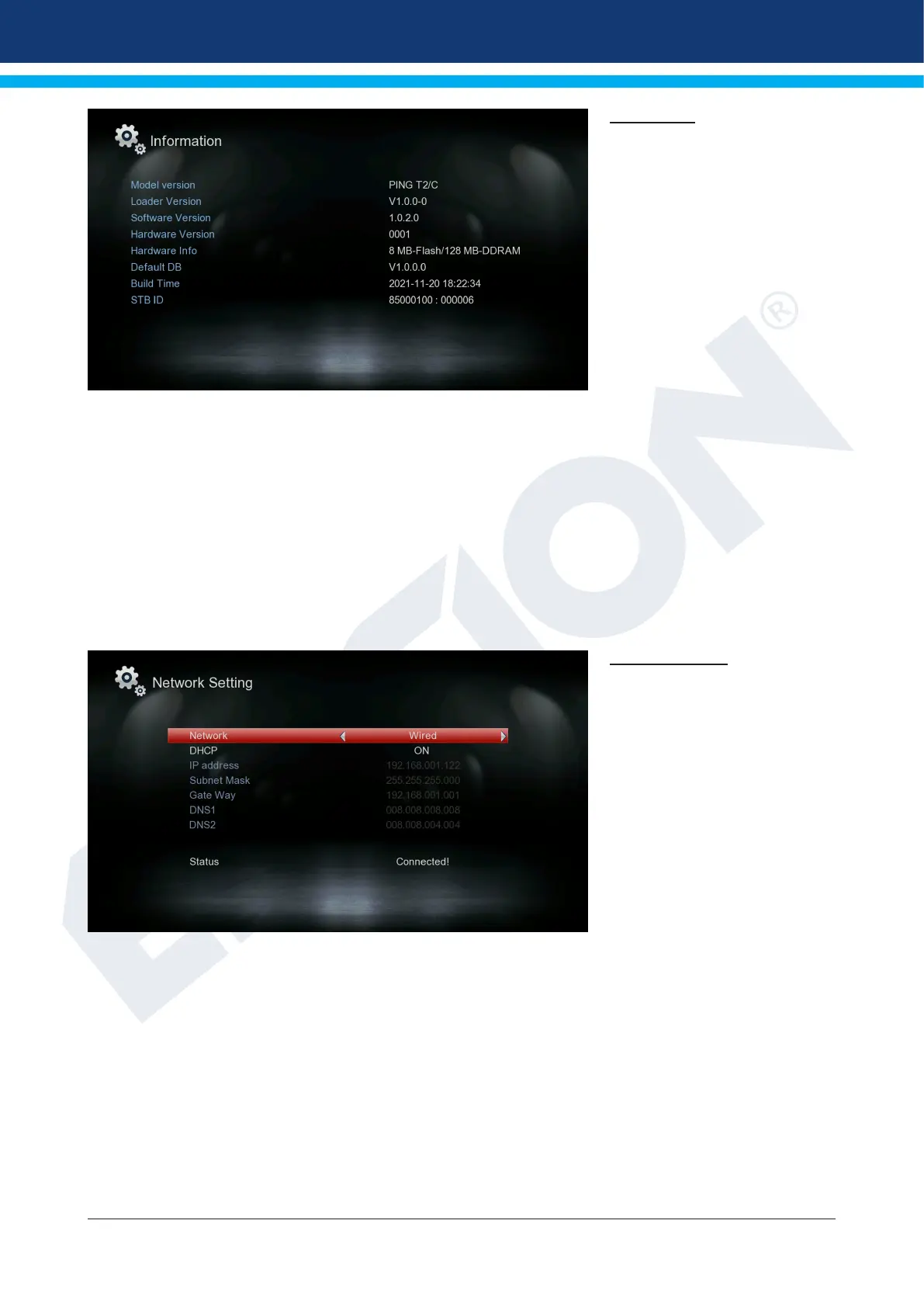
Information
Here you will nd information
about the device. This informa-
tion may be helpful when you
want to contact the EDISION
Technical Department or the
point of sale by telephone. Here
you also nd out about the soft-
ware version that the receiver
has.
Exit the “Information” menu by
pressing the EXIT key.
►Media / Internet
► Network setting
► Record Files
► PVR Management
► Videos
► Music
► Photos
► USB Remove
Network Setting
Select Network:
Wired Network or WiFi
Info: IP Address, Subnet Mask,
Default Gateway, DNS1 and
DNS2 are only available if “OFF”
indication is selected at “DHCP”
point.
DHCP: If you install a DHCP
server on your network, you can
automatically give an IP address
to the receiver. To do this, select
“On”. If you do not use any DHCP on your network, manually enter the corresponding values below.
IP address
Subnet Mask
Default Portal
DNS 1
DNS 2















 To Next Page