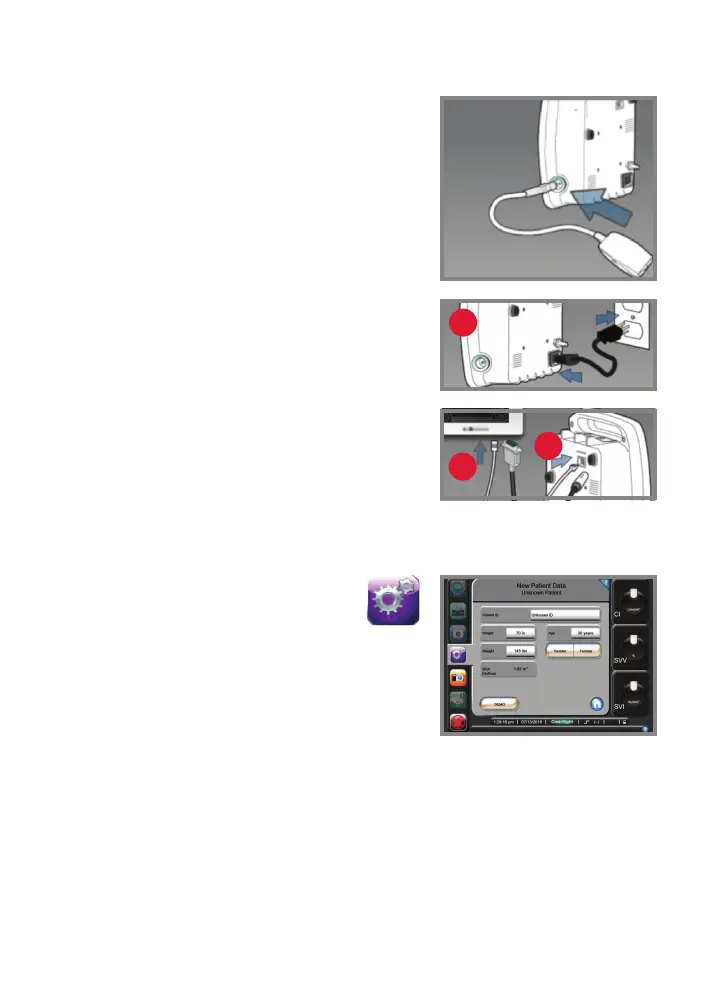
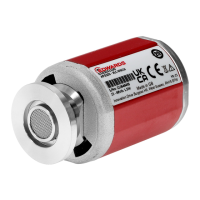
Connecting the pressure
controller to the pump unit
1. Connect the pressure controller cord
to the right side of the pump unit.
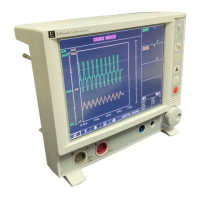
Connecting the pump unit to the
EV1000 monitor
1. Connect the pump unit to the power cord
and connect to an electrical outlet (1).
2. Connect the system power cable and
the Ethernet cable to the EV1000
monitor panel (2) and pump unit (3).
Entering patient data
1. Tap the Settings icon on the
navigation bar.
2. Tap the Patient Data button.
3. Tap the New Patient Data button or update
existing patient information by tapping the
grey rectangles next to each field.
NOTE: Accurate measurements of cardiac output can only
be obtained if the following patient data are properly entered:
gender, age, weight, and height.
4. Tap the Home button to confirm.
3
2
1



 To Next Page