15
7. Perform system test. Take RTK Bee Station and FieldBee outside and place
them above ground level on a open sky leaving at least 1 meter in between.
Make sure that your device is connected to the RTK Bee Station (6a) and
FieldBee (7a) all the time and the Wi-Fi connection is established by both
antennas (6d, 7d). Check the values 7e and 7g, in a short time you should
receive accuracy >1 meter for GPS (normal) fix and 15-20 satellites. Wait some
time, fix type should change to Float RTK or RTK, now you have configured
antenna for centimeter level accuracy.
8. If you receive poor or no result within 10 minutes, please refer to the
troubleshooting chapter.
9. Configuration is complete, close the app.
WHAT’S NEXT?
1. Install FieldBee on the tractor - see the chapter on installation
2. Install RTK Bee Station
3. Connect your FieldBee to the eFarmer app and start using it for eldwork.
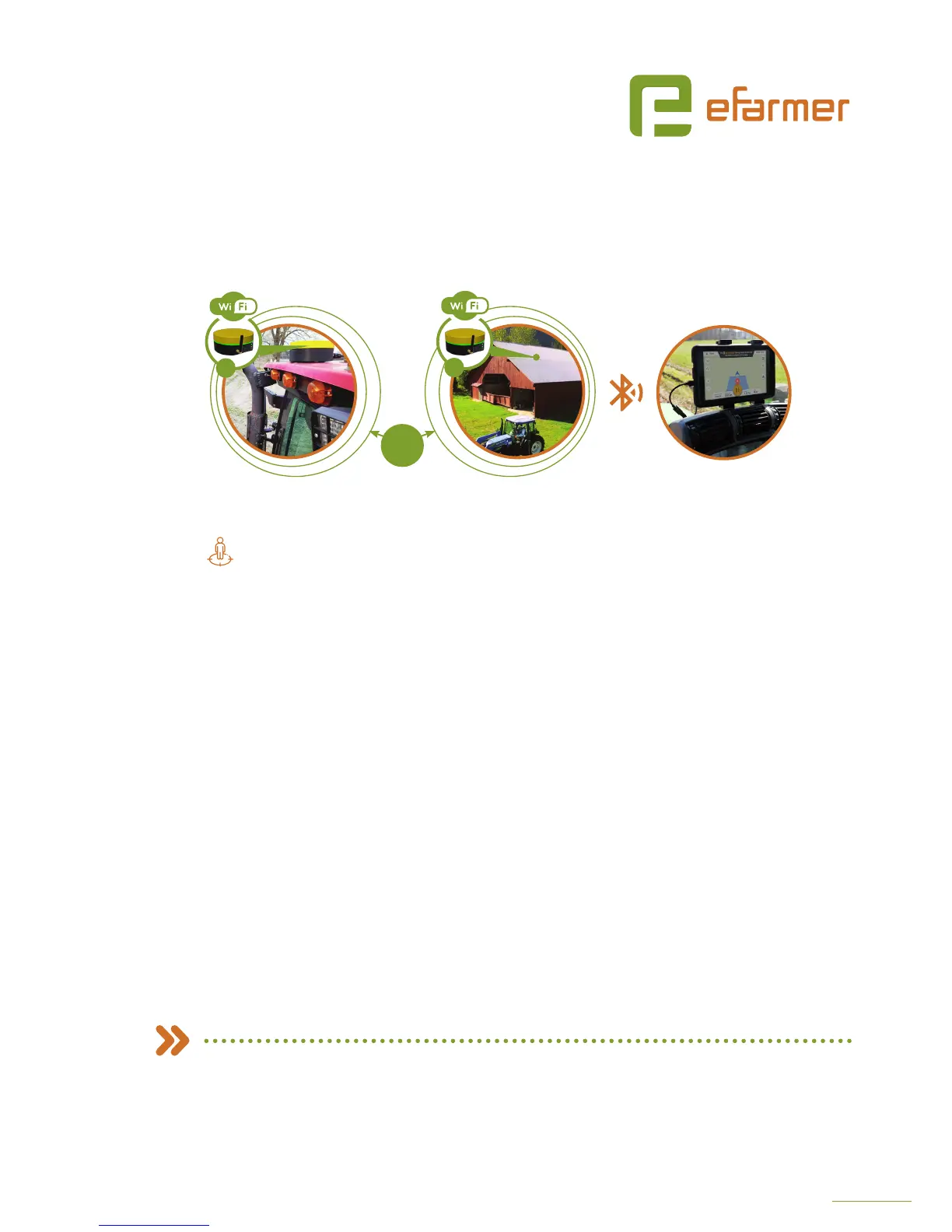
FIELDBEE WITH RTK BEE STATION
+
FieldBee rover antenna
on your tractor
RTK Bee Station
on your house
eFarmer app on your
smartphone/tablet
Improve the accuracy of your navigation system to 0-4 centimeters
1
2
RADIO
10 KM


 To Next Page