Guide
1. Find a place for mounting that suites following parameters:
a. at surface
b. above the ground level
c. with open sky view
d. away from sources of electromagnetic radiation (generators, power lines, etc.)
e. away from large metal constructions
House or barn roof is a most common mounting place.
2. If using RTK Bee Station in Radio (LoRa) mode always connect radio antenna
before turning it on.
3. If using RTK Bee Station in Wi-Fi mode it is required to supply Wi-Fi access with
enough signal strength.
a. put your access point as close as possible to the mounting place, probably on
the last oor or under the roof.
b. turn on RTK Bee Station and congure it to use this
access point
c. go to the desired installation place and check the
Wi-Fi signal strength using the FieldBee app.
d. if signal strength is good you may continue
installation, if not you may require to move either
access point or base station. Using Wi-Fi repeater
for increasing signal strength is also an option.
4. Connect and lay down the power cable, otherwise,
remember to turn o antenna when not in use and
charge batteries when they are discharged.
RTK BEE STATION PORTABLE INSTALLATION
This method suits best when you have elds scattered on a territory
signicantly bigger than 10 km in any dimension, there is no mobile Internet
coverage and you don’t want to use additional RTK Bee Stations. Also this is
primary method for initial testing.
Requirements
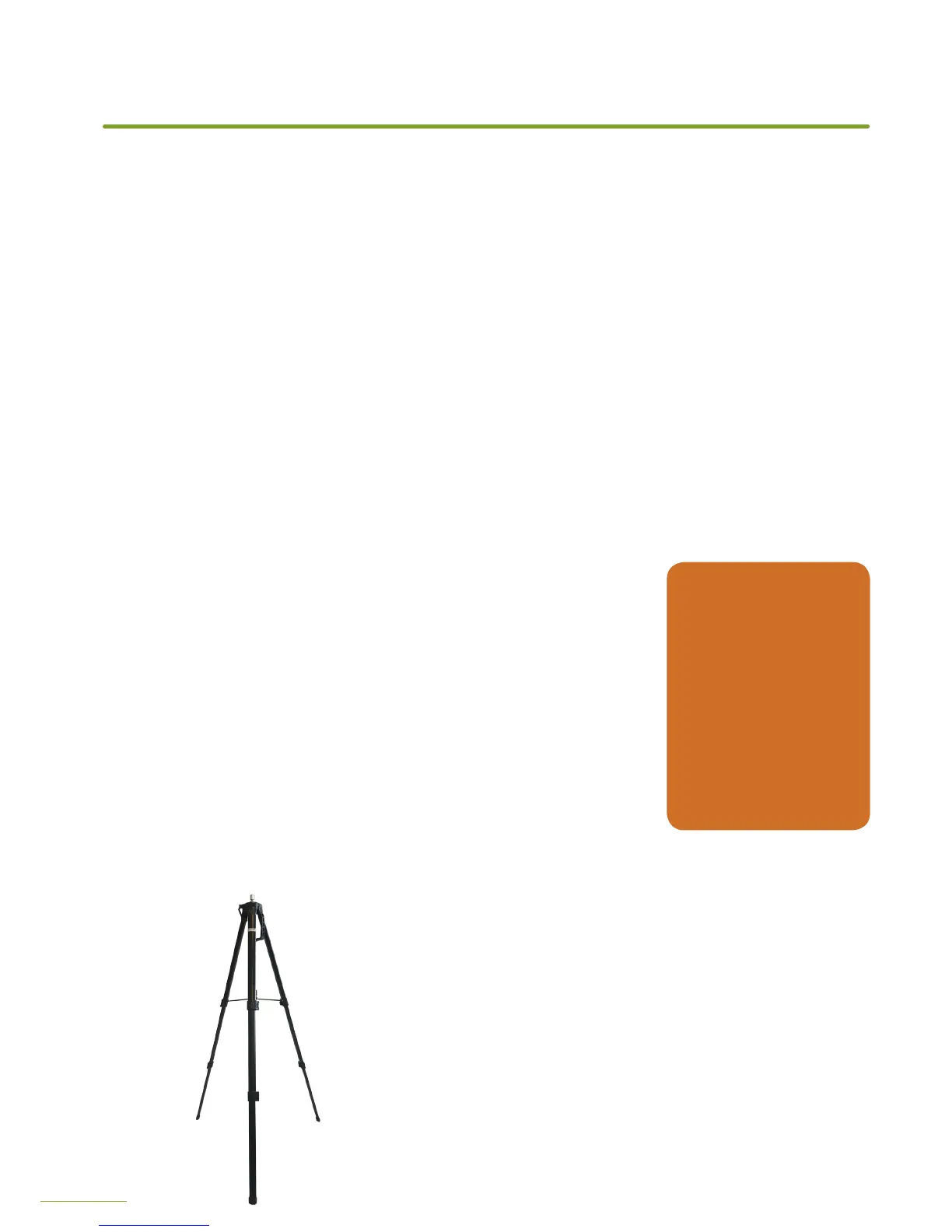
Tripod mount with at metal head or with 1/4-20 UNC thread (also used
in most consumer grade cameras).
Additional tools and materials are required based on individual
parameters of installation.
For operation in Wi-Fi mode you will need Wi-Fi access point
connected to the Internet.
DO NOT’S
Do not change
orientation
of antenna
Do not make
holes in antenna
enclosure
Do not use wire
to tie antenna
in place
INSTALLATION


 To Next Page