The main problems can appear with Bluetooth connection and power supply while
installing the FieldBee. Please, read carefully the chapter CONFIGURATION in that
mode, which are you going to use FieldBee. If the problem persists after reading -
contact support. How to get support - read in the chapter CONTACTS (page ).
Frequently Asked Questions:
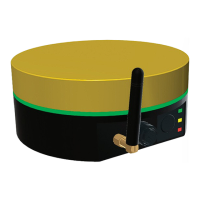
1. Why my FieldBee is not shining?
Check the power supply. Connect external power to the cigarette lighter or insert
the batteries. If the batteries have been already inserted - connect the antenna to the
charging cable.
2. There are no antennae in the available devices list
Go to the smartphone/tablet settings > nd Bluetooth settings > unpair the FieldBee,
which are you going to connect > open FieldBee app and retry search for available
devices.
3. How to change RTK Bee Station working mode?
If you want to change the RTK Bee Station working mode from LoRa mode to the Wi-Fi
mode you need to connect RTK Bee Station to the Wi-Fi network.
If you want to change RTK Bee Station working mode from Wi-Fi mode to the Radio
(LoRa) mode - disconnect RTK Bee Station from the Wi-Fi network.
4. If you have some other problem?
Please, contact the support.
TROUBLESHOOTING
TROUBLESHOOTING
TIP: Restarting
your devices (phone,
tablet, FieldBee, WiFi
router etc.) help to
solve 95%
of all issues.


 To Next Page