9
8. Perform system test. Go outside to receive a satellite signal, make sure that your
device is connected to the FieldBee (7a value: Connected) all the time.
How to know that the system works? Check the values on the screen with antenna
status:
a. 7d should display accuracy >1 meter for GPS (normal) x and <1 m for DGPS
(with satellite based correction)
b. 7f value should show 15-20 satellites.
9. If you receive poor or no result in 10 minutes, please refer to the troubleshooting
chapter.
10. Conguration is complete, close the app.
WHAT’S NEXT?
1. Install FieldBee on the tractor - see the chapter about installation
2. Connect your FieldBee to the eFarmer app and start using the system for your
fieldwork.
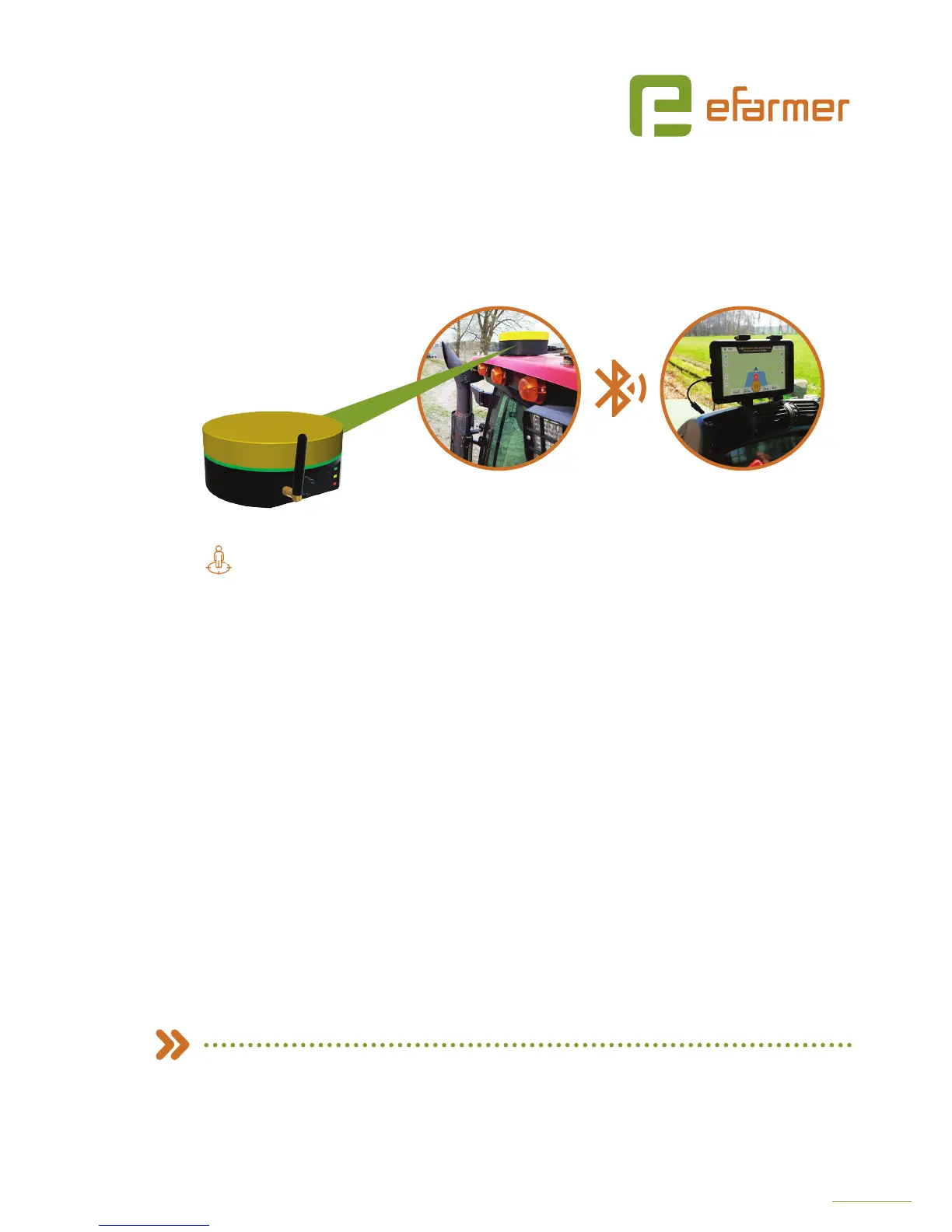
FIELDBEE AS STANDALONE SENSOR
Navigation system with submeter accuracy (30-50 cm)
FieldBee rover antenna
on your tractor
eFarmer app on your
smartphone/tablet


 To Next Page