Efento SP. J.
Ul.Krupnicza 14/5
31-123 Kraków
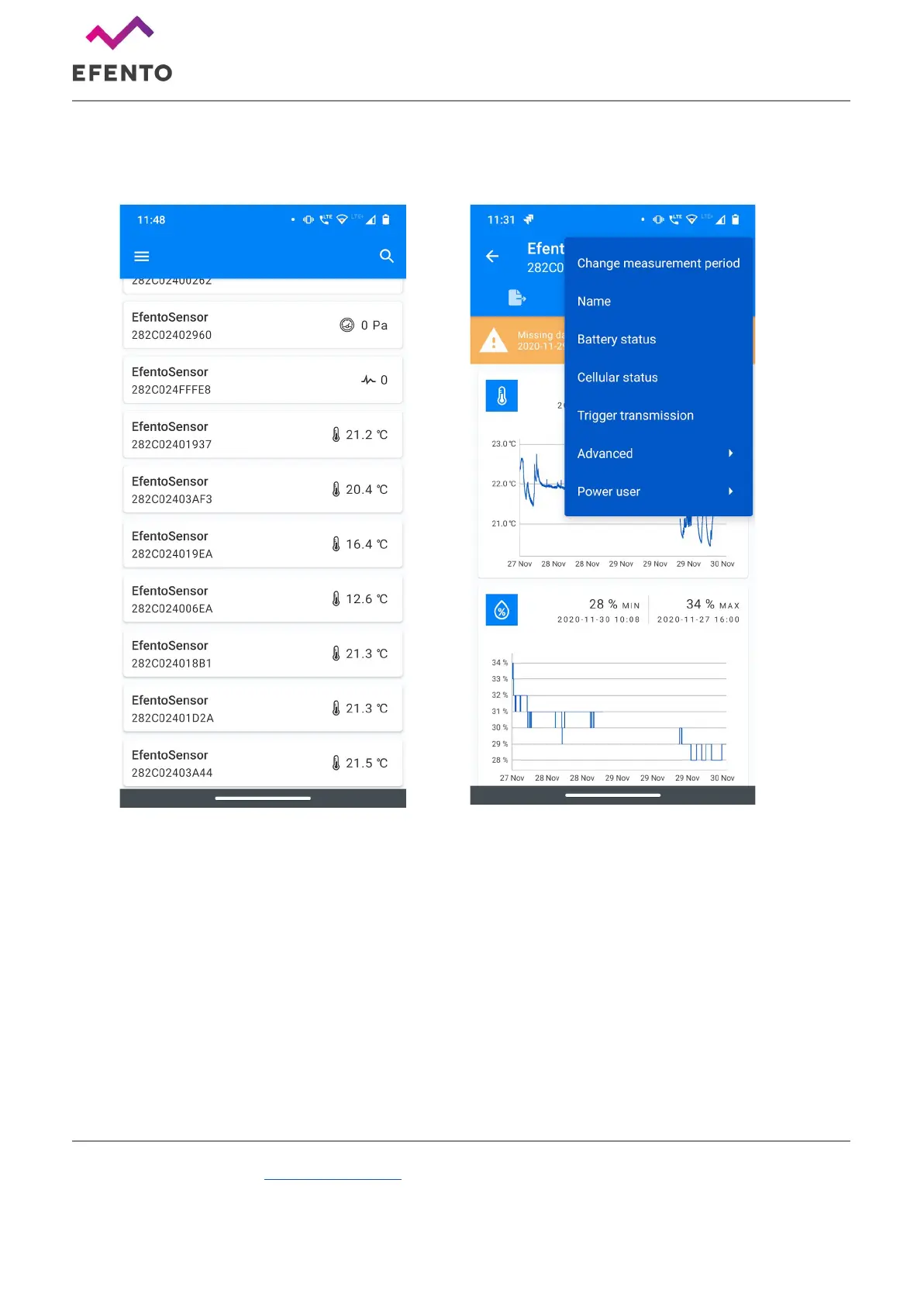
Tap on the logger you’re interested in, the app will connect to it and show the logger’s information along
with its current configuration. To open up the settings menu, tap on the „three dots” icon in the upper
right corner.
Tap on “Cellular status” in order to display the current status of the network communication. Check the
value of the “Registration status” field.
If the value is:
● REGISTERED
● REGISTERED ROAMING
The logger has registered on the network. You do not need to change the network settings of the device.
If the value is:
● NOT REGISTERED, SEARCHING



 To Next Page