9
Accessing the Fiery X3eTY
Accessing the Fiery X3eTY
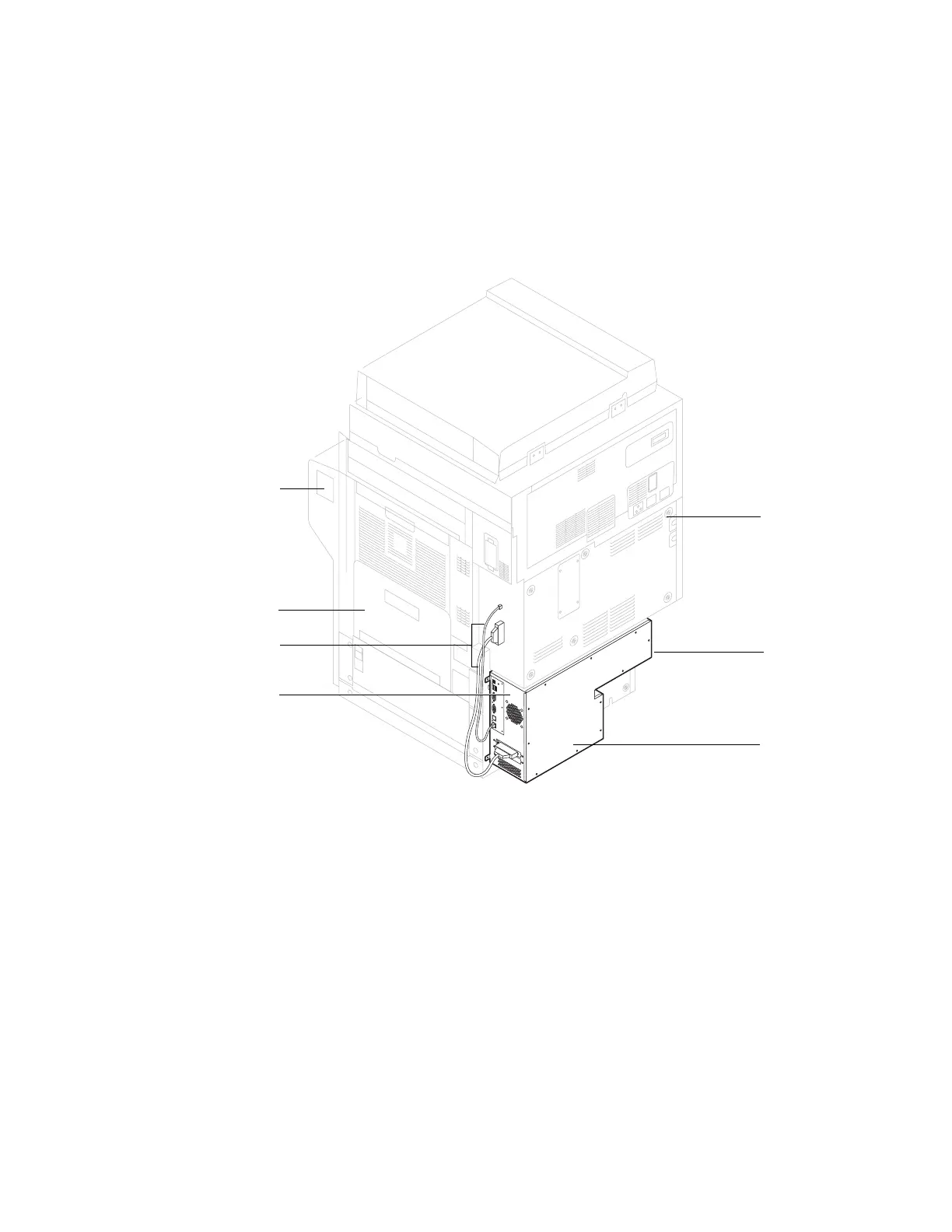
To service the Fiery X3eTY hardware, you must first shut down and power off the
Fiery X3eTY properly, power off and unplug the print engine, and then remove the
Fiery X3eTY from the print engine.
F
IGURE
E
Fiery X3eTY installed in the print engine
Print engine
(back)
Fiery X3eTY connector panel
Location of
Fiery X3eTY
dedicated AC
power switch
Fiery X3eTY
Main power switch
Print engine (right side)
Interface cables (2)



 To Next Page
 Loading...
