EasyManua.ls Logo

EG4 6000EX-48HV - User Manual

EG4 6000EX-48HV
53 pages
Print Icon
To Next Page IconTo Next Page
Loading...
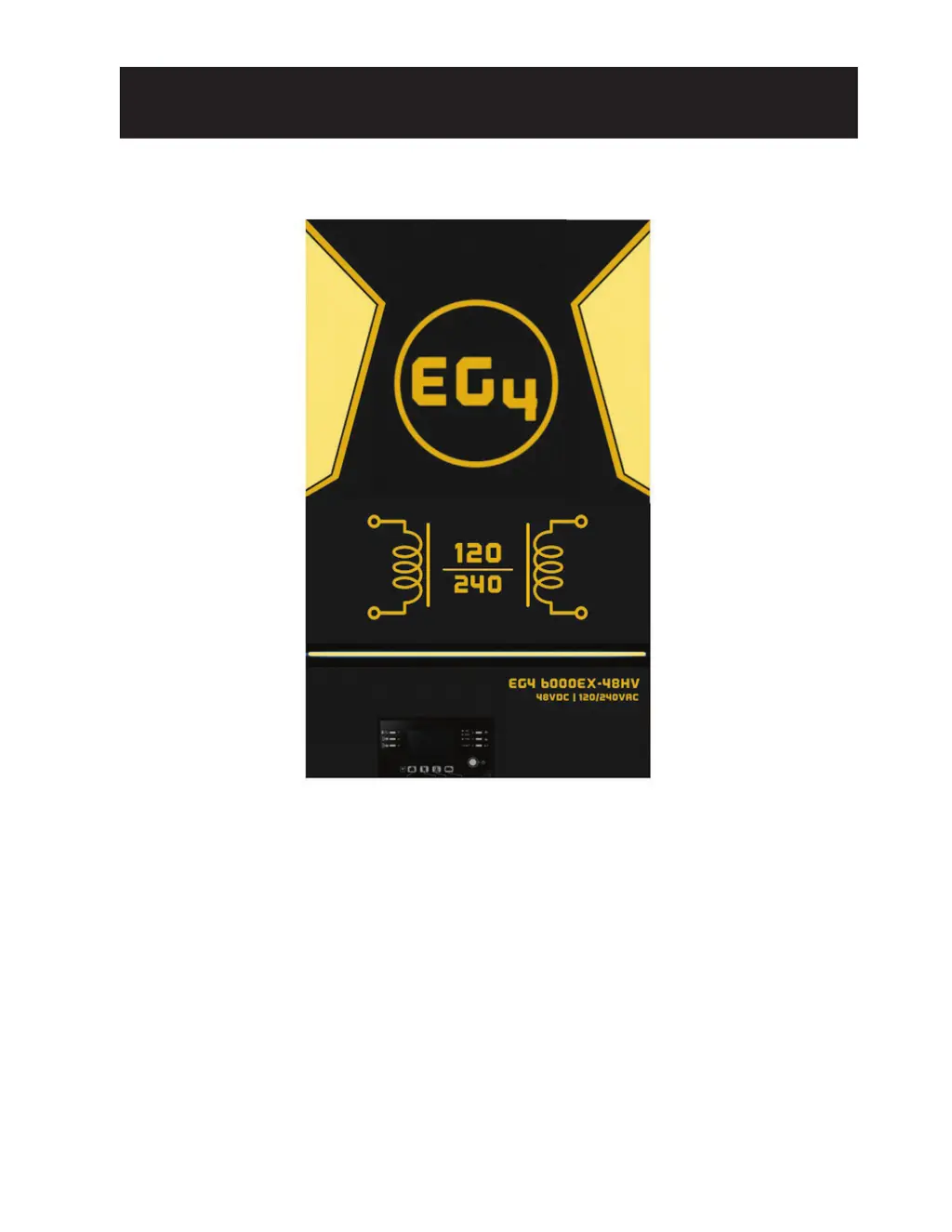
EG4 6000EX-48
INVERTER / CHARGER
User Manual
Version 1.2.0 January 2023 - Information subject to change without notice.

Questions and Answers

  • H
    Holly SchmidtAug 18, 2025
    What to do if my EG4 6000EX-48HV Inverter buzzer beeps continuously and the red LED is on?
    • A
      Alyssa CrawfordAug 18, 2025
      A continuous beep and red LED on your EG4 Inverter usually indicates a fault. Here's what you can check: * **Fault code 07:** Reduce the load connected to the inverter by switching off some equipment. * **Fault code 05:** Check the wiring and remove any abnormal loads. * **High Temperature:** If the internal converter component's temperature exceeds 248°F (120°C), check for blocked airflow or high ambient temperatures. * **High Battery Voltage:** Ensure the battery specifications and quantity meet the inverter's requirements. * **Fault code 01:** Replace the fan. * **Fault code 11:** Reduce solar input below 500V in all temperatures. * **Fault code 06/58:** Reduce the connected load.
  • P
    Patricia HendricksAug 20, 2025
    What does Fault Code 60 mean on my EG4 Inverter and how can I fix it?
    • K
      kimberly56Aug 20, 2025
      Fault Code 60 on your EG4 Inverter indicates that current feedback into the inverter has been detected. To resolve this: 1. Restart the inverter. 2. Verify that the L1/L2/N cables are phased correctly in all inverters. 3. If you have a parallel system in split phase, ensure the red/black current sharing cables are securely connected to all inverters with screws.
  • J
    James HallAug 23, 2025
    What does it mean if my EG4 6000EX-48HV shows Fault Code 83 and how do I fix it?
    • F
      Frances WileyAug 23, 2025
      Fault Code 83 on your EG4 Inverter means the battery voltage of each inverter is not the same. Here’s how to troubleshoot: 1. Ensure all inverters are sharing the same battery bank. 2. Remove all loads, disconnect AC input and PV input, then check the battery voltage of all inverters. If the values are close, verify all battery cables are the same length and material type.
  • D
    Daniel CooperAug 26, 2025
    What to do if my EG4 6000EX-48HV Inverter shows Fault Code 84?
    • D
      dickersonlindaAug 26, 2025
      Fault Code 84 on your EG4 Inverter indicates that the AC input voltage and frequency are different. To resolve this: 1. Check the utility wiring connection and restart the inverter. 2. Ensure the utility starts up at the same time. If breakers are installed between the utility and inverters, make sure all AC input breakers can be powered on simultaneously. A main breaker or disconnect is required.
  • L
    lambertstephanieAug 27, 2025
    What does Fault Code 71 on my EG4 Inverter mean, and how do I fix it?
    • B
      Brandon MillerAug 27, 2025
      Fault Code 71 on your EG4 Inverter indicates that the firmware version of each inverter is not the same. To resolve this, update all inverter firmware to the same version. Check the version of each inverter via LCD settings and ensure the CPU versions are the same.
  • F
    fpatrickAug 30, 2025
    What does it mean if my EG4 6000EX-48HV shows Fault Code 72 and how can I fix it?
    • N
      Nicole GrimesAug 30, 2025
      Fault Code 72 on your EG4 Inverter indicates that the output current of each inverter is different. To fix this, check if the sharing cables are connected properly and restart the inverter.
  • A
    Alexis MillsSep 2, 2025
    What to do if my EG4 Inverter shows Fault Code 85?
    • J
      jwalkerSep 2, 2025
      Fault Code 85 on your EG4 Inverter indicates AC output current unbalance. To address this: 1. Restart the inverter. 2. Remove some excessive loads and re-check the load information from the LCD of the inverters. If the values are different, verify that the AC input and output cables are the same length and material type.
  • B
    Brian NelsonSep 4, 2025
    What to do if my EG4 6000EX-48HV Inverter shows Fault Code 80?
    • M
      mallenSep 4, 2025
      Fault Code 80 on your EG4 Inverter indicates CAN data loss. To resolve this, check if the communication cables are connected well and restart the inverter.
  • I
    Ian GraySep 6, 2025
    Why is my EG4 6000EX-48HV Inverter shutting down automatically during startup?
    • H
      Heather JonesSep 7, 2025
      If your EG4 Inverter shuts down automatically during startup, it may be due to low battery voltage (less than 1.91V/Cell). Try to recharge or replace the battery.
  • B
    brian13Sep 9, 2025
    What to do if my EG4 6000EX-48HV Inverter is not responding after I power it on?
    • S
      Scott RodriguezSep 9, 2025
      If your EG4 Inverter doesn't respond after powering on, it could be due to very low battery voltage (less than 1.4V/Cell) or reversed battery polarity. First, check the battery and wiring connections. Then, try recharging or replacing the battery.

Summary

About This Manual

Purpose and Scope

Describes the manual's content and guidelines.

SAFETY INSTRUCTIONS

General Safety Instructions

Provides critical safety and operating instructions for installation and use.

DISCLAIMER

SPECIFICATIONS

INTRODUCTION

Product Overview

Introduces the inverter's capabilities and functions.

INSTALLATION

Unpacking, Preparation, and Mounting

Covers unpacking, preparation, and mounting guidelines for the inverter.

Battery Connection

Cable and Terminal Recommendations

Specifies recommended cable and terminal sizes for battery connections.

AC Input;Output Connection

AC Wiring Cable Requirements

Details minimum cable size requirements for AC wiring.

PV Connection

PV Module Selection and Connection

Guidelines for selecting and connecting PV modules.

Final Assembly

Communication Connection

Serial and Wi-Fi Connectivity

Instructions for serial and Wi-Fi connections.

Dry Contact Signal

OPERATION

Power ON;OFF and Display Panel Overview

Instructions for powering on/off and overview of controls and display.

Panel Indicators and Icons

LED Indicators, Function Keys, and LCD Icons

Explains panel LEDs, buttons, and LCD icons.

LCD Setting

Output source priority

Configures the priority of power sources for the load.

LCD Setting

Input;Output Range and Priority Settings

Covers voltage range, solar priority, and restart settings.

LCD Setting

Charging Configuration Settings

Settings for charger source, max current, and battery type.

LCD Setting

Battery Voltage and Grid Bypass Settings

Settings for battery voltage and grid bypass modes.

LCD Setting

Alarm, Output Mode, and Fault Recording

Settings for alarms, output mode, and fault logging.

LCD Setting

Scheduled Operation and Time Settings

Configures scheduled charging, output times, and system clock.

Display Setting

Voltage and Frequency Display

Shows displays for input/output voltage and frequency.

Display Setting

Battery and Load Status Display

Displays battery status and load information.

Display Setting

Load VA and Wattage Display

Displays load information in VA and Watts.

Display Setting

PV Power and Energy Production Display

Shows PV power and energy production data.

Display Setting

Energy Production History Display

Displays monthly, yearly, and lifetime energy production.

Display Setting

Time, Version, and Mode Display

Displays time, CPU versions, and operating modes.

Operating Mode Description

Standby and Line Modes

Describes inverter operation in standby and line modes.

Operating Mode Description

Battery Mode

Explains inverter operation in battery mode.

Operating Mode Description

PV Only Mode and Fault Mode

Explains PV only mode and troubleshooting fault mode.

Parallel Function

Introduction and Recommendations

Introduces parallel operation and battery capacity recommendations.

Parallel Function

Wiring for 2-4 Inverters in Parallel

Provides wiring diagrams for 2 to 4 inverters in parallel.

Parallel Function

Wiring for 5-6 Inverters in Parallel

Provides wiring diagrams for 5 to 6 inverters in parallel.

Parallel Function

Wiring for 7-9 Inverters in Parallel

Provides wiring diagrams for 7 to 9 inverters in parallel.

LCD Setting and Display

AC Output Mode Setting

Sets the AC output mode for single or parallel operation.

Parallel system fault codes

BMS Communication Install - EG4-LL

Introduction and Pin Assignments

Introduces BMS communication and details pin assignments.

Battery Communication Install - LiFePower4

EG4 Lithium Battery Settings

Dip Switch and Installation

Covers dip switch settings and battery installation steps.

Battery Based Commissioning

Single Unit System Procedure

Procedure for commissioning single unit systems.

Battery Based Commissioning Cont.

Multi-unit System Procedure

Procedure for commissioning multi-unit systems.

Troubleshooting

Warning Indicator Codes

Explains warning codes and their indicators.

Troubleshooting

Fault Reference Codes

Lists fault codes and their corresponding events.

General Trouble Shooting

Common Troubleshooting Scenarios

Addresses common problems like shutdown, no response, and buzzer alerts.

Parallel Systems Trouble Shooting

Wi-Fi Operation Guide

SolarPower App Setup

Instructions for downloading and installing the SolarPower app.

Wi-Fi Module Configuration

Initial Setup and Local Configuration

Guides through initial setup and local Wi-Fi module configuration.

Wi-Fi Module Configuration

Network Settings and Confirmation

Details network settings and confirmation for Wi-Fi connection.

Diagnose Function

Login and APP Main Function

Device Overview

Devices Management

Add and Delete Devices

Instructions for adding and deleting devices in the list.

User Information

Device List

Device Mode

Standby, Line, and Battery Modes

Describes inverter operation in standby, line, and battery modes.

Device Alarm and Name Modification

Device Information Data

Parameter Setting

Parameter setting list

Output and Battery Settings

Covers output source priority, AC input, output voltage, and battery parameters.

Enable;Disable Functions

Options to enable or disable various functions.

Parameter setting list

Restore to Default Settings

Function to restore all settings to default.

EG4 6000EX-48HV Specifications

General IconGeneral
ModelEG4 6000EX-48HV
Rated Power6000W
Maximum PV Array Power8000W
Battery Voltage48V
Maximum Solar Charge Current120A
MPPT Voltage Range120-450V
Efficiency93%
Frequency50/60Hz
Battery Voltage Range40-60V
Max PV Input Voltage500V
Number of MPPTs2
CoolingFan
Operating Temperature-10°C to 50°C

Related product manuals