EasyManua.ls Logo

EG4 6000EX-48 - User Manual

EG4 6000EX-48
53 pages
Print Icon
To Next Page IconTo Next Page
Loading...
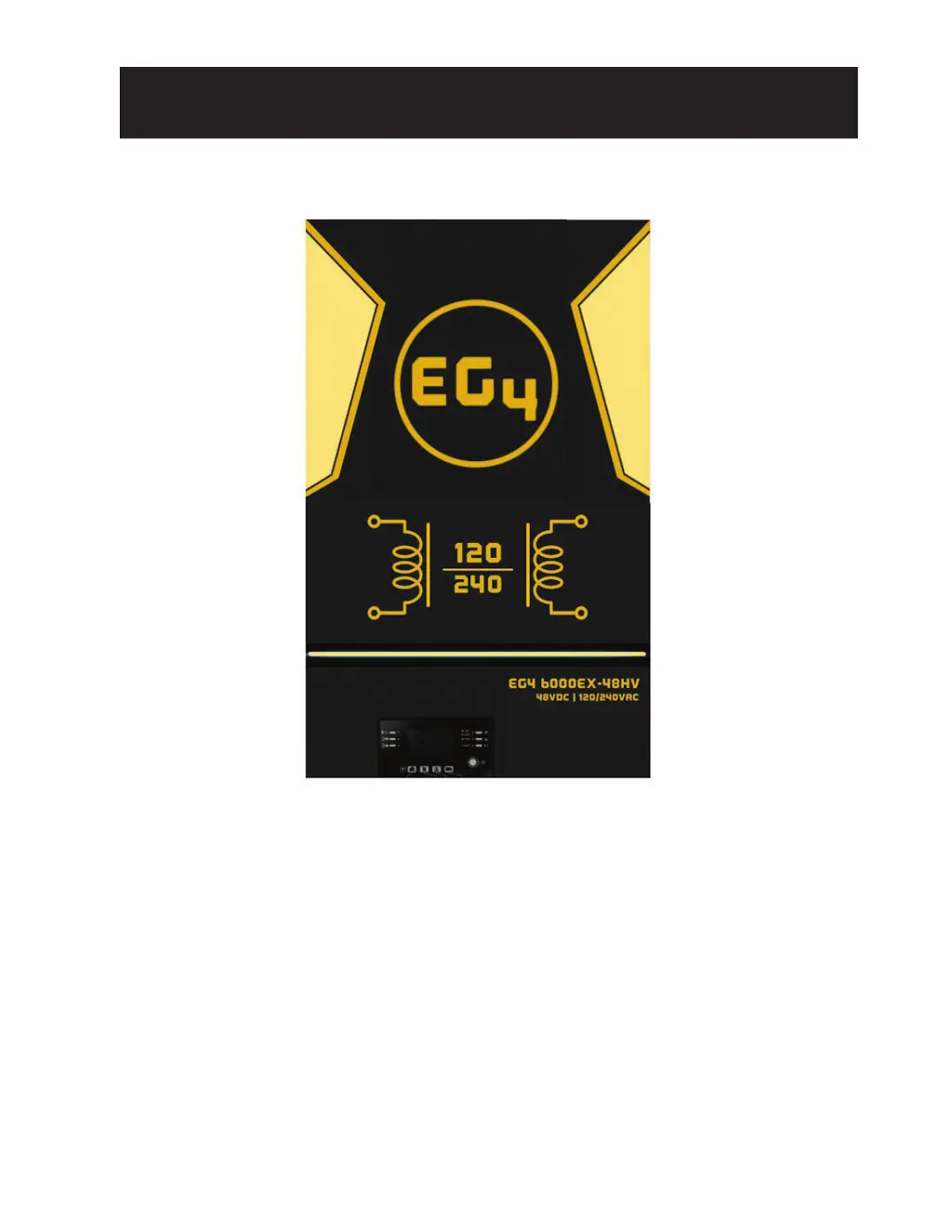
EG4 6000EX-48
INVERTER / CHARGER
User Manual
Version 1.2.0 January 2023 - Information subject to change without notice.

Questions and Answers

  • L
    Lisa HallSep 3, 2025
    What does it mean if my EG4 6000EX-48 shows Fault Code 72 and how can I fix it?
    • A
      Ann ShafferSep 3, 2025
      Fault Code 72 on your EG4 Inverter indicates that the output current of each inverter is different. To fix this, check if the sharing cables are connected properly and restart the inverter.
  • E
    eleeSep 18, 2025
    What to do if EG4 Inverter has no response after power on?
    • J
      James RangelSep 18, 2025
      If your EG4 Inverter isn't responding after you power it on, it could be due to these reasons: * The battery voltage is far too low (less than 1.4V/Cell). * The battery polarity is connected in reverse. To resolve this: 1. Check if the batteries and wiring are properly connected. 2. Recharge the battery. 3. Replace the battery if necessary.
  • H
    hailey11Sep 16, 2025
    Why EG4 6000EX-48 uses batteries when AC input is available?
    • P
      Patty SchmidtSep 16, 2025
      If your EG4 Inverter is using battery power even when AC input is available, it could be due to several reasons: * The input protector might be tripped. Check if the AC breaker is tripped and the AC wiring is properly connected. * The AC power quality might be insufficient. Check if the AC wires are too thin or too long. If you're using a generator, ensure it's working correctly and the input voltage range setting is correct (UPS/Appliance). * The output source priority might be set to “Solar First”. Change the output source priority to “Utility First”.
  • T
    Thomas MeyerSep 13, 2025
    What should I do if the internal relay of my EG4 Inverter is switching on and off repeatedly?
    • A
      Amy MannSep 13, 2025
      If the internal relay of your EG4 Inverter is repeatedly switching on and off when you turn it on, it might be caused by a disconnected battery. Check the battery wires to ensure they are properly connected.
  • J
    jeffreyraySep 12, 2025
    Why is my EG4 6000EX-48 pulling energy from the batteries even when AC input is available?
    • K
      Katelyn HebertSep 12, 2025
      If your EG4 Inverter is using battery power despite available AC input, there are several possible reasons: * The input protector might be tripped. Check the AC breaker and wiring. * The AC power quality might be insufficient. Ensure AC wires aren't too thin or long, and if using a generator, confirm it's working correctly and the input voltage range setting is correct. * The output source priority may be set to 'Solar First'. Change it to 'Utility first'.
  • T
    troy96Sep 10, 2025
    What to do if my EG4 6000EX-48 Inverter is not responding after I power it on?
    • O
      Olivia HawkinsSep 12, 2025
      If your EG4 Inverter doesn't respond after powering on, it could be due to very low battery voltage (less than 1.4V/Cell) or reversed battery polarity. First, check the battery and wiring connections. Then, try recharging or replacing the battery.
  • K
    kfloresSep 8, 2025
    Why is my EG4 6000EX-48 Inverter shutting down automatically during startup?
    • M
      mariehallSep 8, 2025
      If your EG4 Inverter shuts down automatically during startup, it may be due to low battery voltage (less than 1.91V/Cell). Try to recharge or replace the battery.
  • S
    Sydney FuentesSep 6, 2025
    What to do if my EG4 6000EX-48 Inverter shows Fault Code 80?
    • R
      ronaldthomasSep 7, 2025
      Fault Code 80 on your EG4 Inverter indicates CAN data loss. To resolve this, check if the communication cables are connected well and restart the inverter.
  • R
    Rebecca GarciaSep 5, 2025
    What to do if my EG4 6000EX-48 Inverter shows Fault Code 85?
    • E
      evelynrossSep 5, 2025
      Fault Code 85 on your EG4 Inverter indicates AC output current unbalance. To address this: 1. Restart the inverter. 2. Remove some excessive loads and re-check the load information from the LCD of the inverters. If the values are different, verify that the AC input and output cables are the same length and material type.
  • P
    pandersonAug 21, 2025
    How to fix EG4 6000EX-48 Inverter that shuts down automatically during startup?
    • C
      Carrie BuckAug 21, 2025
      If your EG4 Inverter shuts down automatically during the startup process, it's likely because the battery voltage is too low (less than 1.91V/Cell). To fix this, you can try to recharge the battery or replace it.

Summary

About This Manual

Manual Purpose and Scope

Outlines the manual's content, covering assembly, installation, operation, safety, and tools.

Safety Instructions

General Safety Guidelines

Details critical safety procedures, warnings, precautions for installation and operation, and specific connection advice.

Disclaimer

Specifications

Introduction

Product Overview

INSTALLATION

Unpacking and Inspection

Inspect the unit upon arrival to ensure it is undamaged and includes all necessary items.

Preparation

Prepare for wiring by removing the bottom cover before installation.

Mounting the Unit

Guidelines for selecting a location and mounting the inverter securely for optimal operation and ventilation.

Mounting the Inverter

Battery Connection

Instructions for safely connecting the battery, including recommended cable sizes and torque values.

AC Input;Output Connection

PV Connection

PV Module Selection

Guidelines for selecting PV modules, considering voltage ratings and environmental impacts for safe connection.

Solar Charging Mode

Details how the inverter operates in solar charging mode, including voltage ranges and MPP tracking.

Final Assembly

Instructions for securing the bottom cover after all wiring is completed for safety.

OPERATION

Power ON;OFF

Procedures for powering the unit on and off after installation is complete.

Operation and Display Panel

Overview of the inverter's display panel, including indicators, buttons, and LCD layout.

Communication Connection

Serial Connection

Connect to inverter and PC using a serial cable for monitoring software installation.

Wi-Fi Connection

Enables wireless communication for remote monitoring and control via the SolarPower APP.

Dry Contact Signal

LCD Setting

LCD Display Icons

Display Setting

Operating Mode Description

PARALLEL FUNCTION

Introduction

Explains parallel operation of multiple inverters for increased output power.

Parallel Operation

Details power and communication connections for two to nine inverters operating in parallel.

BMS Communication Install

Introduction

Connects to EG4-LL battery using RJ45 cable for communication and parameter configuration.

Pin Assignment for BMS Communication Port

Details the pin definitions for the BMS communication port on the inverter.

Battery Based Commissioning Procedure

Single Unit Systems

Step-by-step guide for commissioning a single inverter system with battery, PV, or AC input.

Multi-unit Systems

Step-by-step guide for commissioning multiple inverters operating in parallel.

TROUBLESHOOTING

Warning Indicator

Lists warning codes, their events, and corresponding icon flashing patterns for diagnostics.

Faults Reference Code

Provides a reference for fault codes, their events, and the icons displayed on the unit for troubleshooting.

WI-FI OPERATION GUIDE IN REMOTE PANEL

Introduction

Explains wireless communication using Wi-Fi module and SolarPower APP for remote monitoring and control.

SolarPower App

Guide for downloading, installing, and setting up the SolarPower mobile application.

PARAMETER SETTING LIST

EG4 6000EX-48 Specifications

General IconGeneral
ModelEG4 6000EX-48
Output Power6000W
Input Voltage48V DC
WaveformPure Sine Wave
Efficiency93%
Max PV Array Power6500W
Max Charging Current120A
Max AC Charging Current60A
Max PV Array Open Circuit Voltage500VDC
MPPT Voltage Range120-450VDC
Frequency50Hz/60Hz

Related product manuals