1
Communication Connection
Serial Connection
Please use the supplied communication cable to connect to inverter and PC. Insert the bundled CD into a
computer and follow the on-screen instructions to install the monitoring software. For the detailed
software operation instructions, please check the user manual of the software stored on the CD.
Wi-Fi Connection
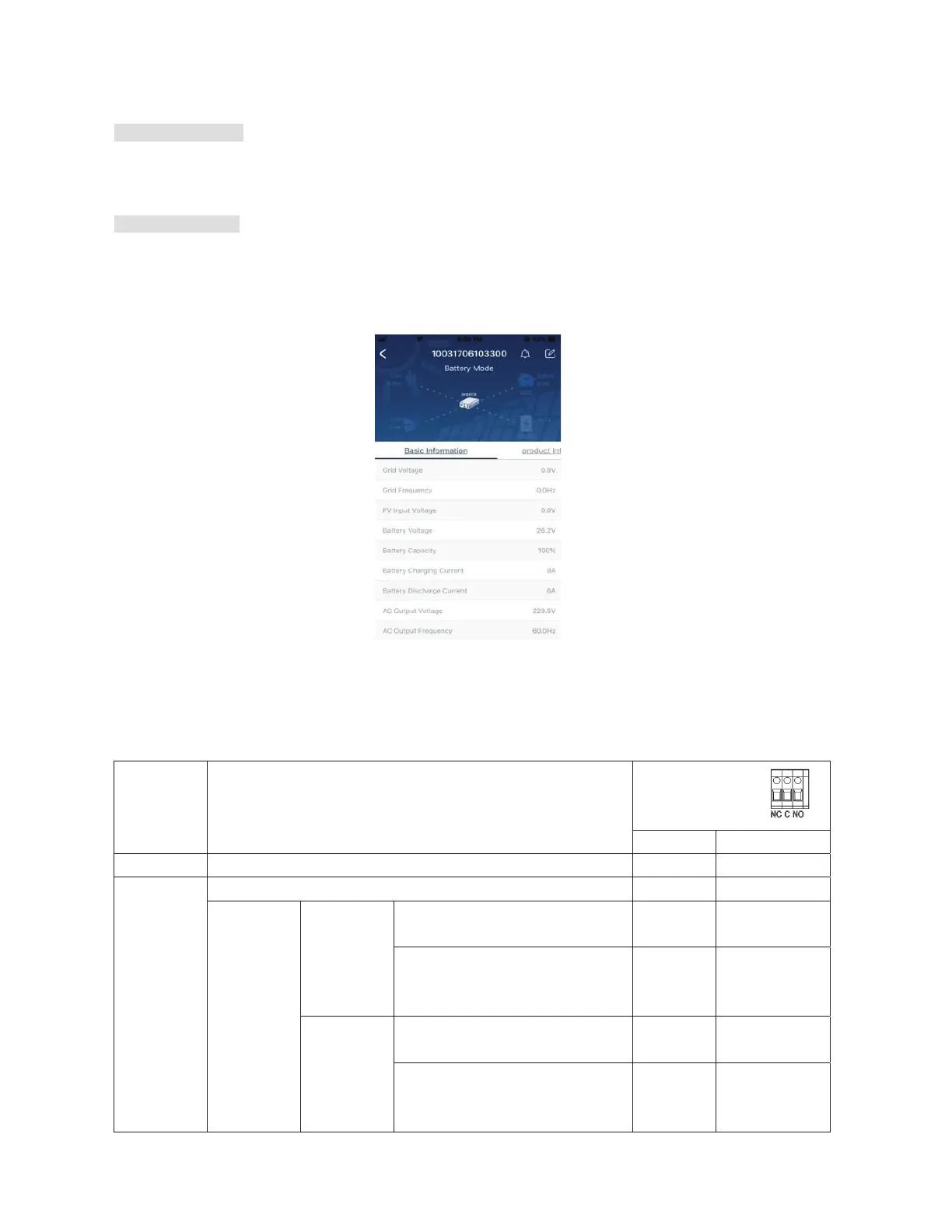
Wi-Fi module can enable wireless communication between off-grid inverters and the cloud monitoring
platform. Users have complete remote monitoring and control capacity for inverters when combining the Wi-
Fi module with the SolarPower APP, available for both iOS and Android based device. All data loggers and
parameters are saved in the cloud. Refer to Appendix IV for detailed operation.
Dry Contact Signal
There is one dry contact (3A/250VAC) available on the rear panel. It could be used to deliver a signal to an
external device when battery voltage reaches a warning level.
Unit Status Condition
Dry contact port:
NC & C NO & C
Power Off Unit is off and no output is powered. Close Open
Power On
Output is powered from Utility. Close Open
Output is
powered
from
Battery or
Solar.
Program 01
set as SUB
Battery voltage < Low DC warning
voltage
Open Close
Battery voltage > Setting value in
Program 21 or battery charging
reaches floating stage
Close
Open
Program 01
is set as
SBU
Battery voltage < Setting value in
Program 20
Open
Close
Battery voltage > Setting value in
Program 21 or battery charging
reaches floating stage
Close Open



 To Next Page