1. Remove the E-ring, Gasket and Sprocket from the motor shaft, see Page 7.
2. Disconnect the PCBA from motor, see Page 10-13.
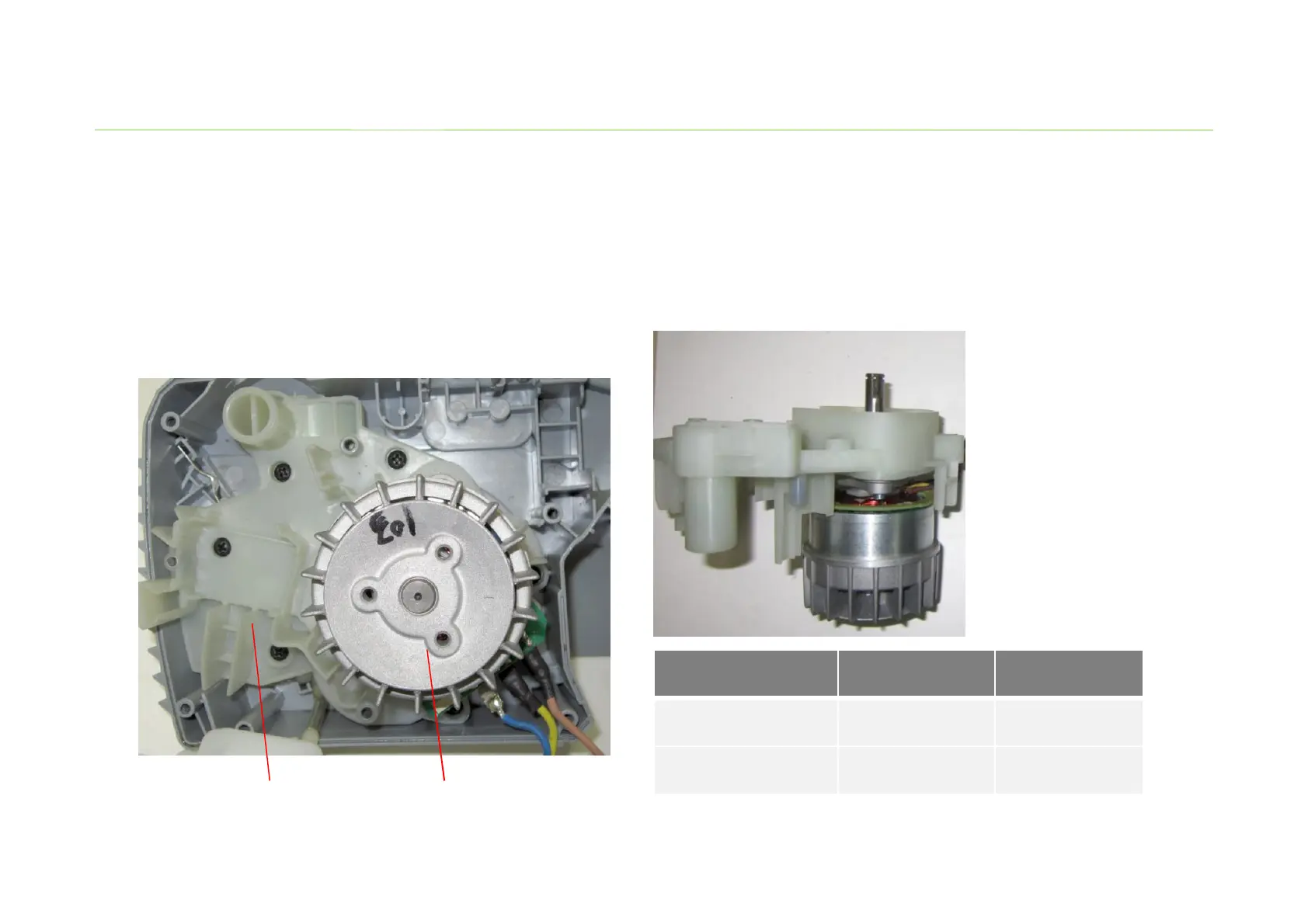
3. Loosen the screws in motor support and remove the motor assembly together with motor
support from the right housing.
Replace the Motor
14
Motor support
Description Part Number Quantity
Motor support
3127503000
Tamping screw
5610042000 6 pcs
Motor


 To Next Page
 Loading...