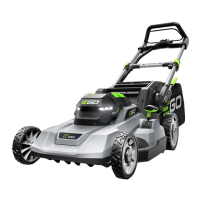
56-VOLT LITHIUM-ION CORDLESS LAWN MOWER — LM2140SP/LM2140SP-FC24
ATTACHING/REMOVING THE
MULCHING INSERT
WARNING: Do not at any time
make any adjustment to the lawn mower
without first stopping the motor, removing
the battery pack and waiting for the blade
to stop rotating.
1. Remove the battery.
2. Lift the rear-discharge door.
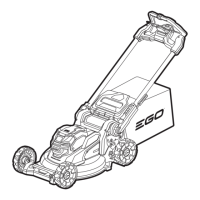
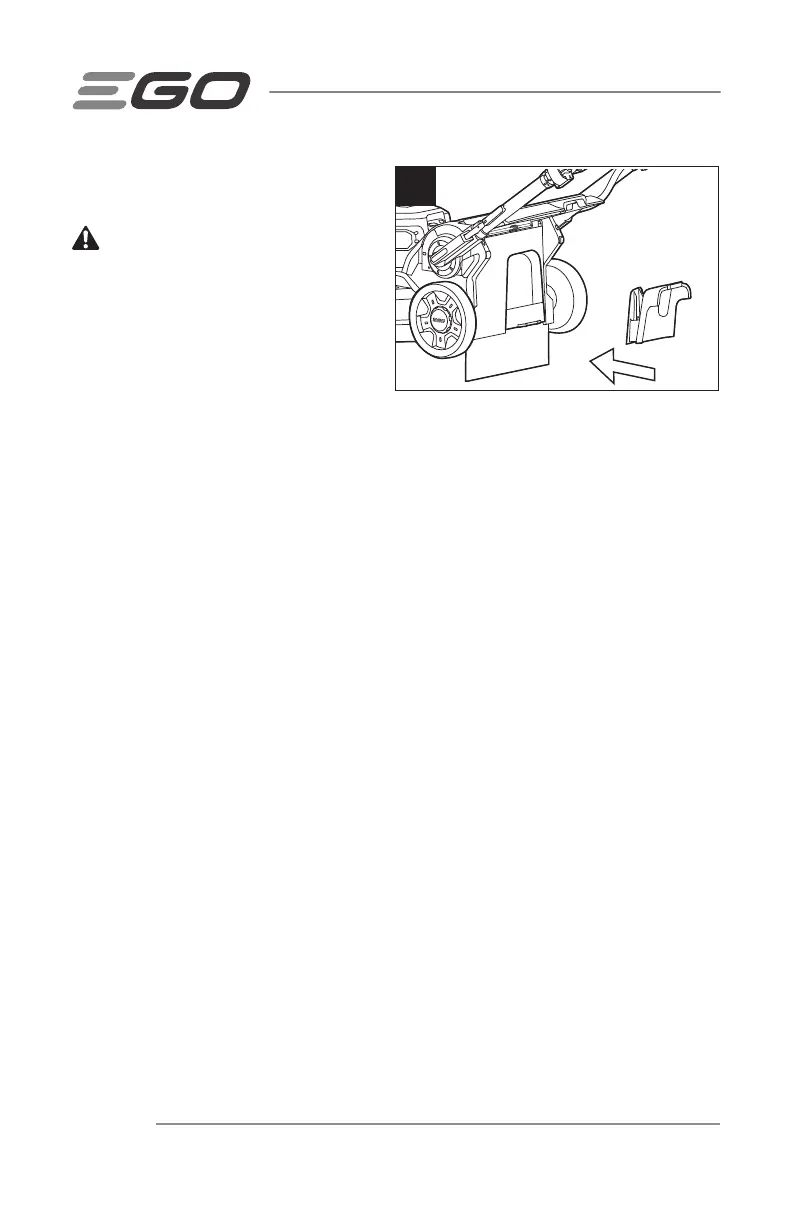
3. Grasp the handle of the mulching insert and fully insert it into the mower, so that
it is securely seated (Fig. 10).
4. To remove the mulching insert, lift the rear-discharge door, grasp the handle of
the mulching insert, and pull it out.
5. Release the discharge door and make sure it rests firmly against the mulching
insert.
NOTICE: The mulching insert must be removed in order to install and use the grass
bag and must be re-installed when the grass bag is removed.
10

 To Next Page
 Loading...