13
LOW TRANSMISSION MODE
Your handset has a Low transmission mode It manages the radio transmission power
required according to how far you are away from your base.
Handset set-up
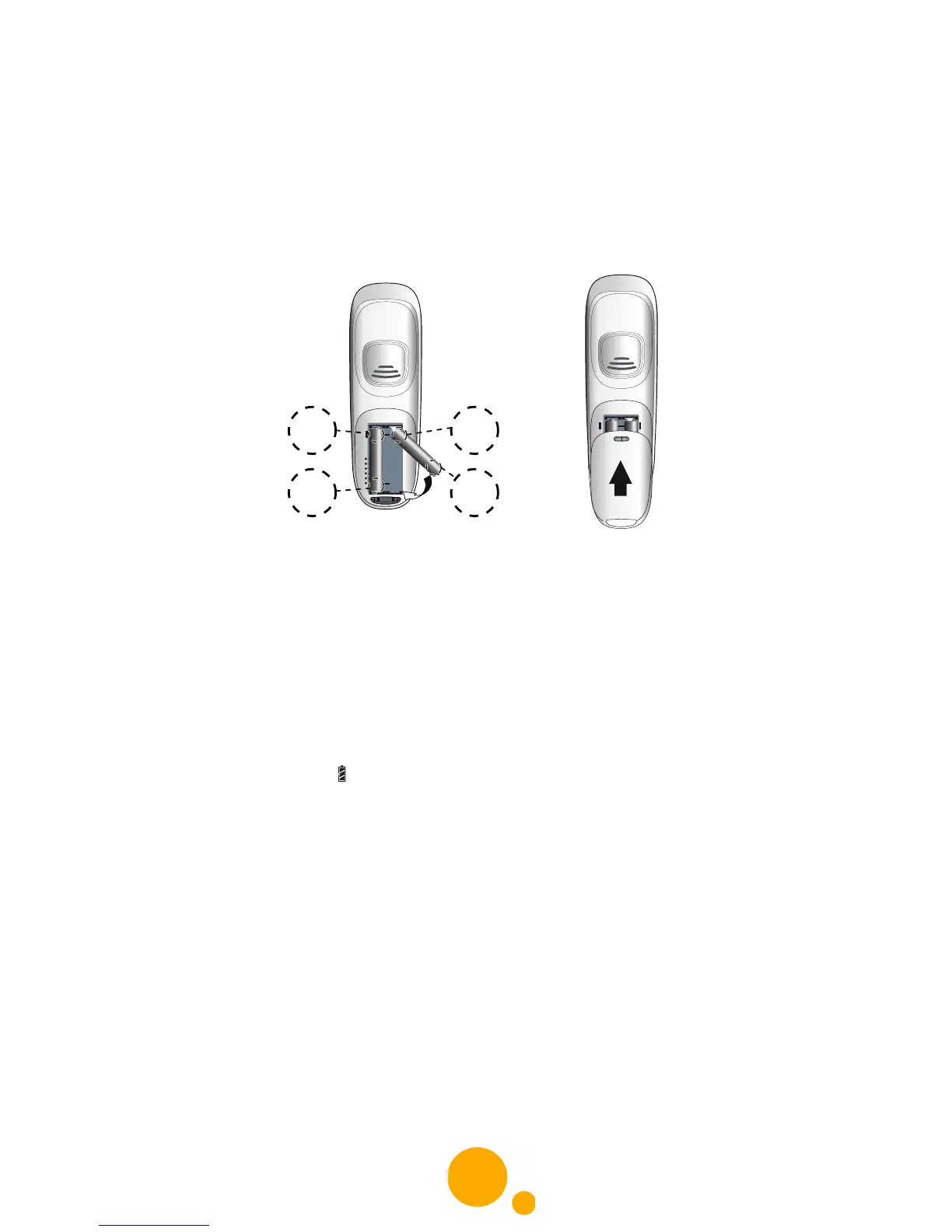
1 Take the batteries and the hatch provided in the packaging.
2 Turn over your handset and press the top of the hatch to release it.
3 Insert the batteries one by one according to their polarities as indicated in the
illustration opposite.
4 Fit the hatch to the handset by pushing it up until it is completely closed.
5 The screen turns on. Place your handset on its base and fully charge the batteries.
6 A beep sounds when you place the handset on the base.
The battery charging icon moves to inform you that charging is in progress. The icon
display stops moving when the batteries are charged.



 To Next Page