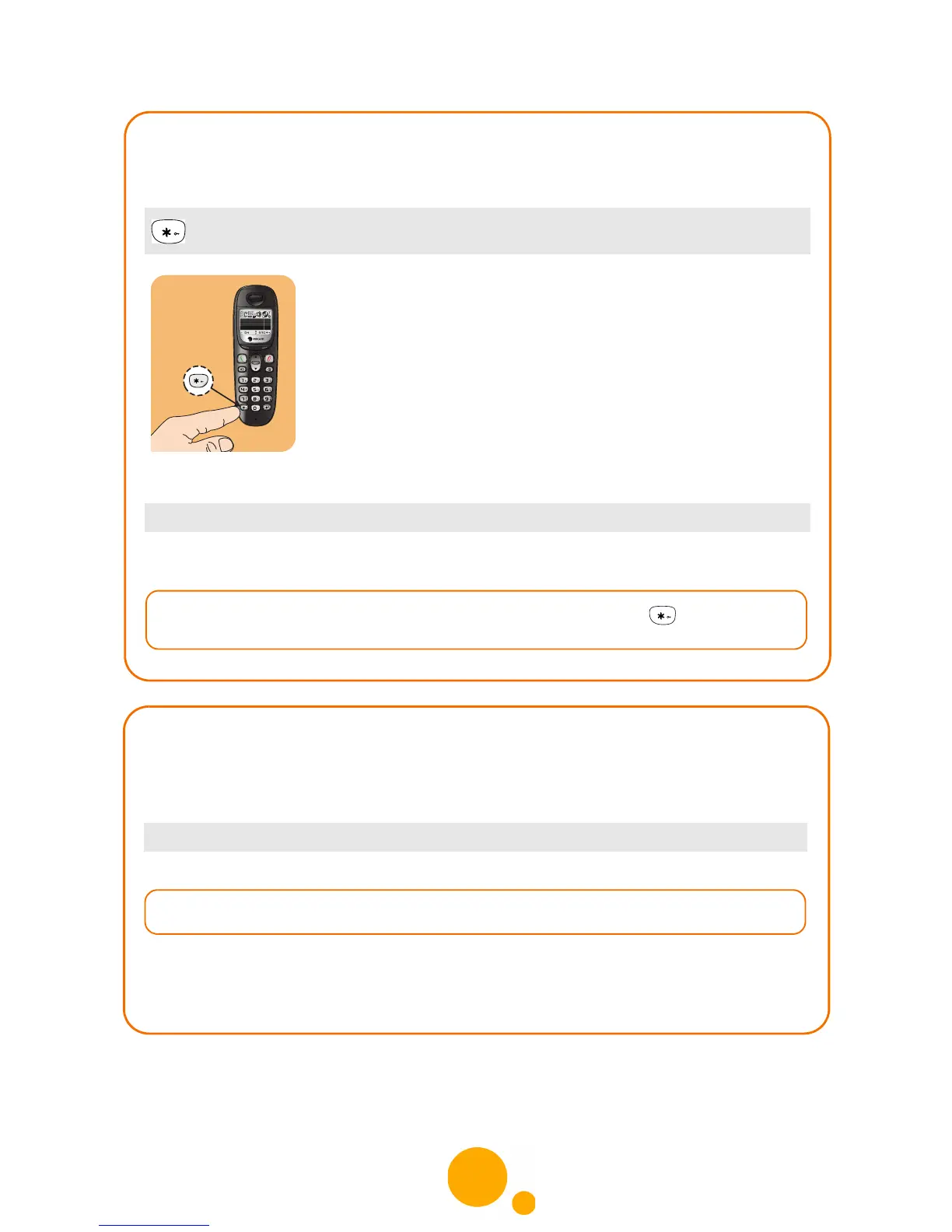
Enabling/Disabling keyboard locking
This function allows you to lock the keyboard when you are not on line.
FROM THE HANDSET
Follow the instructions on the screen and confirm.
(long press)
Menu > SETTINGS > KEYPAD LOCK
Defining banned calls (Parental Control)
You can inhibit calls to numbers with surcharged prefixes or international calls, for
example, by defining up to 5 profiles.
1 Enter the base code and confirm.
2 Select an entry (from 0 to 4) and confirm.
3 Enter the prefix to be inhibited and confirm.
Menu > SETTINGS > RESTRICTION



 To Next Page