14
Charging
To charge your phone, place the handset on the base, making sure that the base is
connected to an AC outlet.
The battery charging icon moves to inform you that charging is in progress. The icon
display stops moving when the batteries are charged.
BATTERY REPLACEMENT
1 Turn off the handset. Turn it over to access the battery compartment hatch.
2 Remove the battery compartment hatch.
3 Remove the old batteries, insert the new batteries one by one the right way as
indicated by their polarities.
4 Refit the battery compartment hatch.
Browsing through the menus
Browser
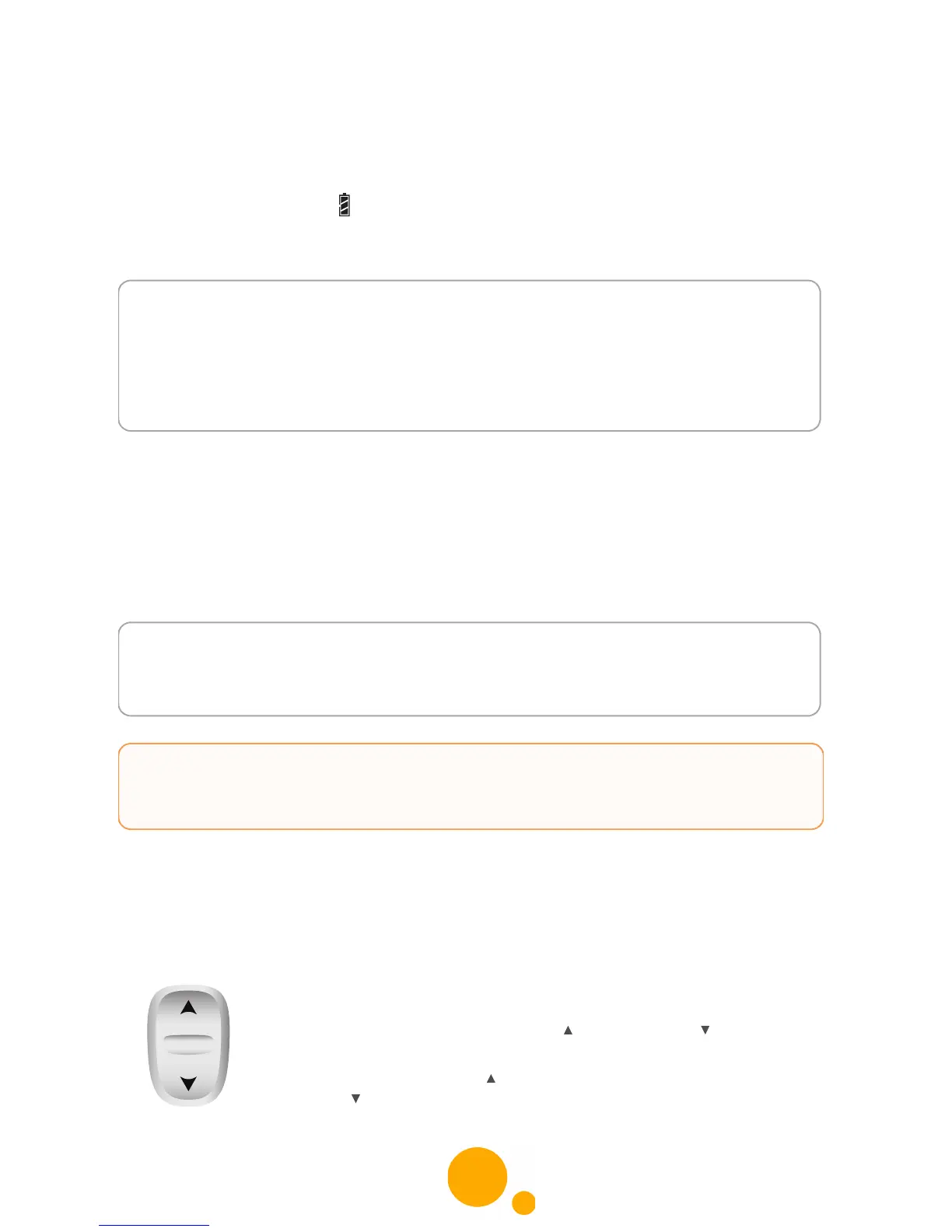
This browser allows you to quickly access menus and change your
settings easily. It points in two directions.
When choosing menus, press the top or the bottom of the browser
to access the previous or next menu.
During a call, press the top of the browser to increase the volume or
the bottom to decrease it.
Notes To ensure optimum charging, leave the handset on the base for at
least 15 hours when using the phone for the first time. During
charging, the batteries may heat up. This is quite normal and perfectly
safe.
If you do not obtain radio contact with your base, check the electrical
connections to your base.
Notes Worn out batteries should be discarded in accordance with the
recycling instructions given in chapter “Recommendations and safety
instructions”, page 2.
CAUTION To prevent damage to your handset, only use approved AAA
format NiMH 1.2 V 650 mAh rechargeable type batteries. Never
use No-rechargeable batteries.



 To Next Page