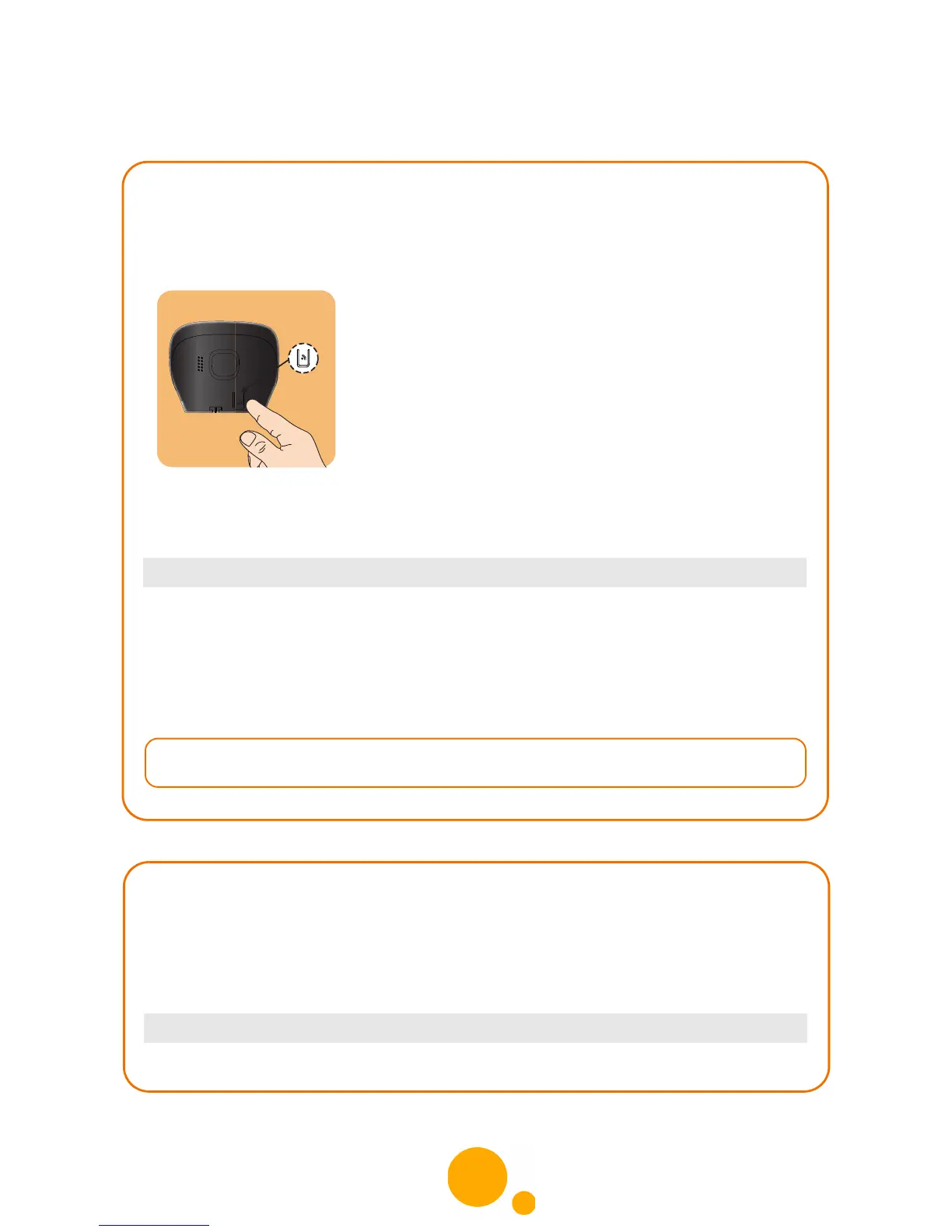
Enabling the paging mode
You enable the paging mode when you associate an additional handset, for
example.
Press the paging button for several seconds.
Or
• On the eircom 9000 base: the base is in paging mode.
• On the eircom 9000A base: a dash flashes on the display, meaning that the base
is in paging mode.
Once the handset is registered, the paging mode is automatically exited.
Menu > SETTINGS > ADVANCED SET. > SET BASE > REGISTR.MODE
Adjusting the volume of the messages heard
from the base
For better listening comfort, you can adjust the volume when listening to answering
machine messages from the base.
Select the desired level (LOW, MEDIUM or HIGH) and confirm.
Menu > ANS.MACH. >SETTINGS >SPK.BS LEVEL



 To Next Page