Advantage IP Executive Installation Guide
10
3. Local LAN Connection
The Advantage IP Executive may be connected to the Advantage system on the same Local
area network. This allows additional digital IP telephones to be connected to the Advantage
system without the need for additional digital ports.
3.1 Wiring Connections
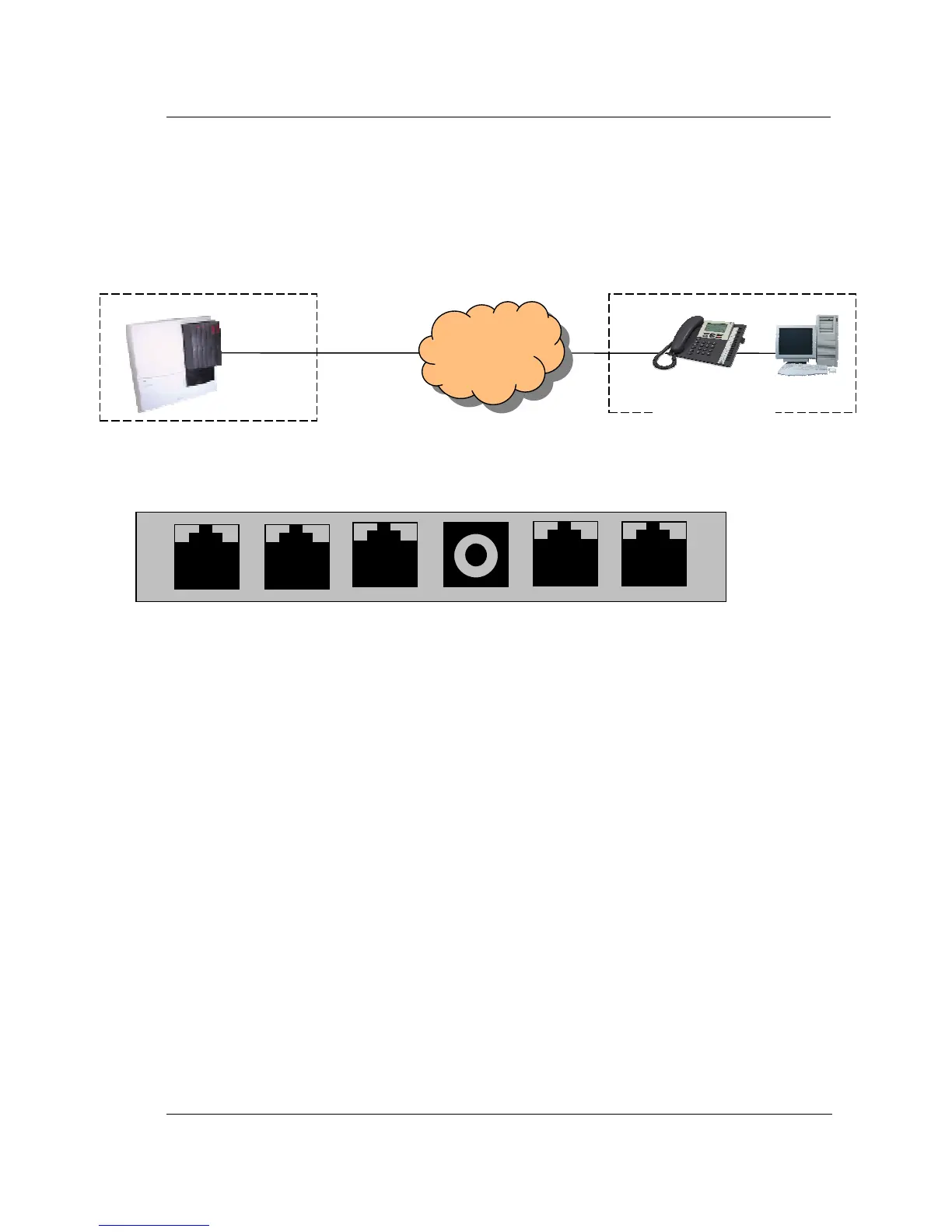
There are six sockets in the Advantage IP Executive access area shown below.
Headset DSS LAN DC Power PC Handset
Headset: This port is used to connect an optional headset
DSS: This port is used to connect to the optional DSS (Direct Station Select) Module. This
is a block of 48 keys that can be used for single touch access to all extensions on
the system.
LAN: This is an Ethernet port, which is connected to the LAN using a straight Ethernet
cable. From here the calls are sent over the LAN to the Advantage system.
DC Power: The DC connector of the plug top power supply unit is connected to this socket.
(Note: The phone is also capable of taking its power supply over the LAN from a
power source that complies with the 802.3af ‘Power over the LAN’ standard.)
PC: This Ethernet port can be connected to a PC using a straight Ethernet cable. This
facilitates a single Ethernet cable to the desk from the LAN carrying both voice and
data traffic as shown in the diagram.
Handset: The telephone handset is plugged in to this port.
PC
Advantage
Equipment Room



 To Next Page