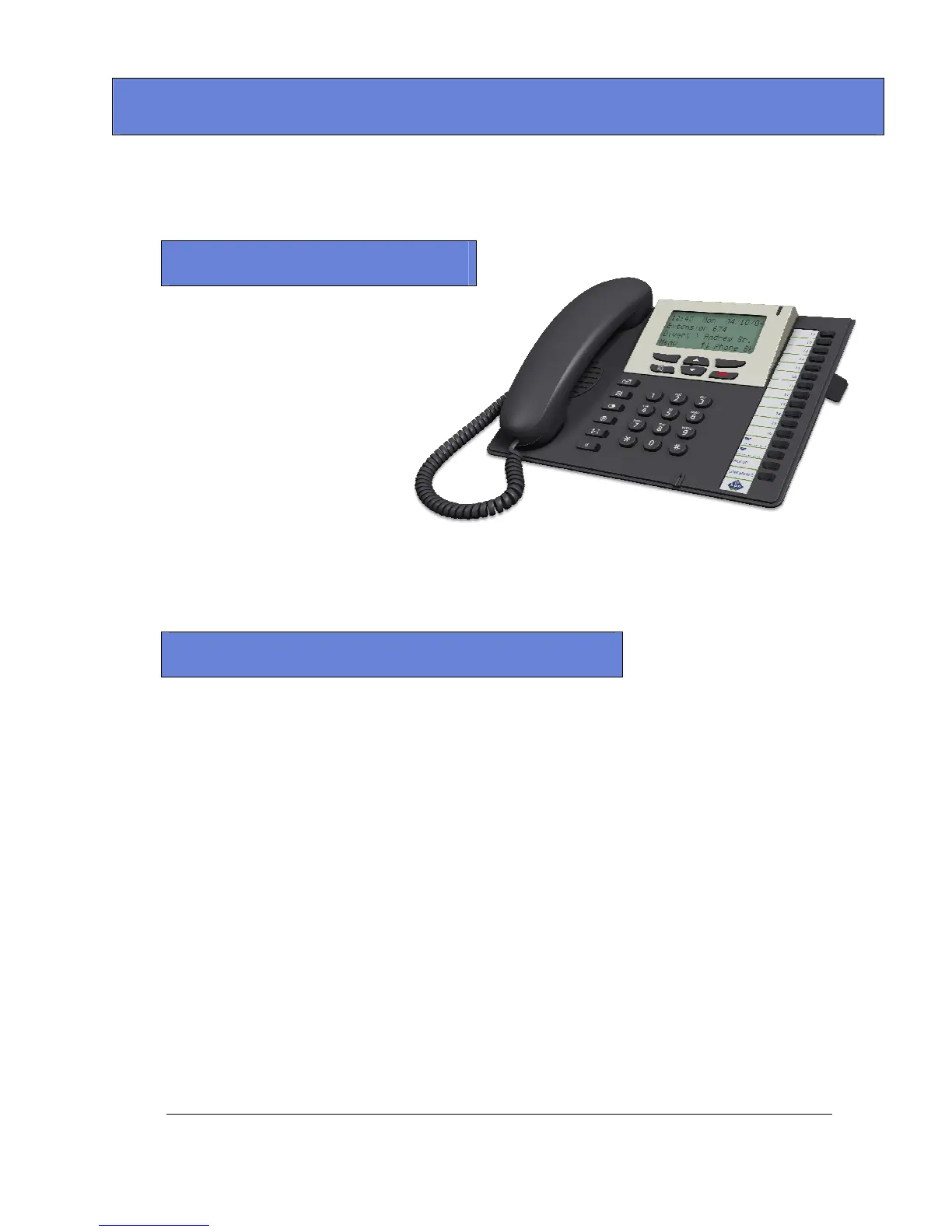
Advantage IP Executive Installation Guide
34
The Advantage IP Executive is a user friendly VoIP Terminal for use with the Advantage systems. It can be
used as a fully featured key set, with line and extension status and access, for the home worker over the
Internet or connected directly to the in-house company LAN.
Features
Supports all the same features as Advantage
Executive.
Full Hands Free
Caller ID with caller name matching
3 Way calling Conference
Time, Date & day of week on display
Call Waiting
Call Hold
Call Transfer
CLIP/CLIR
Call Forward Unconditional,
Call Forward on no Answer,
Call Forward on Busy
Reject, Redial, Mute
Speed Dialling Keys
Message Waiting Indicator
Phone Directory: Personal Telephone Book & Common Address book
Volume Controls
Call Lists: Missed Calls, Made Calls, Received Calls.
Remote Worker solution
Requirements at Remote site
• Advantage IP Executive phone,
• Always-on DSL line with no need for a fixed IP address.
Requirements at Head office
• The Advantage system must be equipped with an Applications card with one IP channel
license per user (maximum 8).
• Always-on DSL line with a Fixed IP address.
• One valid IP address for the Advantage system from within the customer’s private LAN
address range.
• LAN port adjacent to the Advantage system to facilitate connection to the customers LAN.
• Port forwarding is required at the head office router, as follows.
o 5075 TCP forwarded to the Advantage system
o 50000 UDP forwarded to the Advantage system
o 50001 UDP forwarded to the Advantage system
Note: The firewall may need to be lowered one level to allow pinholes to operate.



 To Next Page