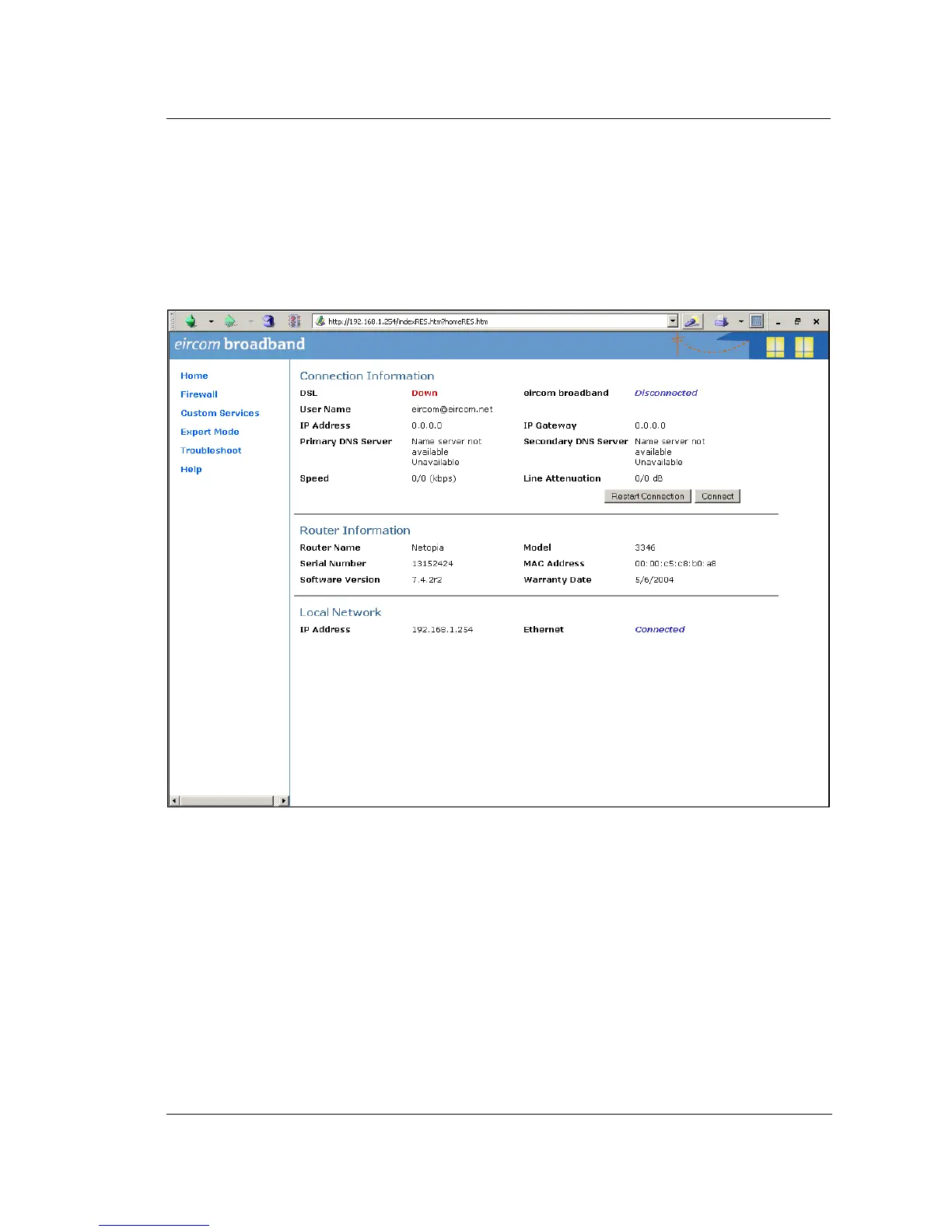
Step 1 Connect to the home page.
Using a PC connected on the LAN as shown in the diagram, open a browser and type in the LAN IP
address of the Netopia Modem Router. The default IP address is 192.168.1.254. However this may
have been changed by the LAN administrator at installation. In this case check with the LAN
administrator and enter the correct address. When this is done the home page of the modem/router is
displayed as shown below.
If you have difficulty connecting to this home page, please check that the PC you are using has an IP
address which is in the same subnetwork range as the Netopia modem router.



 To Next Page