EasyManua.ls Logo

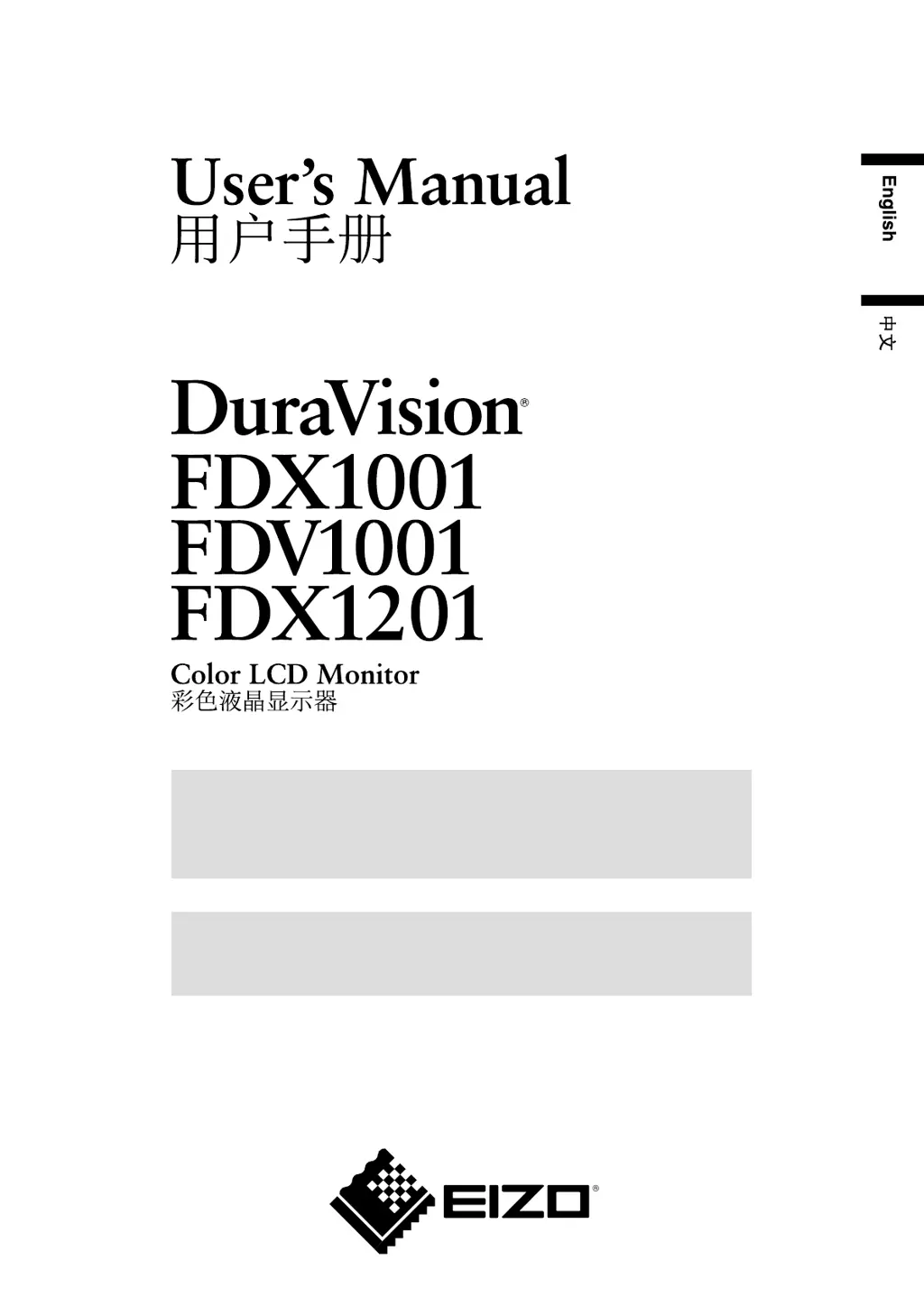
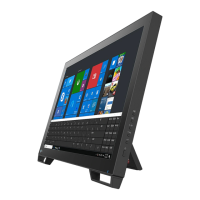
Eizo DuraVision FDX1001 - User Manual

Eizo DuraVision FDX1001
32 pages
Print Icon
To Next Page IconTo Next Page
Loading...
Important
Please read this User’s Manual carefully to familiarize yourself with safe and
effective usage.
Please retain this manual for future reference.
重要
请仔细阅读用户手册,掌握如何安全、有效地使用本产品。
请保留本手册,以备日后参考。

Questions and Answers

  • T
    Troy BurnsSep 8, 2025
    What to do if my Eizo TV DVD Combo displays a message that the input signal is out of the specified frequency range?
    • S
      Sarah WilkinsonSep 9, 2025
      If your Eizo TV DVD Combo shows a message that the input signal is out of the specified frequency range, check that the signal setting of your PC matches the resolution and vertical frequency settings for the monitor. You can also try rebooting the PC or selecting an appropriate display mode using the graphics board’s utility.
  • K
    Karen WoodAug 23, 2025
    How to troubleshoot a Eizo Monitor that has no picture and the power indicator is off?
    • D
      Dylan MartinezAug 23, 2025
      If your Eizo Monitor's power indicator is off and there's no picture, first ensure the power cord is correctly connected. If the issue continues, try turning the power off, waiting a few minutes, and then turning it back on.
  • G
    gabriella00Aug 25, 2025
    What to do if Eizo DuraVision FDX1001 Monitor power indicator is blue but there is no display?
    • C
      catherine91Aug 25, 2025
      If the power indicator on your Eizo Monitor is blue but there's no display, make sure the connected device is powered on. You may also need to switch the input signal or increase the [Brightness] and [Contrast] settings.
  • M
    Michael ThompsonAug 26, 2025
    What to do if my Eizo DuraVision FDX1001 Monitor says the input signal is out of range?
    • A
      adriennenavarroAug 27, 2025
      If your Eizo Monitor displays a message indicating that the input signal is out of the specified frequency range, verify that your PC's signal settings match the monitor's resolution and vertical frequency settings. Rebooting your PC or selecting an appropriate display mode using your graphics board’s utility might also resolve this issue.
  • D
    Deanna ScottAug 27, 2025
    Why are the characters blurred on my Eizo DuraVision FDX1001 Monitor?
    • W
      wilcoxcourtneyAug 27, 2025
      If the characters on your Eizo Monitor appear blurred, check your PC settings and ensure the resolution complies with the monitor's specifications.
  • C
    ccarrollSep 22, 2025
    Why does my Eizo TV DVD Combo have green, red, blue, or white dots on the screen?
    • T
      Tyler SmithSep 22, 2025
      The presence of green, red, blue, or white dots on your Eizo TV DVD Combo screen is due to the characteristics of the LCD panel and does not indicate a failure.
  • C
    christine41Sep 16, 2025
    How to fix vertical bars or flickering images on my Eizo TV DVD Combo?
    • M
      Mr. Andrew Sanders MDSep 16, 2025
      To fix vertical bars or flickering images on your Eizo TV DVD Combo screen, adjust the setting using [Clock].
  • B
    Brenda StrongSep 18, 2025
    How do I fix a flickering or blurry screen on my Eizo TV DVD Combo?
    • R
      Randy HutchinsonSep 18, 2025
      If your Eizo TV DVD Combo screen is flickering or blurring, try adjusting the setting using [Phase].
  • B
    Brandon MooreSep 7, 2025
    What to do if my Eizo TV DVD Combo displays a message when no signal is input?
    • J
      Jacob JoyceSep 7, 2025
      If your Eizo TV DVD Combo displays a message indicating no signal, verify that your PC is turned on and that the signal cable is properly connected.
  • Q
    qmaloneSep 4, 2025
    What to do if my Eizo TV DVD Combo has no picture and the power indicator doesn't light?
    • M
      Mandy WagnerSep 4, 2025
      If your Eizo TV DVD Combo shows no picture and the power indicator is off, first ensure the power cord is correctly connected. If the problem continues, turn the power off, wait a few minutes, and then turn it back on.

Summary

Safety Symbols Guide

Safety Symbols Explained

Details warning and caution symbols for critical information.

General Precautions

Important Safety Advice

Important safety instructions for personal protection and product care.

Handling and Operational Cautions

Advice on servicing, keeping objects away, and stable placement.

Chapter 1 Introduction

Chapter 2 Connecting Cables

Connection Procedures

Step-by-step guide for connecting to PCs and video equipment.

Chapter 3 Settings and Adjustments

Chapter 4 Troubleshooting

Common Problem Solutions

Addresses issues like no picture, incorrect brightness, or screen artifacts.

PC Display Troubleshooting

Solutions for messages, incorrect positioning, and flickering displays.

Chapter 5 Reference

Limited Warranty Information

Eizo DuraVision FDX1001 Specifications

General IconGeneral
Contrast Ratio1000:1
Response Time25 ms
Input ConnectorsVGA
Operating Temperature0°C to 40°C
Storage Temperature-20 to 60 °C
Humidity20 - 80 %
Screen Size10.4 inch

Related product manuals