EasyManua.ls Logo

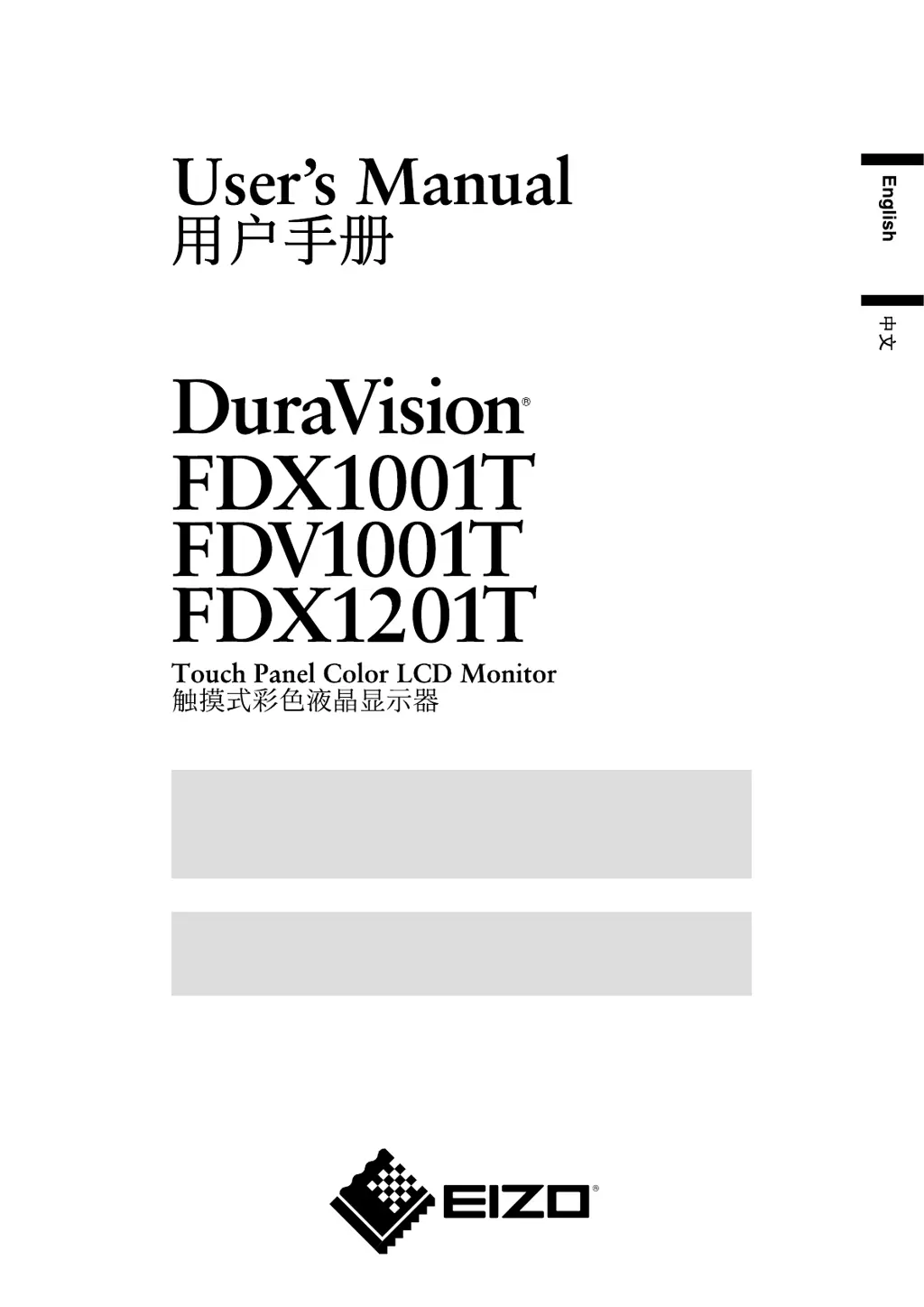
Eizo DuraVision FDX1001T - User Manual

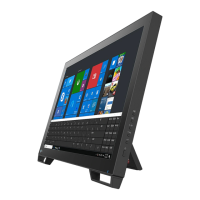
Eizo DuraVision FDX1001T
34 pages
Print Icon
To Next Page IconTo Next Page
Loading...
Important
Please read this User’s Manual carefully to familiarize yourself with safe and
effective usage.
Please retain this manual for future reference.
重要
请仔细阅读用户手册,熟练掌握其安全和有效的操作程序。
请妥善保存此手册,供日后参考。

Questions and Answers

  • M
    Michael MorenoSep 23, 2025
    Why are there green dots on my Eizo Monitor screen?
    • M
      Mary Cross MDSep 23, 2025
      The appearance of green, red, blue, or white dots on your Eizo monitor is due to the LCD panel characteristics and does not indicate a failure.
  • A
    Adrian MeyersAug 25, 2025
    Why is touch operation not working on my Eizo DuraVision FDX1001T Monitor?
    • M
      Maria StoneAug 25, 2025
      If you are experiencing issues with touch operation on your Eizo Monitor, check whether 'EEPROM Calibration' in the [Calibration] menu is not checked in the [UPDD Console] settings of the touch panel driver. If it is checked, release the check before calibrating.
  • A
    Alexis BlackwellAug 25, 2025
    Why is the calibration result not reflected on my Eizo Monitor?
    • D
      Denise TurnerAug 26, 2025
      If the calibration result is not reflected on your Eizo Monitor, click 'Handling Whole desktop' in the [Hardware] menu of the [UPDD Console] window, set 'Whole' in the [Desktop Area] window, and then perform the calibration.
  • P
    Patricia SteeleAug 27, 2025
    Why is there no picture on my Eizo DuraVision FDX1001T?
    • S
      sandrapalmerAug 27, 2025
      Check if the power cord of your Eizo Monitor is correctly connected. If the problem continues, turn off the power, wait a few minutes, and then turn it on again.
  • M
    mcgeemichaelAug 27, 2025
    Why does my Eizo DuraVision FDX1001T say the input signal is out of range?
    • W
      wdouglasAug 27, 2025
      If your Eizo monitor displays a message indicating that the input signal is out of the specified frequency range, ensure that your PC's signal settings match the resolution and vertical frequency settings supported by the monitor. If necessary, reboot your PC or select an appropriate display mode using your graphics board’s utility.
  • S
    simmonsjaredSep 13, 2025
    What are the interference patterns on my Eizo DuraVision FDX1001T Monitor screen?
    • S
      Steven JohnsonSep 14, 2025
      If you see interference patterns or pressure marks on the screen of your Eizo monitor, leave the monitor displaying a white or black screen for some time. This symptom may disappear over time.
  • A
    Anthony JonesSep 12, 2025
    Why is the cursor position incorrect on my Eizo DuraVision FDX1001T?
    • B
      Brianna StevensSep 12, 2025
      If you're experiencing cursor position issues with your Eizo monitor, try turning the monitor off and on again. If the problem persists, perform a calibration on the monitor. Ensure you are only touching the screen with one finger and that the monitor is connected to the PC with the correct cable as specified in the user manual. Using a conversion adapter may also cause the touch panel to not operate properly.
  • E
    Erin ClarkSep 12, 2025
    What does it mean when my Eizo monitor displays a message?
    • R
      Robert BeckerSep 13, 2025
      If the message appears on your Eizo monitor, this indicates that the signal is not being input correctly, even if the monitor is functioning properly.
  • M
    Michele SkinnerSep 4, 2025
    What to do if the Eizo DuraVision FDX1001T Monitor power light is blue but there's no display?
    • M
      melissa72Sep 4, 2025
      If the power indicator on your Eizo Monitor lights blue but there is no picture, check that the connected device is powered on, switch the input signal, and increase the [Brightness] and [Contrast] settings.
  • D
    Diane ChapmanSep 2, 2025
    How to fix vertical bars on my Eizo DuraVision FDX1001T screen?
    • D
      Donald HayesSep 2, 2025
      If vertical bars appear on the screen or a part of the image is flickering on your Eizo Monitor, try adjusting the settings using the [Clock] function.

Eizo DuraVision FDX1001T Specifications

General IconGeneral
Contrast Ratio1000:1
TouchscreenYes
Power SupplyAC 100-240 V, 50/60 Hz
VESA MountYes (75 x 75 mm)
Resolution1280 x 800
Input PortsDVI-D
Touch TechnologyProjected Capacitive
Input SignalsDigital
Response Time25 ms
Operating Temperature0 - 40 °C
Storage Temperature-20°C to 60°C
DurabilityIP65

Related product manuals