●
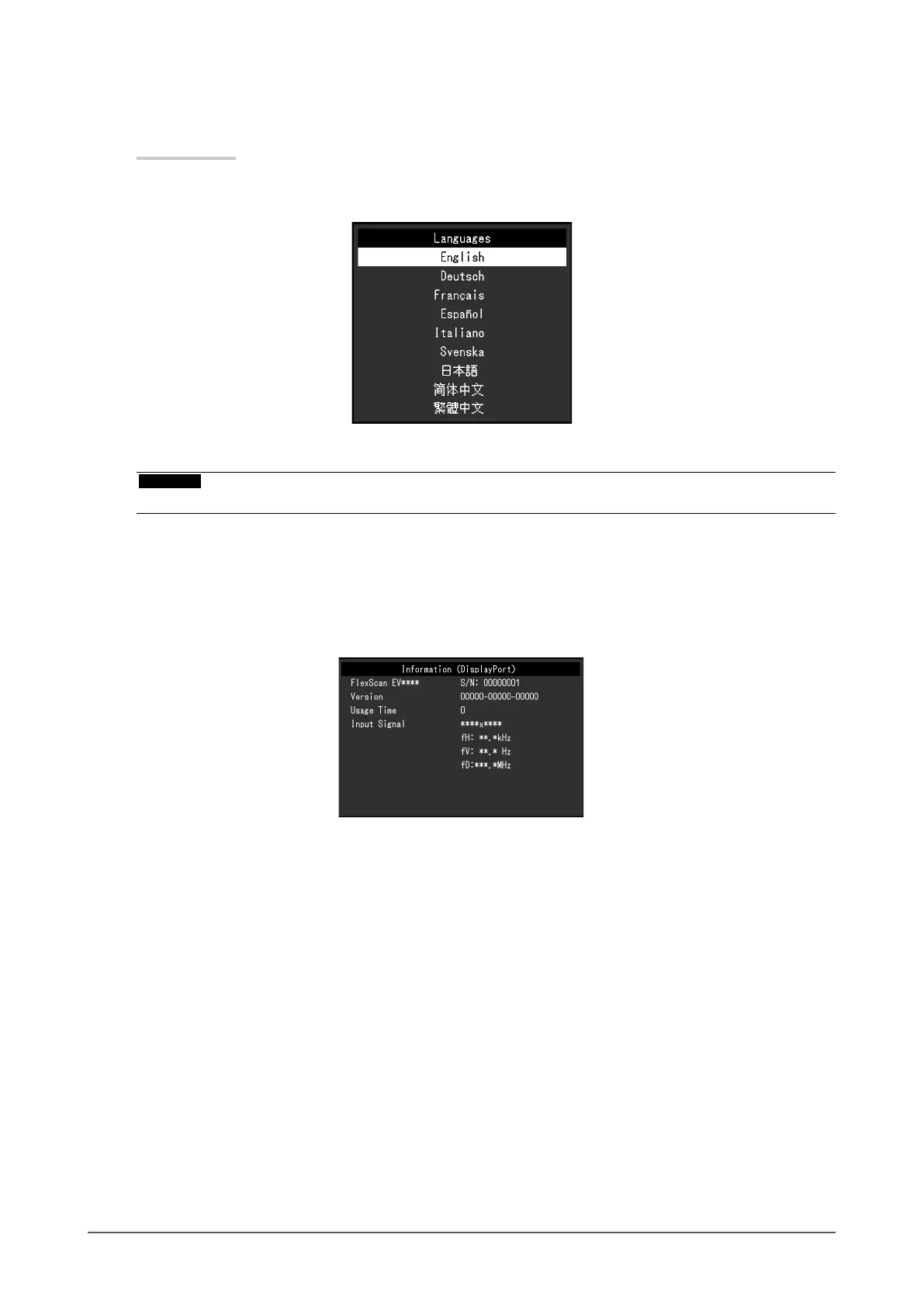
Language
The display language for menus and messages can be selected.
Setting Value
English, German, French, Spanish, Italian, Swedish, Japanese, Simplied Chinese, Traditional
Chinese
Attention
• The display language of the “Administrator Settings” menu (English) cannot be changed.
●
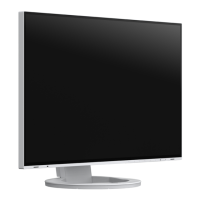
Information
You can check the monitor information (model name, serial number (S/N), rmware version, usage
time) and the input signal information.
Example:
24
Chapter 3 Advanced Adjustment / Setting




 To Next Page