- 10 -
STEP 2
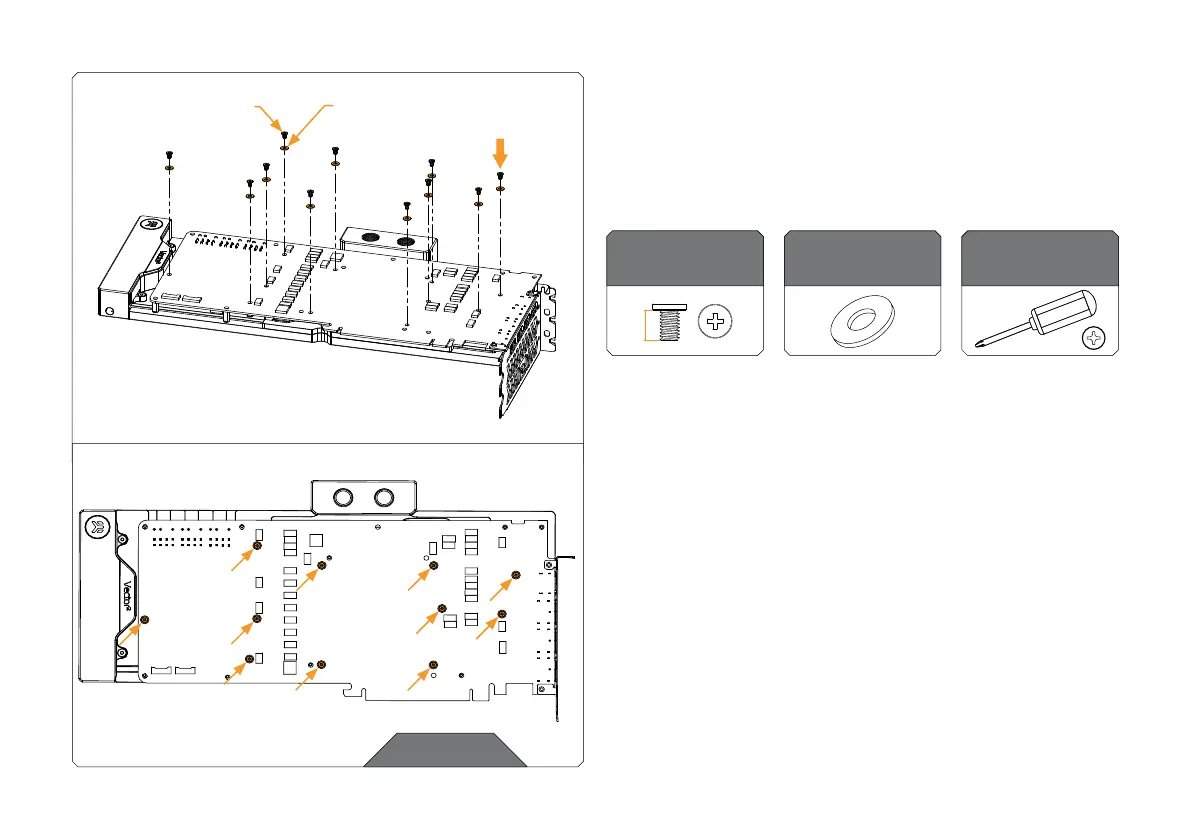
Use eleven (11) M2.5 x 4 AX1 Screws and PVC washers to tighten
the PCB on the water block. Tighten the screws evenly using the
Phillips-head screwdriver. EK recommends you start tightening the
screws around the GPU core first, and then continuing outward to
prevent damage to the GPU.
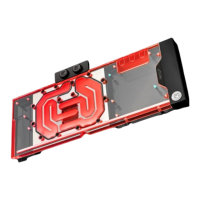
Screws must be present in the places marked on the picture.
For this step, you will need:
Polyamide Washer
(11 pcs)
M2.5 x 4 AX1
Screw (11 pcs)
Phillips Head
Screwdriver
4 mm
STEP 2
M2.5 x 4 AX1
SCREW
M2.5 PVC WASHER









 To Next Page