15
FIRST TIME SETUP
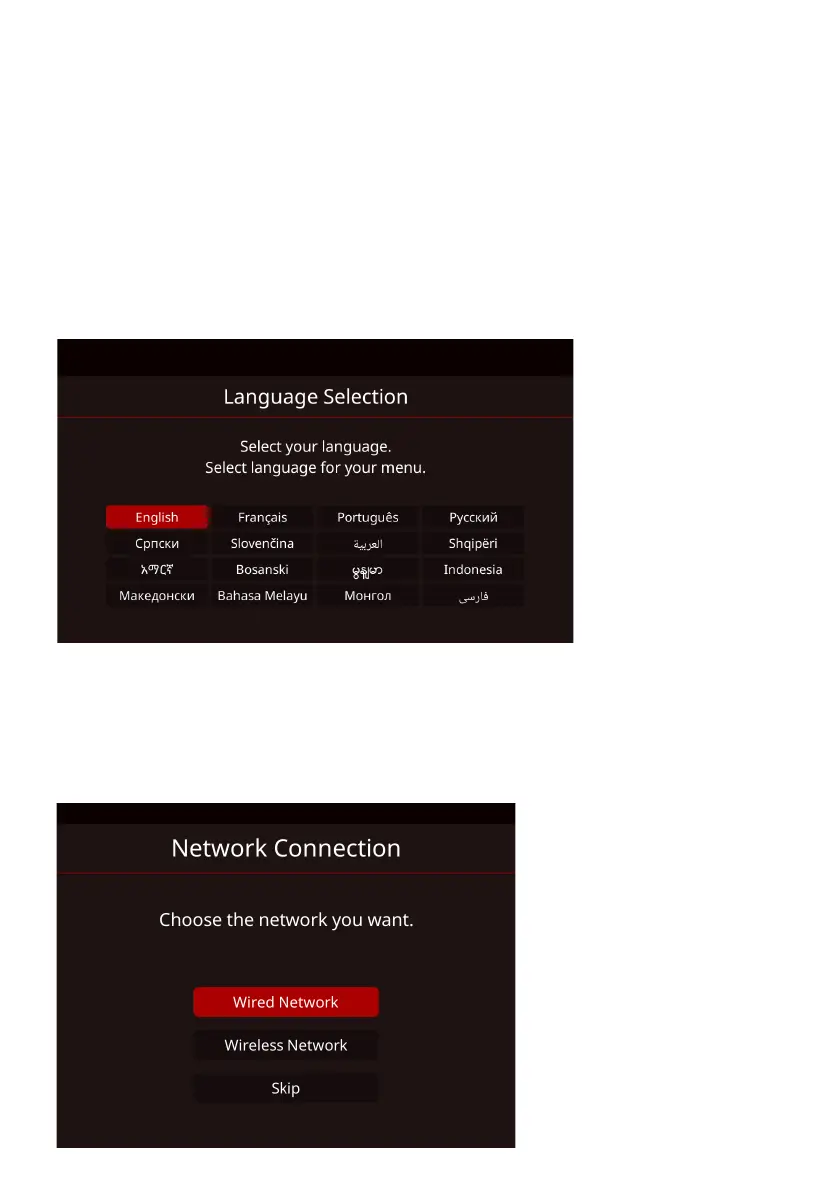
WELCOME SCREEN
Please follow through with the welcome screen indications for setting up
your TV.
COUNTRY SELECTION
Select the country you are located in (Australia), this will help all settings
related to location and Time.
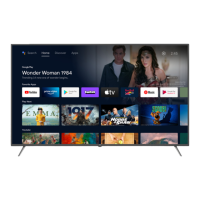
NETWORK
Search for your Wi-Fi network or make sure your ethernet cable is
connected to the TV and select “Wired Network”. Once completed, this
ensures you are ready to stream apps that are pre-installed in your TV.



 To Next Page