24
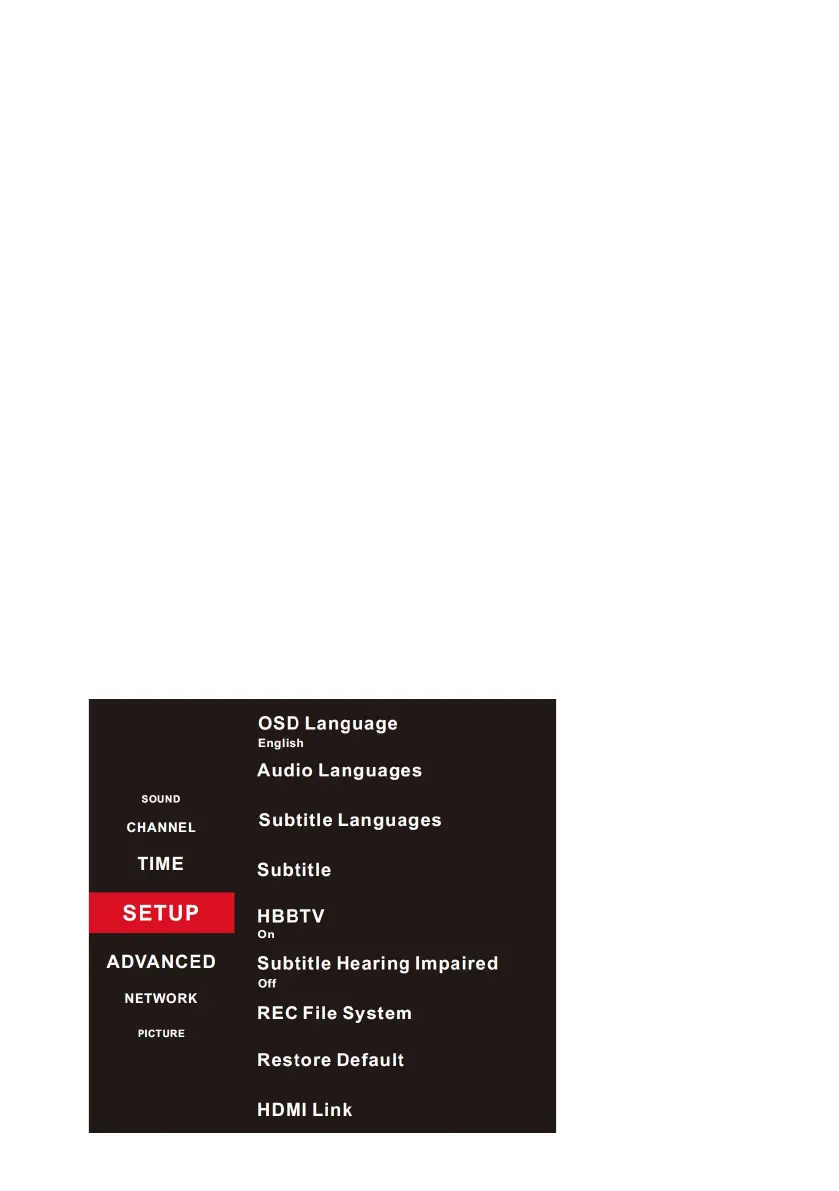
Press the MENU on your remote control, when your on “SETUP”,
then press RIGHT direction button to enter the menu.
OSD Language: Select your desired OSD language.
Audio Languages: (Only for some regions) Set the primary or
secondary digital audio language corresponding to the signal.
Subtitle Languages: (Only for some regions) Set the primary and
secondary subtitle languages as you like.
Subtitle: (Only for some regions) Turn on/o the subtitle function.
HBBTV: (Only for some regions) Turn on or turn o the HBBTV function.
Subtitle Hearing Impaired: (Only for some regions) Turn on the function
to help the deaf or hearing-impaired viewers.
REC File System: (Only for some regions) Program-Recording settings.
If you want to use this function, you must receive a digital program and
plug a USB disk.
Restore Default: Restore Menu options to the factory defaults, and
restart the initial setup.
Note: User data on this TV will lose completely after operating this feature.
HDMI Link: Command and control HDMI devices connected to the TV set.
SETUP
MENUS (Cont.)



 To Next Page