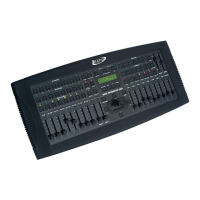
Magic 260
12
Section 9: Flow Chart
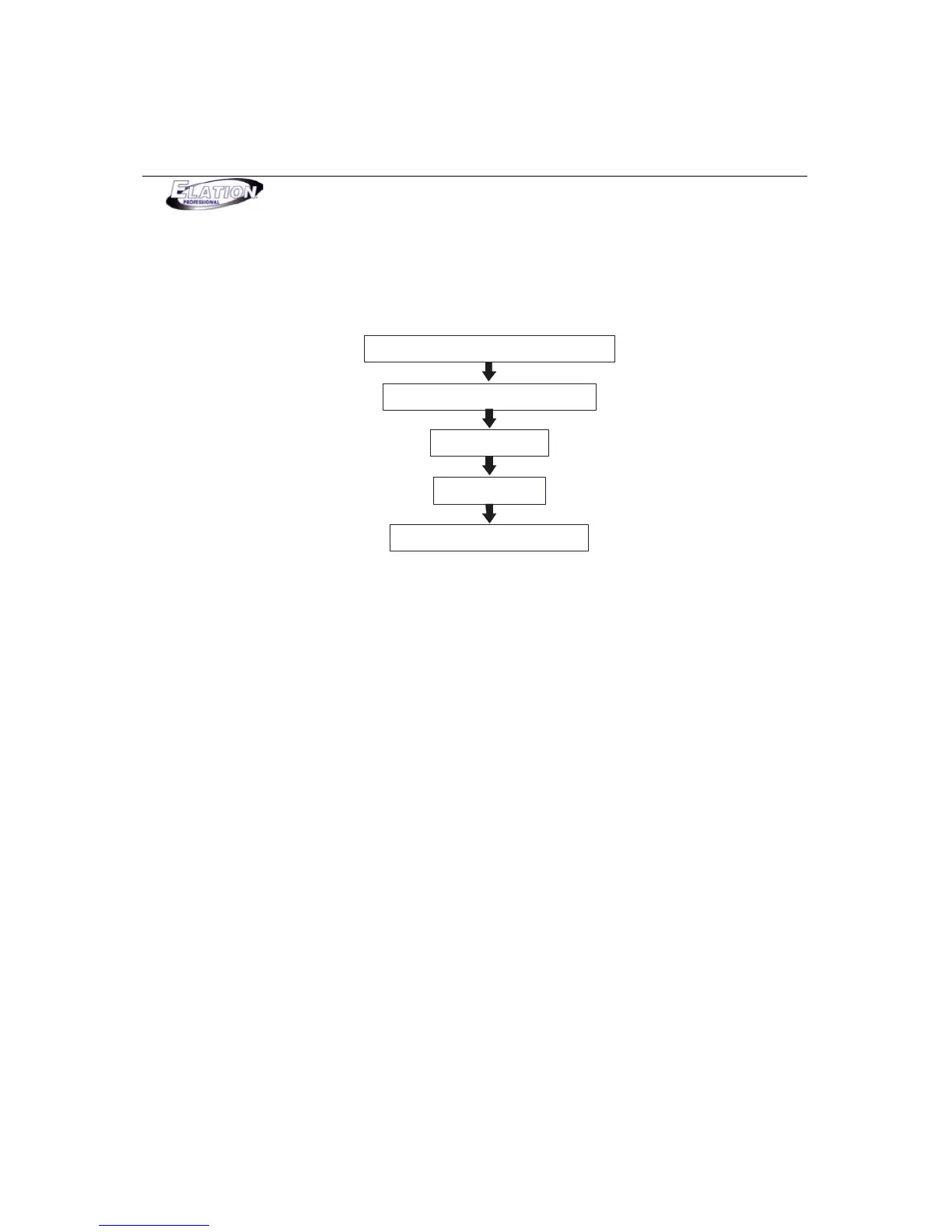
This flow chart shows you the order which should be followed when setting up & programming moving
light fixtures with the MAGIC-260. Be sure to follow the flow chart in the exact order described to insure
proper setup, programming and playback procedures.
Choose fixtures in controller
Set up & connect DMX data line
Record Scenes
Record Shows
Playback Scenes & Shows
Section 10: Set Up and Data Connections
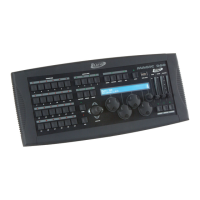
(1) With an XLR male to female cable, connect the XLR male end into the MAGIC-260’s DMX OUT
socket.
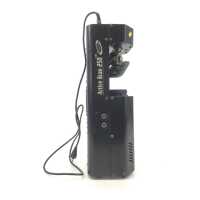
(2) Connect the female XLR end into the input of your first moving light fixture in line.
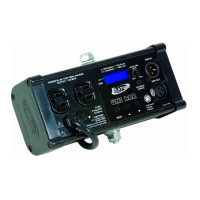
(3) With another XLR cable, connect the male XLR end into the output of your first moving light and
the female XLR end into the input of your second moving light in line.
(4) In a daisy chain fashion, continue to connect the remainder of your fixtures.



 To Next Page