48 / EN
User Menu
– "Automatic winter mode activation": allows for activat-
ing the function.
– "Automatic winter mode threshold": allows for set-
ting the outdoor temperature threshold above which the
zone’s heat request is inhibited.
– "Automatic winter mode delay time": the heat request
is inhibited if the outdoor temperature stays above the
threshold for a minimum time defined by the parameter.
COOLING SETTINGS
– "Cooling setpoint temp": in the menu you can set the
water temperature set-point in cooling mode for each hy-
draulic zone present in the system. The menu can be used
to:
– Adjust the temperature set-point if the automatic
temperature control function (“AUTO function”) is
disabled.
– Apply a correction to the temperature set-point
using a slider, if the “AUTO” function is active and
the water temperature does not match the desired
temperature.
AUTO FUNCTION
This function calculates the water temperature set-point in
heating and/or cooling mode for each zone according to
the type of temperature control set (technical menu) and the
temperature sensors (room temperature sensor and/or out-
door temperature sensor – if present).
BUFFER TANK
Buffer
Buffer activation
OFF
Buffer comfort setpoint heating
40°C
Reduced Setpoint heating
20°C
Buffer comfort setpoint cooling
18°C
Reduced Setpoint cooling
23°C
Buffer setpoint mode Fixed
Fig. 68
This function is available only if the system is fitted with a tech-
nical water storage tank (buffer) for heating and/or cooling.
– "Buffer activation": allows to enable/disable the buffer
charge.
– "Buffer comfort setpoint heating": sets the desired
buffer charge temperature in heating mode for the com-
fort slot.
– "Reduced Setpoint heating": sets the desired buffer
charge temperature in heating mode for the reduced slot.
– "Buffer comfort setpoint cooling": sets the desired
buffer charge temperature in cooling mode for the com-
fort slot.
– "Reduced Setpoint cooling": sets the desired buffer
charge temperature in cooling mode for the reduced slot.
– "Buffer setpoint mode": sets the buffer charge mode.
– "Fixed": the buffer charge temperature is defined
in the parameters shown above.
– "Variable": the buffer charge temperature is cal-
culated according to the automatic temperature
control function (if active).
BOILER
This menu is available only if a ELCO boiler is installed. For fur-
ther information, see the product manual.
– "Pump continuous running": sets the operating mode
of the boiler circulation pump (only for the configured
models).
HEAT PUMP
This menu is available only if a heat pump with the heating/
cooling functions is installed. For further information, see the
product manual.
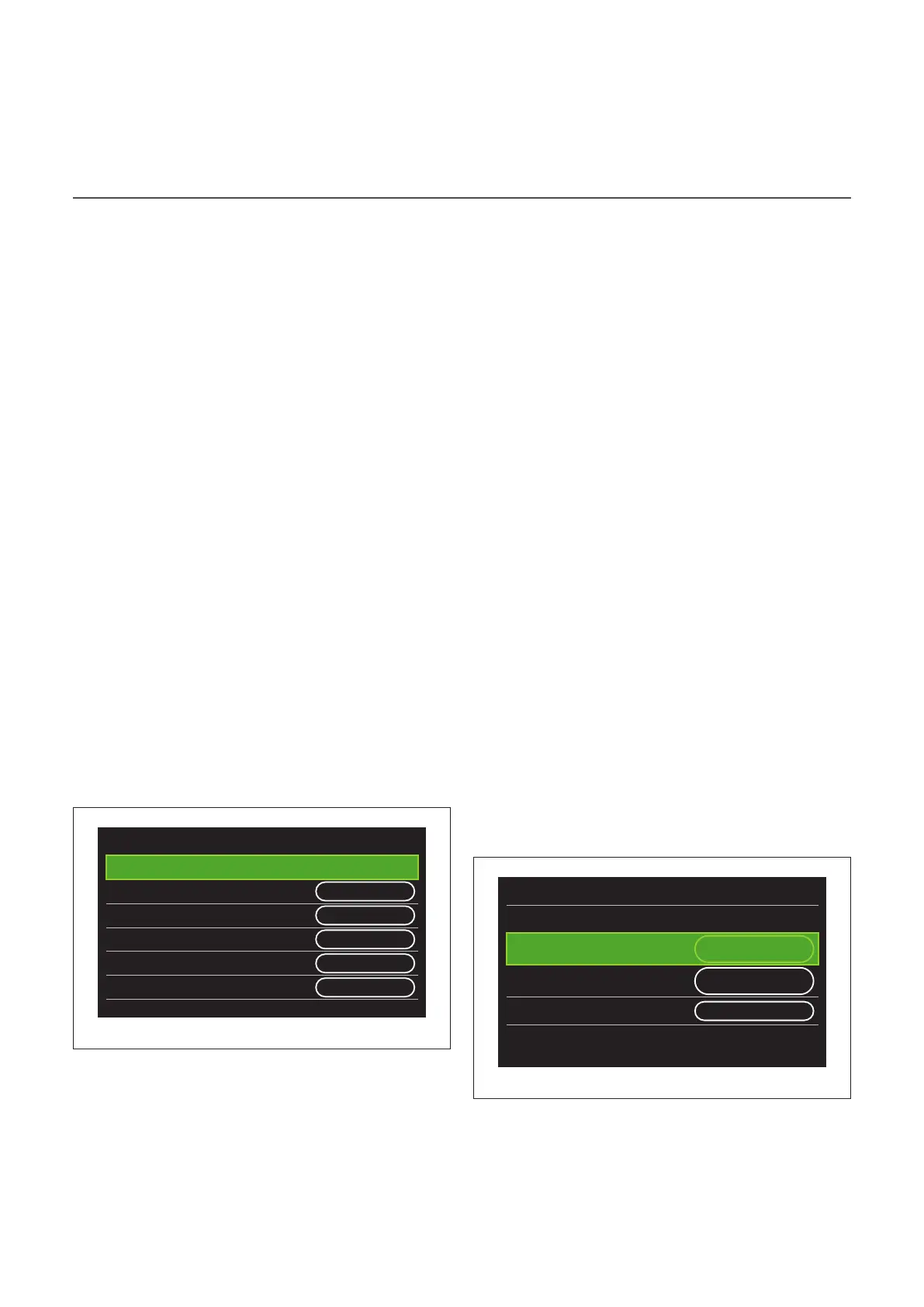
Heat Pump
Quiet mode
>
CH aux heat source activation
logic
Heat integr. and
backup
DHW aux heat source
activation logic
Heat integr. and
backup
DHW operation mode Standard
Fig. 69
– "Quiet mode": the following settings allow for reducing
the noise level of the heat pump by limiting the compres-
sor frequency.


 To Next Page
 Loading...