12
Settings in detail
Menu: Time and date
Menu: Operational unit
Units
The display can be switched between
SI units (°C, bar) and US units (°F,
PSI).
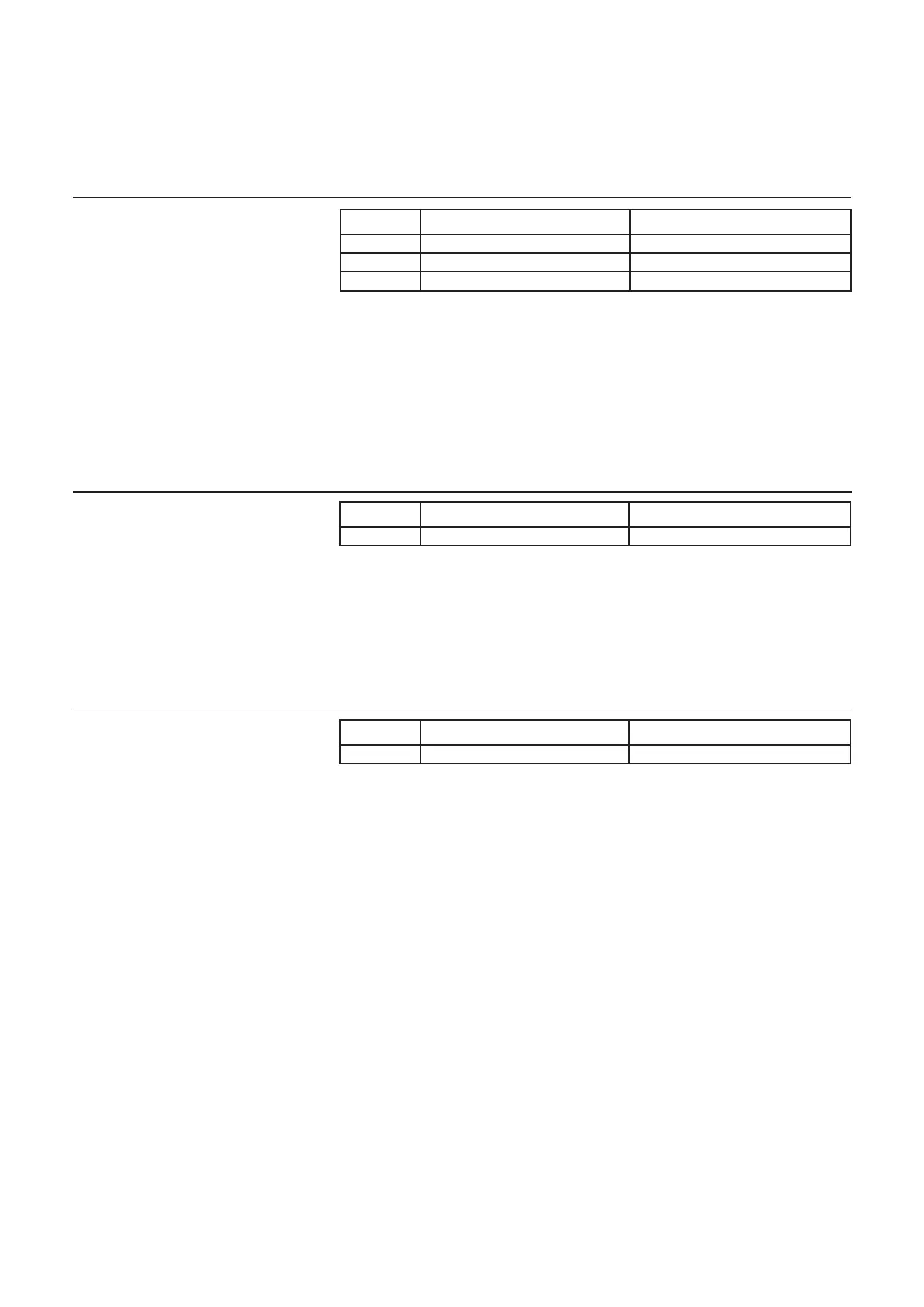
Time and date
The control unit is tted with a 365-day
clock, which provides the time, the day
of the week and the date. To ensure a
correct functionality, the time and the
date must be correctly set
Handling and display
Language
You can select the following languages
for the display: German, English,
Italian, French or Dutch.
Line no. Operating line Factory setting
1 Hours / Minutes
2 Day / Month
3 Year
Line no. Operating line Factory setting
20 Language
German
Line no. Operating line Factory setting
29 Units
°C / bar



 To Next Page