52
Registration mode Euro-2000T Alpha © Elcom Ltd.
4.3 Samples of basic registration procedures
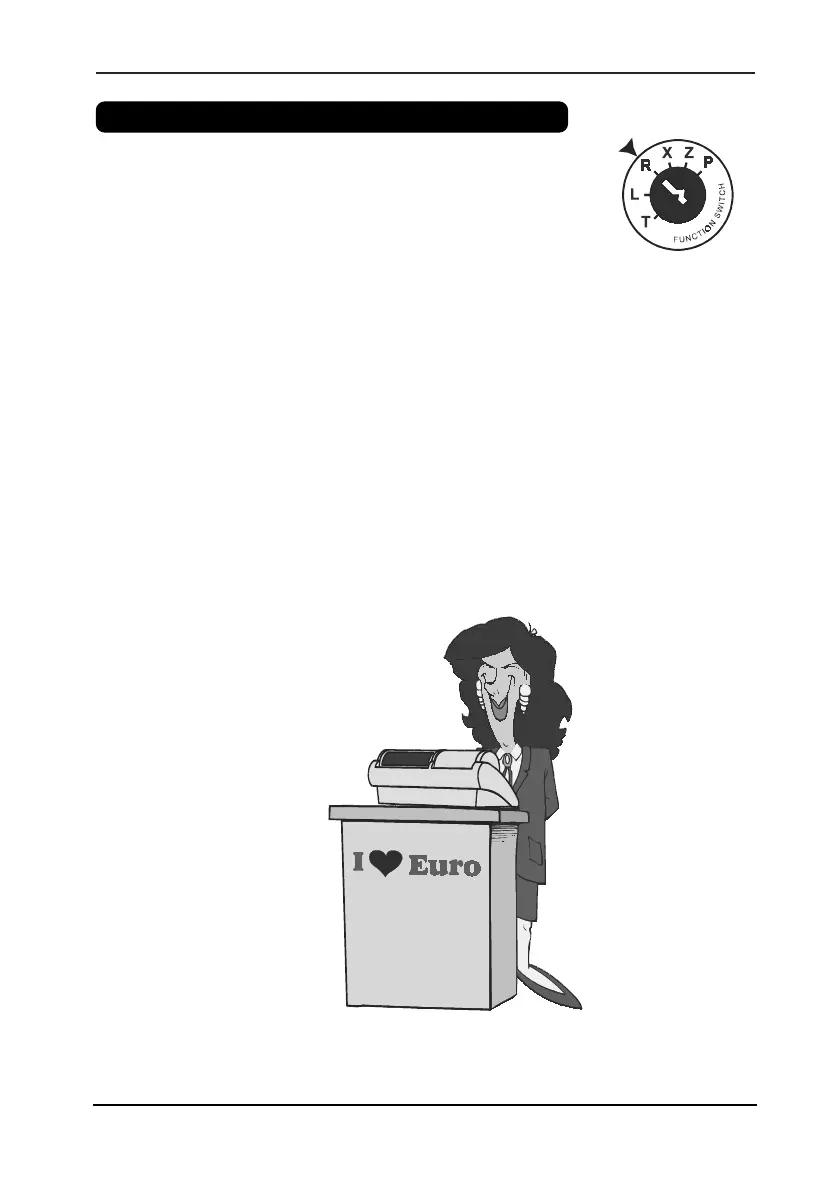
1. Turn the mode key to the R-position (registration).
2. Enter a password to log in.
3. Enter the PLU code of the registered item.
4. Press the
U
button.
5. Repeat number 3 and 4 for each PLU.
6. Press the
V
(SUBTOTAL) to get subtotal.
7. Announce the amount to the customer.
8. Enter the amount tendered by the customer and press the corresponding payment button.
(
W
,
R
,
Q
).
9. The cash drawer opens. When the amount tendered is greater than the amount of sale, the
register will show the change due. Otherwise your register will show the additional amount due.
10. Tear off the receipt and give it to your customer together with the change.


 To Next Page