72
Registration mode Euro-2000T Alpha © Elcom Ltd.
4.12 Refund entries
The
E
(REFUND) button records refund entries during the PLU sale or as an independent operation. The
function is used, for example, by goods claim.
Example 1: Returning of the goods registered through department No. 2.
After pressing the key
E
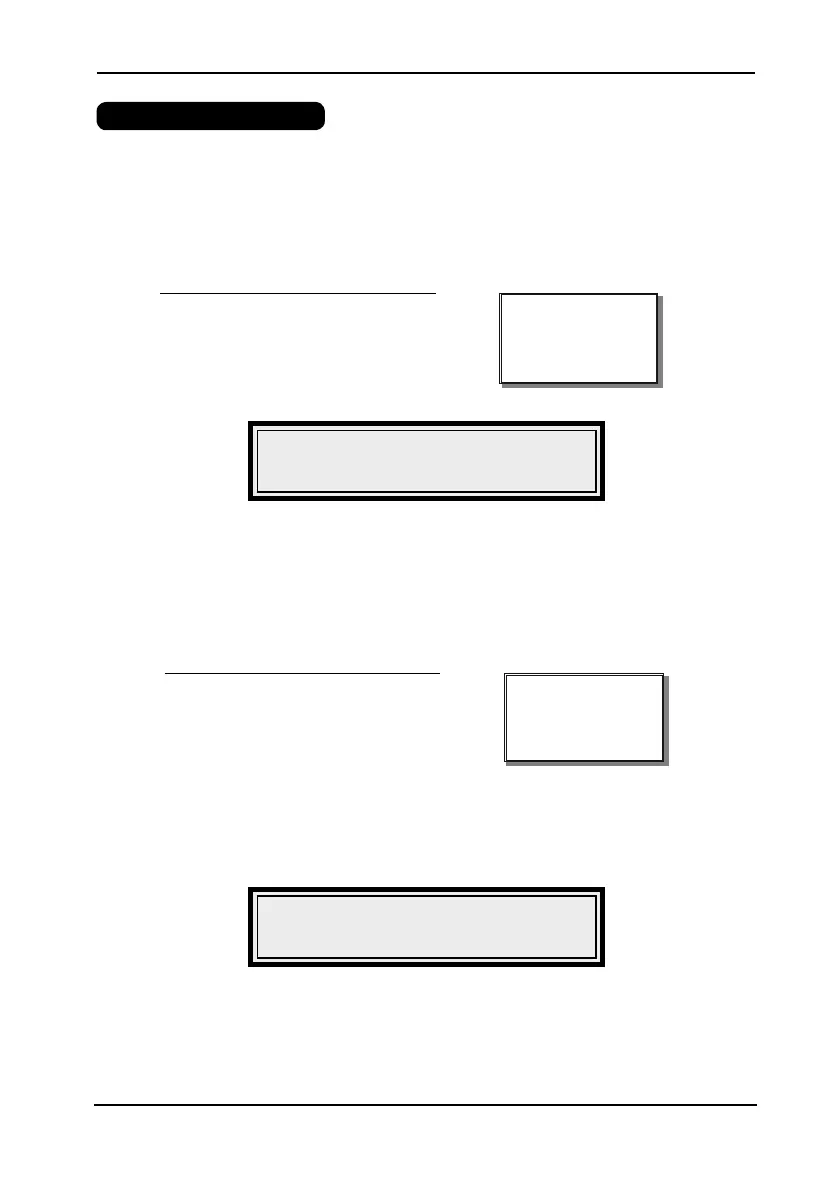
(REFUND), 7+,:3* appears on the display. After pressing the PLU key, the
amount of refunded goods in the first line and the name of the PLU and its refunded quantity in the second
line appear on the display.
O*59
Display:
Refund operation through DPT No. 2.
O($L,GIL%
Display:
PLU Refund operation.
After pressing the key
E
(REFUND), 7+,:3*appears on the display. After DPT No. 2 key pressing, the
amount of refunded goods in the first line and the name of the goods and its refunded quantity in the second
line appear on the display.
Step No. Key operation
1.
3120 E
2.
@
Print:
REFUND
DPT 2 I
1x31.20= -31.20
Step No. Key operation
1.
3E
2.
P
Print:
REFUND
Flora Butter I
1x31.20 =-31.20
Example: In the X mode it is possible to switch flag for way of cheque and credit pay out (forbidden/allowed)
while it is minus total of bill


 To Next Page