73
© Elcom Ltd. Euro-2000T Alpha Registration mode
4.13 Accounting in Euro currency
The Cash register Euro-2000T Alpha is able to register sales in Euro currency. According to the stage it is
possible to account Euro and particular national currency (stage1. and 2.) or any other foreign currency (3rd
stage).
The accounting in Euro currency is divided in 4 stages:
4.13.1 Stage without Euro currency
The ECR works without Euro.
4.13.2 1st stage of Euro currency
The basic currency is a national one, the supplementary one is Euro in the first stage.
The customer can pay either in a national currency or in Euro.
Procedure:
If the key
V
is pressed, the amount of sale on display is in a national currency. If the key
L
is
pressed, the amount of sale is coverted to Euro currency. Pressing the key
L
again will convert between
national and Euro currency.
After choosing the required currency, press
W
.
All financial data are stored at national currency. Just cash amount, cash in drawer, RA and PO amounts are
stored in both currencies. The RA or PO operation of national (basic) currency can be done according to the
described procedure in a previous chapters. As to as RA or PO operation of Euro currency, it is similar to
common operation, but first it is necessary to press the key
L
.
Sample: Cash RA 500.00 Euro in the first stage of Euro currency.
Note: The thruput into the first stage is described in the program manual of this user manual.
Step No. Press
1.
L
2.
50000 O
3.
W
4. Enter name - not obligatory
5.
V
6. Enter reason - not obligatory
7.
V
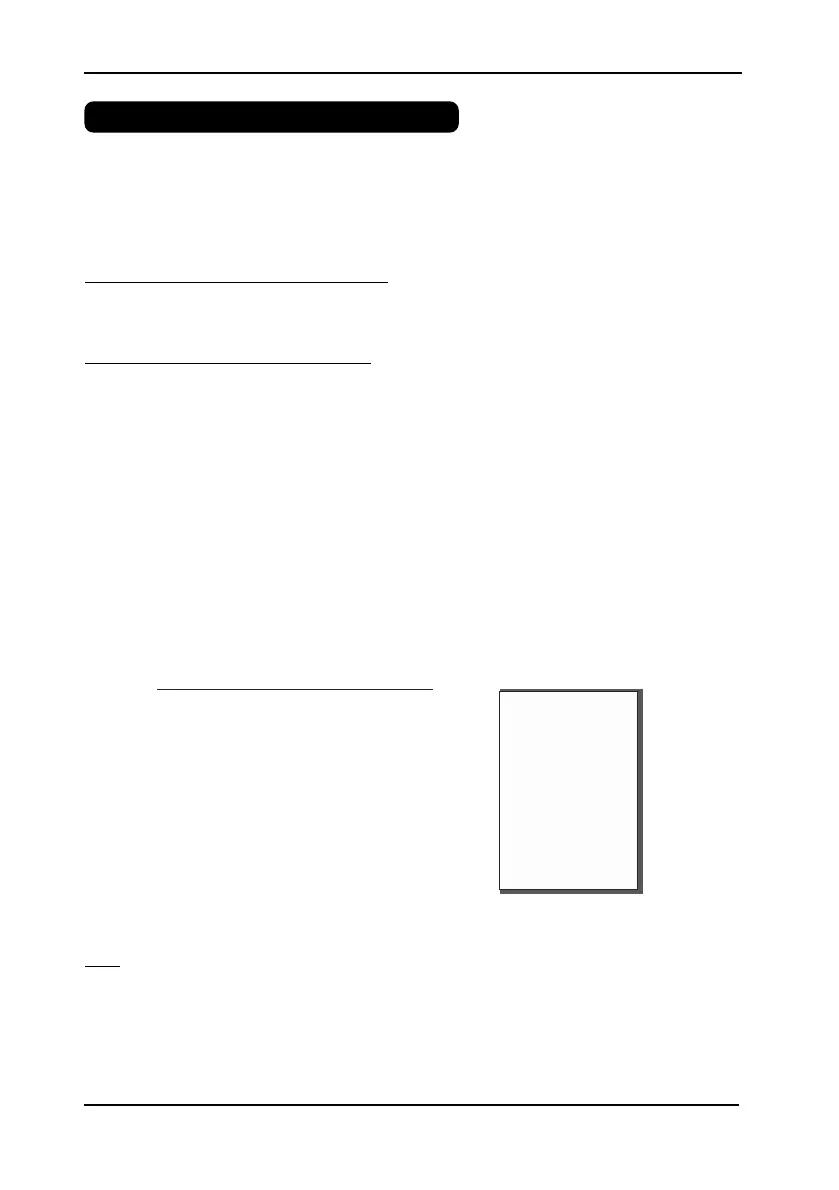
Receipt:
RA
WHO:
Howard
REASON:
Morning RA
SIGNATURE:
CASH
500.00 EUR


 To Next Page