85
© Elcom Ltd. Euro-2000T Alpha Reports
Note 1: In case of PLU reports, pressing the button
I
(REFUND) before pressing the
U
(PLU) button
causes that the PLU number is printed before sales data.
Note 2: Pressing
99999U causes PLU report without printing report on the printer. PLUs sales
data will be cleared without printing.
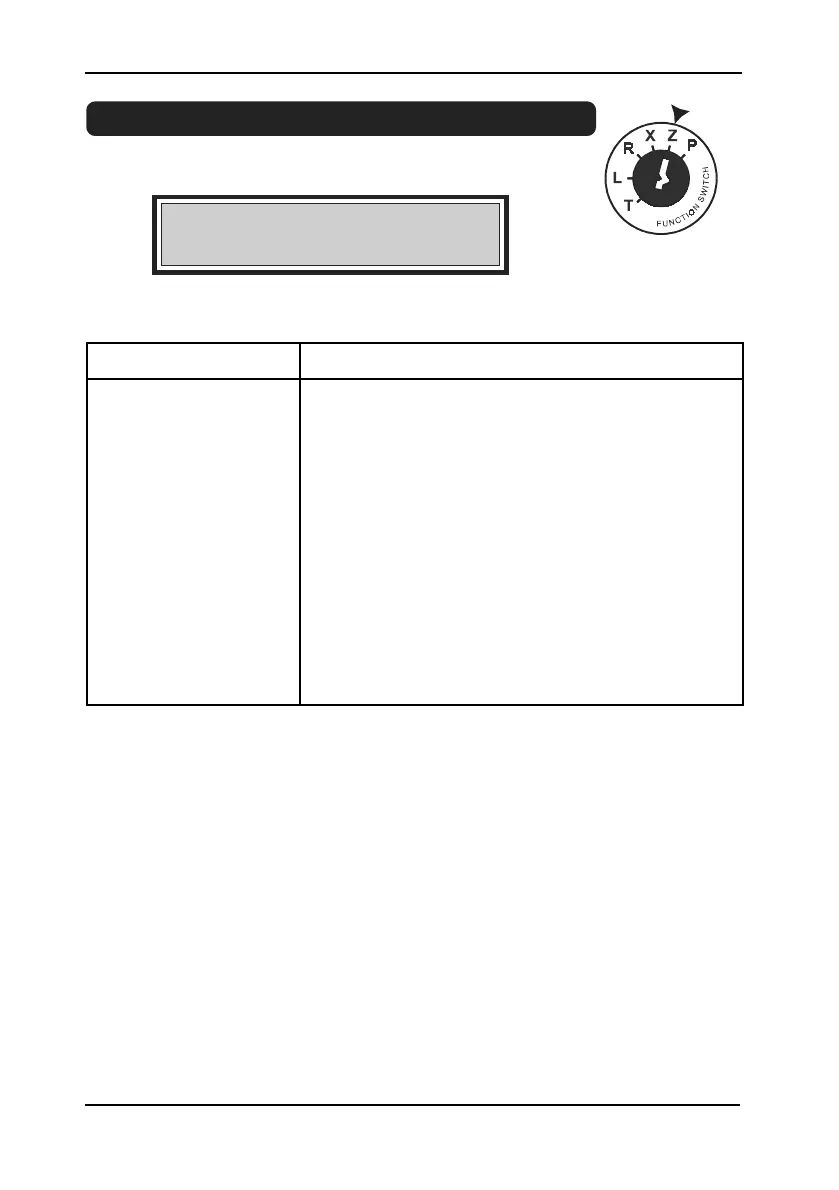
5.9 Z-reports of fiscal versions only
Key in Z position
Display:
Z mode display.
12>00>00
Z MODE
,,
Z
report Key operation
All PLUs
(
I
)
U
PLU PLU No. (1-2400) (
0
..
9
)
(
I
)
U
Range of PLU starting PLU No.
S
ending PLU No.
S
(
I
)
U
Cashiers
M
Departments any department key (
;
..
B
)
Daily writing to FM
W


 To Next Page