65
© Elcom Ltd. Euro-2000T Alpha Registration mode
If the operator wants to complete the purchase with another means of payment, the first offer is the credit
payment without EFT terminal communication. This can be done by pressing the
R
key. If the credit card
number is required (4. system flag is set), the credit card number has to be entered.
If the operator decides for another mean of payment, pressing the H key completes the purchase by check
or cash.
Note: The communication with payment terminal is enabled by setting the 5. System flag, digit 5 to
value 1.
Note: If the cash register not communicate with the EFT terminal and everything is connected and set good,
you need change EPROM, which contains software with a new EFT terminal communication protocol.
The software also remains an old communication protocol. Contact your dealer for the information on the
EFT terminal connection.
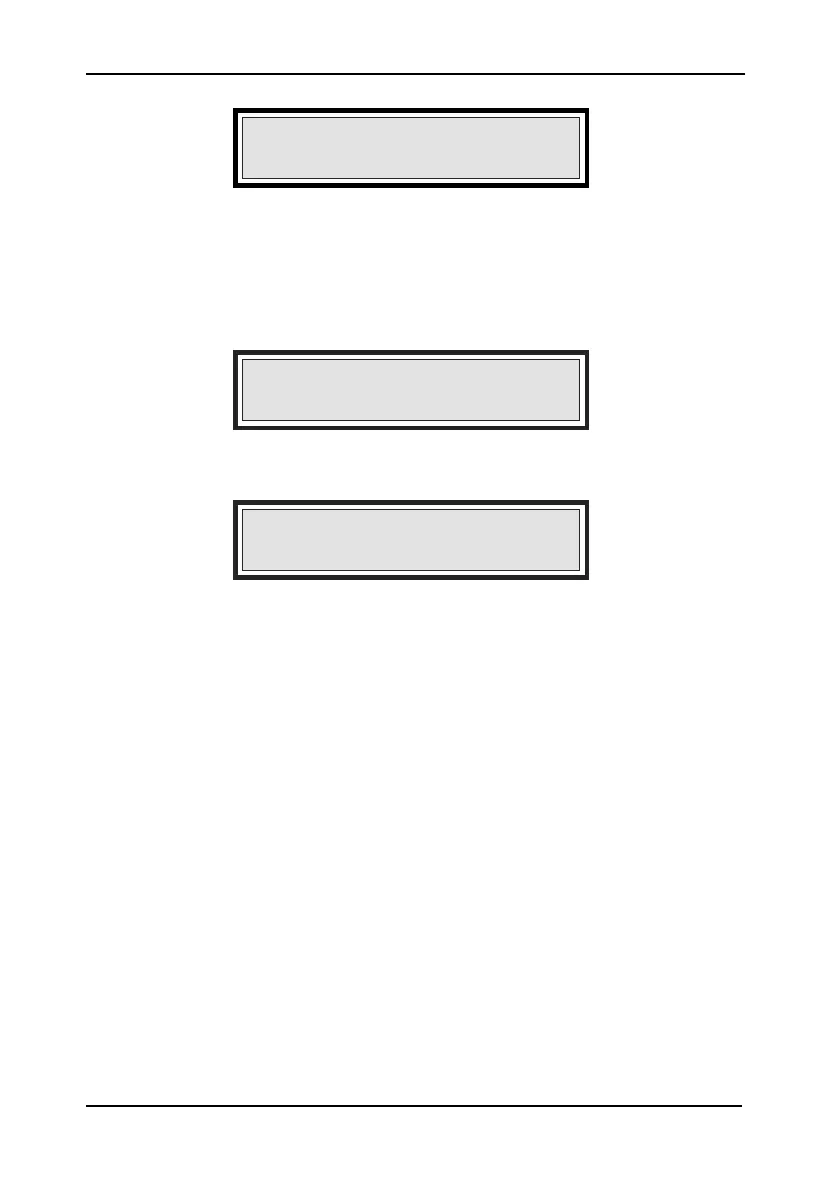
ENTER CREDIT CARD No
Credit card number entry required for payment without
EFT terminal communication.
PROCESSING ERROR
Payment request was not accepted transmission error
occurred.
Display:
TERMINATE PAYMENT BY
CRED.CARD Y}CR|{N}X|
Credit card payment option without EFT terminal com-
munication.


 To Next Page