46
Operation in registration mode
Example: The sale of product no. 21 (PLU 21) with a weight of 0.253 kg read from the electronic scale.
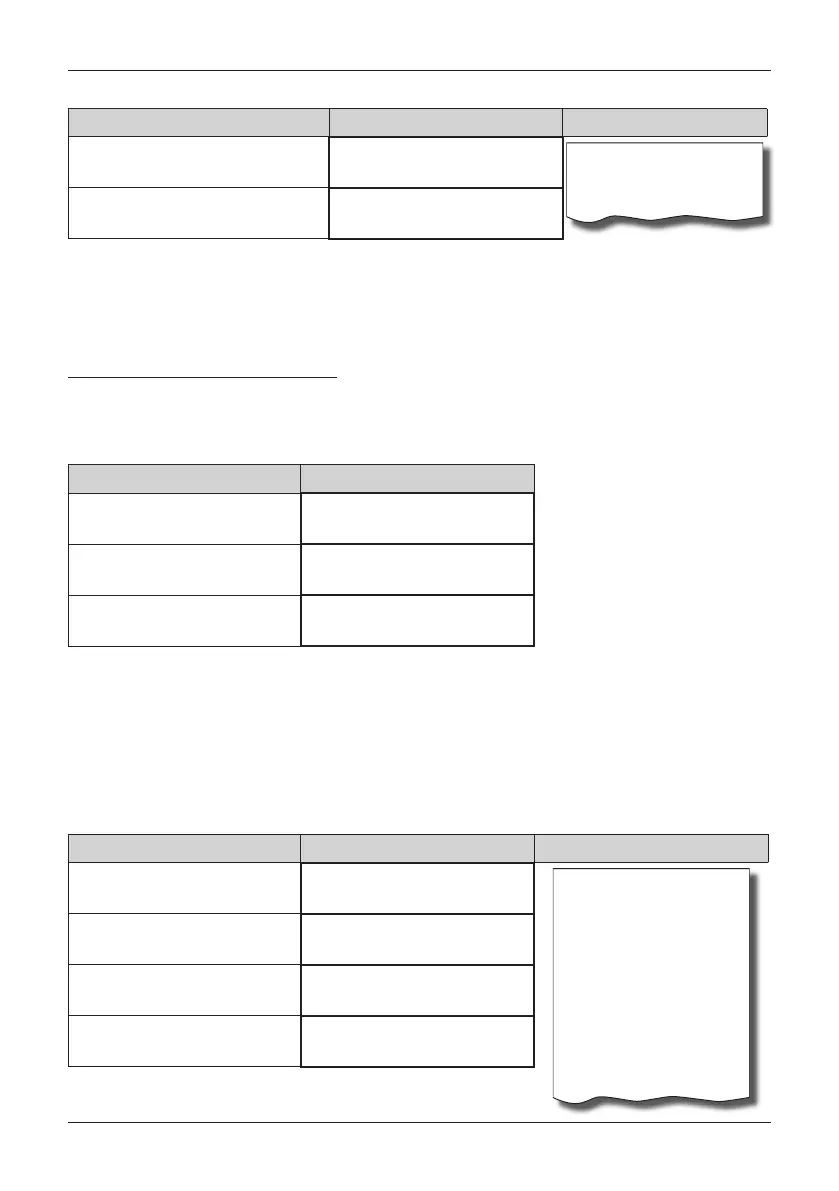
Sequence of steps Display Receipt
(reading weight from the elec. scale)
Weighing...
0.253
Orange
0.253*8.00 =2.00 A
0.253*Orange
8.00
For proper functioning of the electronic scale connected to the register, it is necessary to program the type
of scale into the cash register (see the chapter „Peripherals - Scales“).
Your local cash register supplier can inform you about the possibilities of connecting specific types of electro-
nic scales.
CORRECTIONS AND VOIDS
Clearing
Example: You entered an incorrect price which has still not been printed out. In the following example, num-
ber 1230 was entered erroneously in place of the correct number 1290.
Postupnosś krokov Displej obsluhy
1230
16-01-2008
R 14:57:50
1290
Voiding (cancellations)
The void (cancellation) function is used only to correct a sold item in one specific, still unfinished sale. An
example of use: During a sale we accidentally ring in a bad PLU or the customer rethinks the purchase of
the given item.
• Voiding of the last registered item - a direct void.
Procedure: you sold the items
Cheese Encian
and Butter Flora, but you want to remove the butter and com-
plete the purchase:
Sequence of steps Display Receipt
1*Cheese Encian
7.00
Cheese Encian
1*7.00 =7.00 A
Butter Flora
1*10.00 =10.00A
Void
Butter Flora
1*10.00 =-10.00 A
------------------------
Total 7.00
Cash 7.00
1*Butter Flora
10.00
Void
-10.00
Cash
7.00 EUR


 To Next Page