49
Operation in registration mode
• the procedure for applying a percent surcharge on an entire purchase is similar, only in place of the key
(PERCENT DISCOUNT) we press
(PERCENT SURCHARGE).
Process for manually entering a discount: we use the previous example but with a manually entered 4% discount.
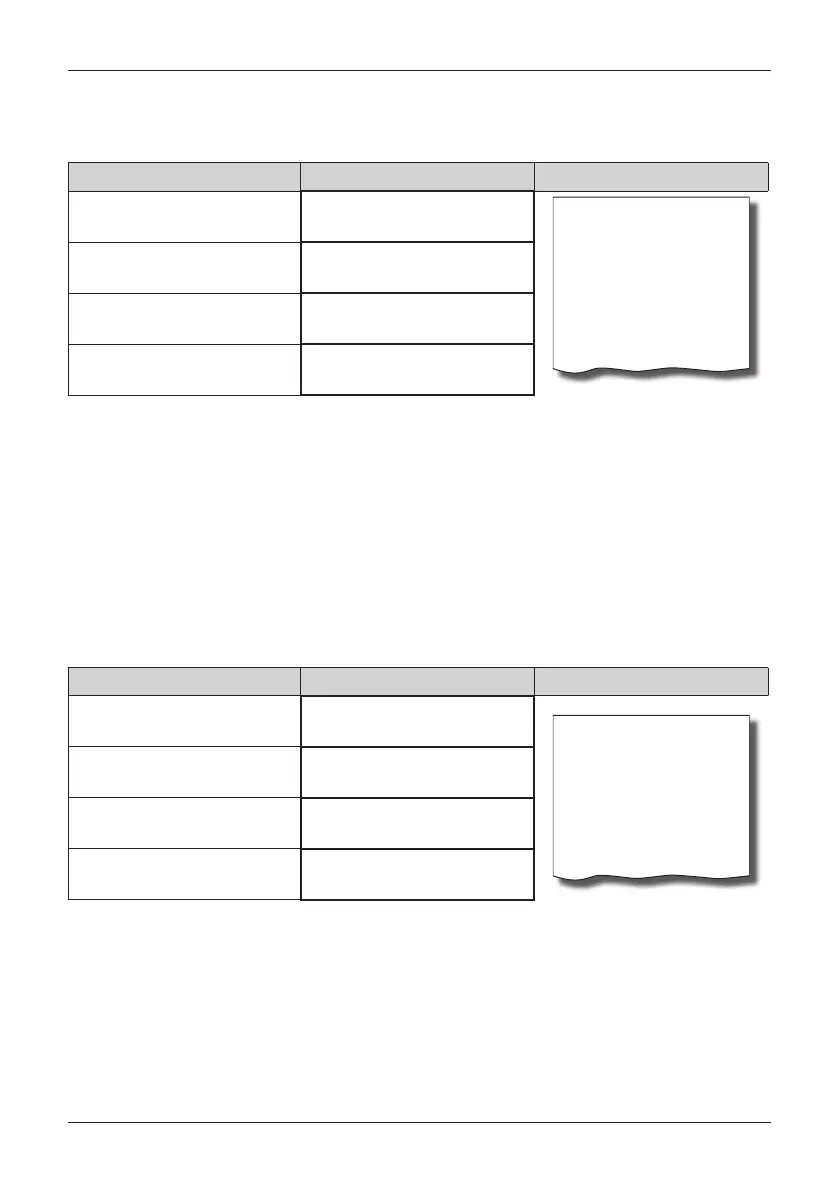
Sequence of steps Display Úètenka
predaj položiek
Subtotal 258.00
Discount on subtotal
4.00% -10.30
------------------------
Total 247.70
Rounding -0.20
Cash 247.50
Subtotal
258.00 EUR
Discount %-
-10.30
Cash
247.50 EUR
• the procedure for applying a manually entered percent surcharge on an entire purchase is similar, only in
place of the key
(PERCENT DISCOUNT) we press
(PERCENT SURCHARGE).
Value surcharges and value discounts
The cash register allows for the application of a value surcharge or discount on the most recently registered
item or on all the items sold. The size of the value surcharge or discount entered cannot be greater than the
value of the item or the group of items to which the surcharge or discount applies.
Entering the value discount/surcharge is limited by the surcharge/discount limit. If the limit of the sur
-
charge/discount is set to 0, the surcharge/discount cannot be applied. If the value is different than 0, the
mentioned operation is allowed.
The procedure for entering a value discount on a subtotal: We will use the previous example but with
a manually entered value discount of 100.00 EUR.
Sequence of steps Display Úètenka
predaj položiek
Subtotal 258.00
Discount on subtotal
-100.00
------------------------
Total 158.00
Cash 158.00
Subtotal
258.00 EUR
Discount
-100.00
Cash
158.00 EUR
• the procedure for applying a value surcharge on a subtotal is similar, only in place of the keys
we
press
.


 To Next Page