50
Operation in registration mode
Procedure for entering a value discount on a single item: a discount on Encian cheese worth 5.00 EUR
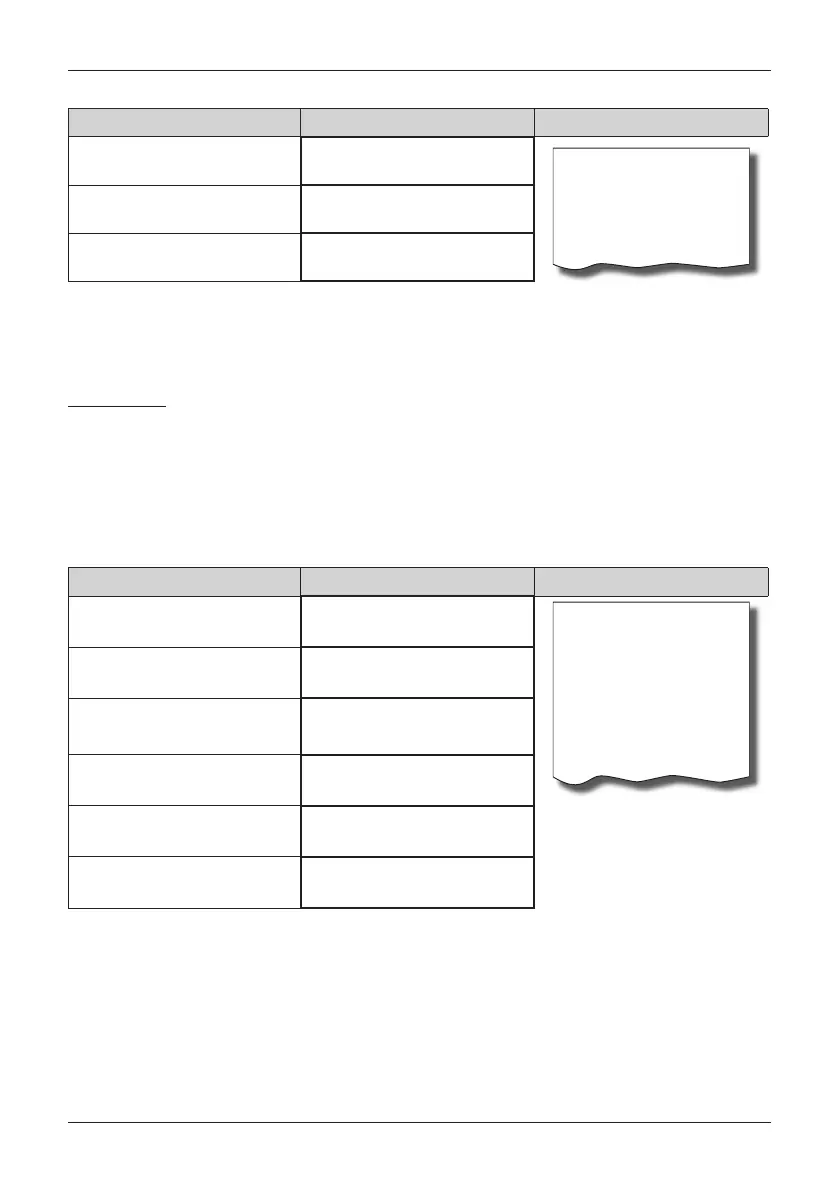
Sequence of steps Display Úètenka
1*Encian cheese
27.00
Encian cheese
1*27.00 27.00 A
Discount
-5.00 A
Discount
-5.00
Cash
22.00 EUR
• the procedure for applying a value surcharge on a single item is similar, only in place of the keys
we press
.
REFUNDS
Refund of a product
This function is used for reclamation or refunding of products for any reason whatsoever. This function can
be used only as an independent operation. It cannot be used during an open (registered) sale.
In agreement with the regulation on the cash register registration, the value of a refunded product is counted
as negative GT3 turnover. The menu „Refunds“ is used for the purpose of refunds.
Procedure for refunding the item Cheese
Encian with a programmed price (7.00 EUR).
Sequence of steps Display Receipt
R-mode
08/05/2008
R 12:00:00
Refund receipt
Cheese Encian
1*7.00 =-7.00 A
------------------------
Total -7.00
Cash 0.00
Change 7.00
press
Registration
of sale
with arrows
or
go to the
REFUNDS menu
REGISTRATION
Refund
confirm by pressing
Refunded product
1*Cheese Encian
-7.00
confirm by pressing
CASH BACK
7.00 EUR
Note:
In the refund menu it is possible to use all the preceding methods for the sale of items (entering a price, multiplying,
dividing amounts, …). It is not possible to use the operation of surcharges or discounts!
Refund of a package
This function is use for the return of packages (bottle, crate, barrel, …). In agreement with the regulation on
cash register registration, the value of a refund operation is counted as negative GT3 turnover. In the cash
register, the keys
PACKAGE REFUND) are used for this purpose. The packaging refund function can
be used only as an independent operation or in the course of a registered sale.


 To Next Page