67
Reports
***************** Z ******************
Financial report
Monthly
*************************************
ZP #: 2
ZD # 3
GT1 1615.00
GT2 1606.00
GT3 -9.00
Tax rate A 19.00%
Tax rate B 10.00%
Tax rate C ----
Tax rate D ----
Tax rate E ----
Tax rate F ----
Tax free G
Taxable A 1517.00
Netto A 1274.80
VAT A 242.20
Taxable B 0.00
Netto B 0.00
VAT B 0.00
Tax free G 0.00
Sale total
30Q 1517.00
Netto total
1274.80
VAT total 242.20
Void
2Q -17.00
Discount
1Q -0.10
Surcharge
1Q 0.10
Refund
2Q -8.50
STL discount
1Q -0.10
Receipt annulled
4Q -85.30
Loan
1Q 100.00
Pick up
2Q 1000.00
Cash
35Q 1516.82
Rounding
5Q 0.10
13-11-2008 14:07
01-0001 Cashier1
***************** Z ******************
Financial report
Daily
*************************************
ZD #: 3
GT1 1615.00
GT2 1606.00
GT3 -9.00
Tax rate A 19.00%
Tax rate B 10.00%
Tax rate C ----
Tax rate D ----
Tax rate E ----
Tax rate F ----
Tax free G
Taxable A 190.00
Netto A 159.70
VAT A 30.30
Taxable B 0.00
Netto B 0.00
VAT B 0.00
Tax free G 0.00
Sale total
5Q 190.00
Netto total 159.70
VAT total 30.30
Cash
5Q 190.00
13-11-2008 14:07
01-0006 Cashier1
HOW TO PRINT OUT A Z-REPORT
Press the MENU button to enter the Main menu, then use the arrows
or
to select „Z“.
MAIN MENU
Z-mode
You get into „Z“ reports by pressing the
TOTAL, key, where by using the keys
or
you can select the
report you wish to run. The report will print out upon pressing the
TOTAL key.
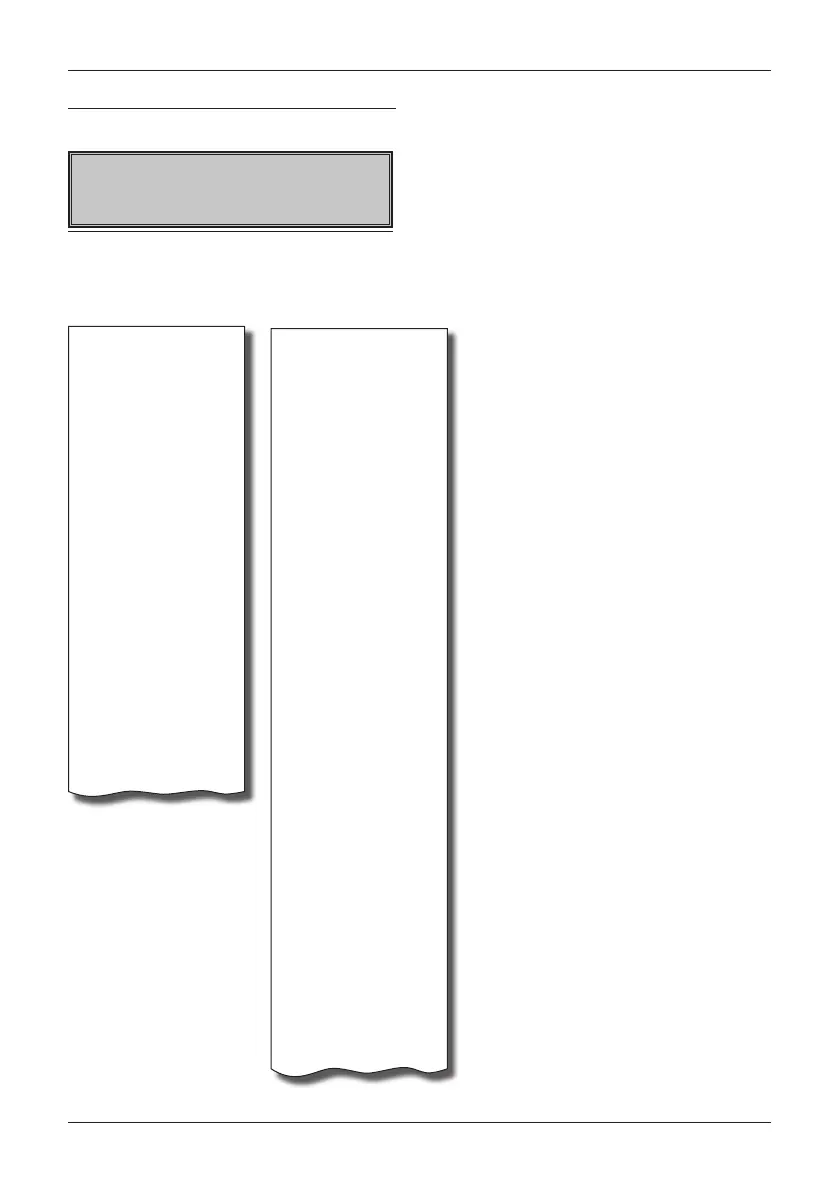
Sample printouts of an Z-report


 To Next Page