www.elcometer.com
en-13
R
®
Using ElcoMaster , supplied with the Elcometer 215 and available to
download via www.elcometer.com, the user can:
Configure the logger for different oven applications.
Create a ‘Paint Cure Library’ by manufacturer and / or paint
type with automatic calculation of the percentage cure.
Set up templates for different products incorporating
annotated images with diagrams of measurement locations.
Create and transmit PDF reports incorporating all data in a
professional, easy to read format.
The Elcometer 215 is pre-loaded with some basic settings that allow
temperature data to be collected straight out of the box however, the
functionality can be greatly increased by uploading a settings file to the
logger.
Logger settings are broken down into four areas:
Oven Logger Settings; configure basic settings.
Paint Type; add cure time and temperature information for the
cure calculation.
Product; add supplementary information regarding the
product including diagrams and probe location.
Template; combine all of the above into a template which can
be uploaded to the logger.
A.1 BEFORE YOU START
®
1 Ensure ElcoMaster is installed on
the PC.
®
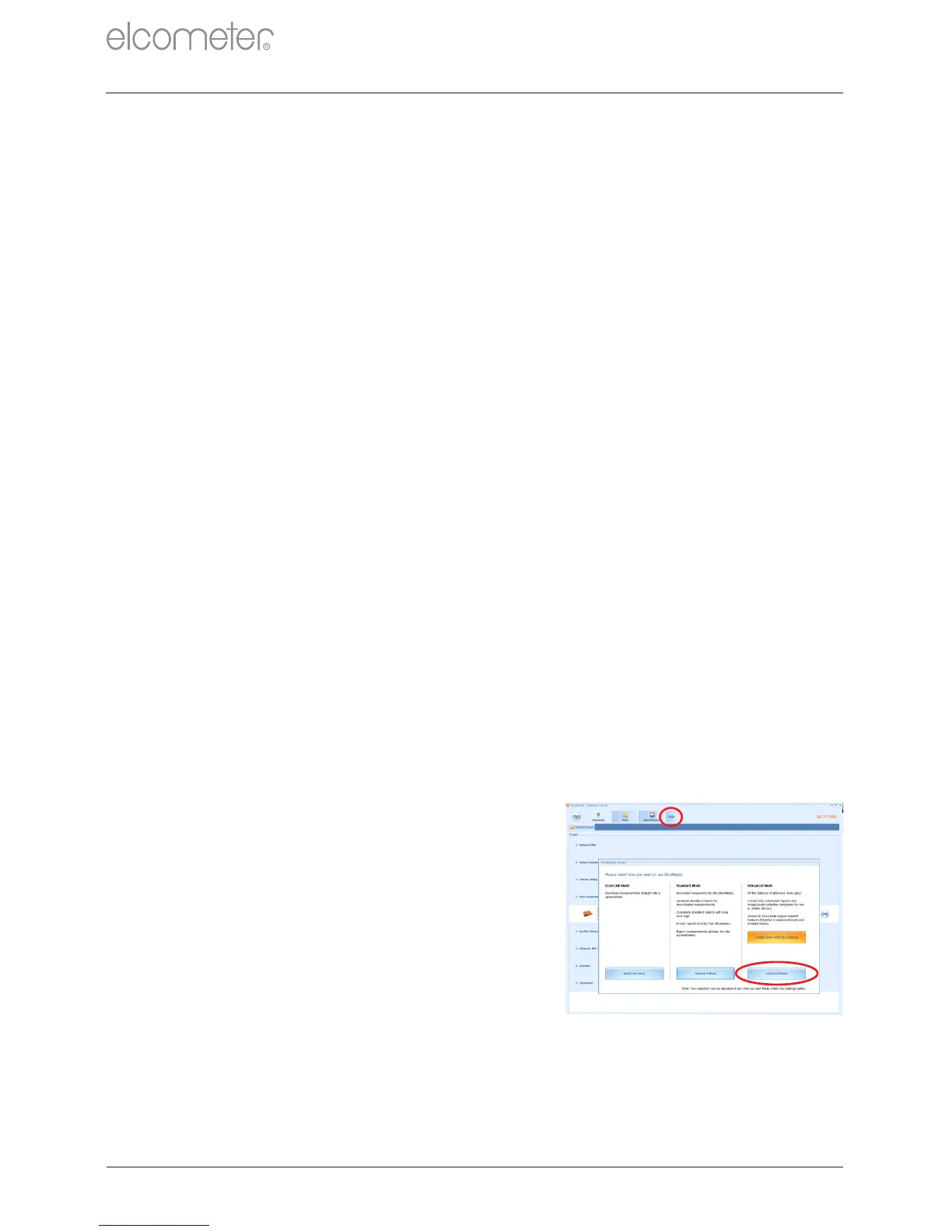
2 Switch ElcoMaster to ‘Advanced
Mode’ by clicking on the expand
arrow and selecting ‘Advanced
Mode’.
®
APPENDIX A: USING ELCOMASTER



 To Next Page