www.elcometer.com
en-20
R
A.9 CREATING A REPORT
®
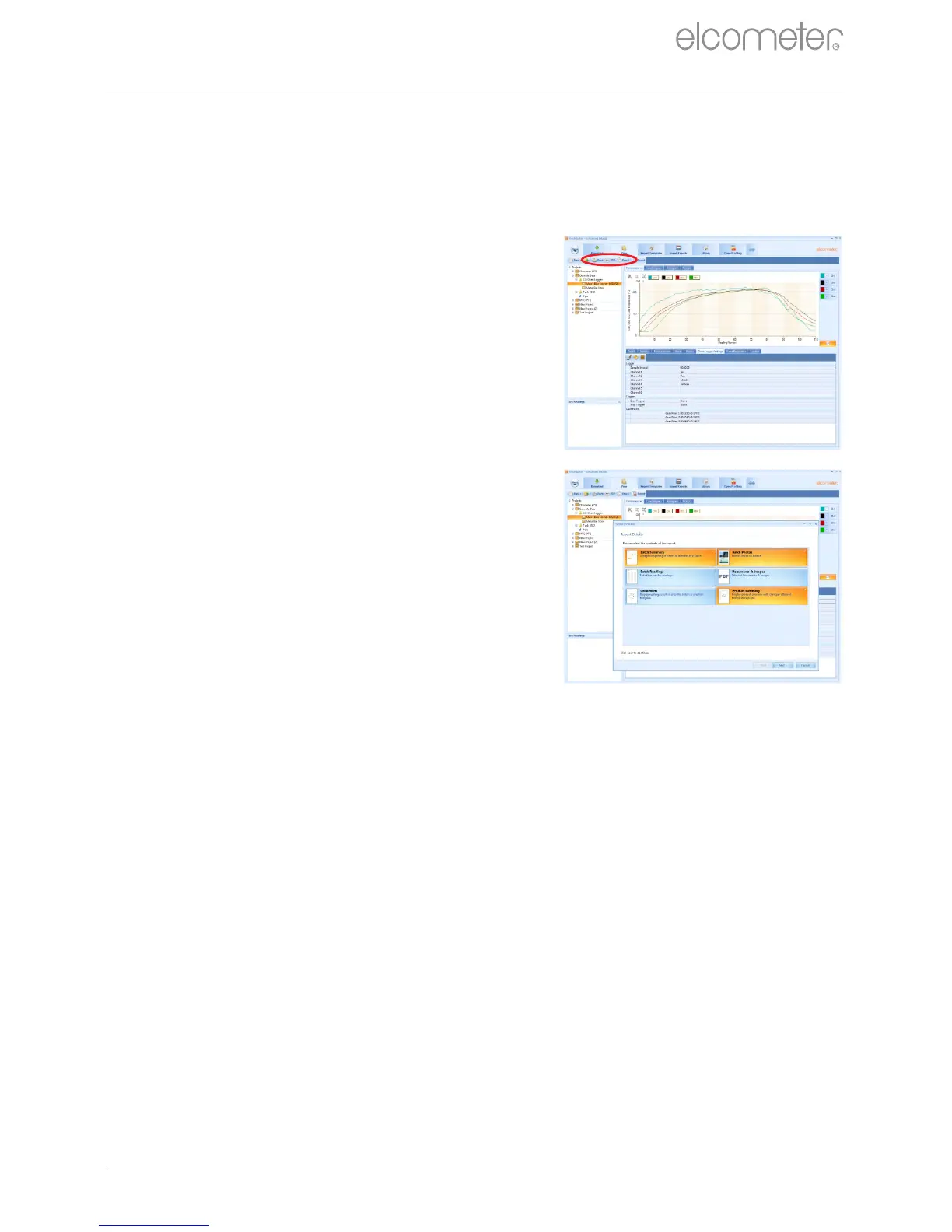
ElcoMaster includes a built-in report generator to create simple but
effective reports on oven runs. Three quick report functions are
available via the ‘View’ tab:
Print: sends the report directly to a
printer.
PDF: creates and saves the report
on the PC as a pdf file.
Email: attaches the pdf report to a
blank e-mail using the default e-mail
client.
Selecting any of these options will start
the report wizard.
To create a full oven logger report,
select ‘Batch Summary’, ‘Batch Photos’
and ‘Product Summary’.
Note: ‘Batch Readings’ can be selected to
create pages of all the individual
measurements however, as an oven run
usually consists of hundreds of readings,
this is not recommended.
®
APPENDIX A: USING ELCOMASTER (continued)



 To Next Page