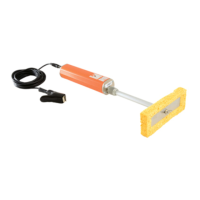
High voltage probe handle
ADC error.
Remove high voltage probe handle
and ret. If error persists, contact
d
Elcometer .
High voltage probe handle
DAC error.
Remove high voltage probe handle
and ret. If error persists, contact
d
Elcometer .
High voltage probe handle
EEPROM error.
Remove high voltage probe handle
and ret. If error persists, contact
d
Elcometer .
High voltage probe handle
CRC error.
Remove high voltage probe handle
and ret. If error persists, contact
d
Elcometer .
High voltage probe handle
connecting cable (curly
cable) fault.
Return high voltage probe handle to
d
Elcometer .
d
Return to Elcometer for software
upgrade.
Remove high voltage probe handle
and ret. If error persists, contact
d
Elcometer .
Remove high voltage probe handle
and ret. If error persists, contact
d
Elcometer .
Remove high voltage probe handle
and ret. If error persists, contact
d
Elcometer .
Handle switch presses not
recognised.
Remove high voltage probe handle
and ret. If error persists, contact
d
Elcometer .
www.elcometer.com
en-26
R
15 ERROR MESSAGES (continued)
d
Or your local Elcometer supplier.


 To Next Page