USING THE GRAPH TOOLS
Data View Options
Zoom:
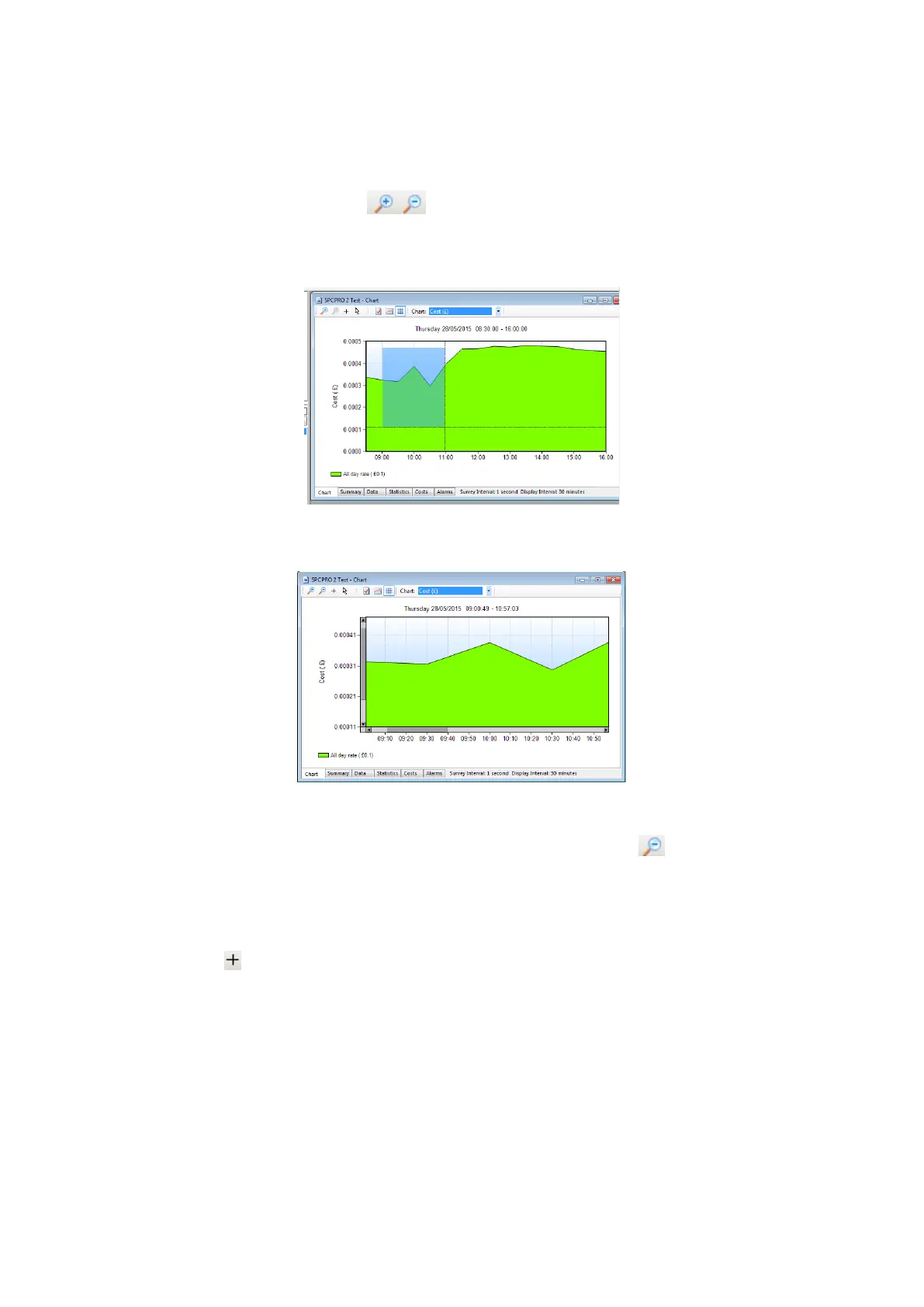
Click the zoom tool buttons to activate the zoom cursor. Drag the cursor
over the desired graph area whilst holding down the left mouse button to define
a zoom area.
Release the mouse button to display the zoom area
NOTE: The zoom function can be repeated as many times as
necessary to provide a macro zoom capability. The button
reverses the zoom-in process by one step per click.
Show Data Values:
Click the crosshairs button to enable this feature. Place the crosshairs at any
point on the data trace to display the value and time stamp below the title bar.



 To Next Page