REPORT FACILITY
In addition to the export functions for creating reports PowerPackPro provides a
quick report summary.
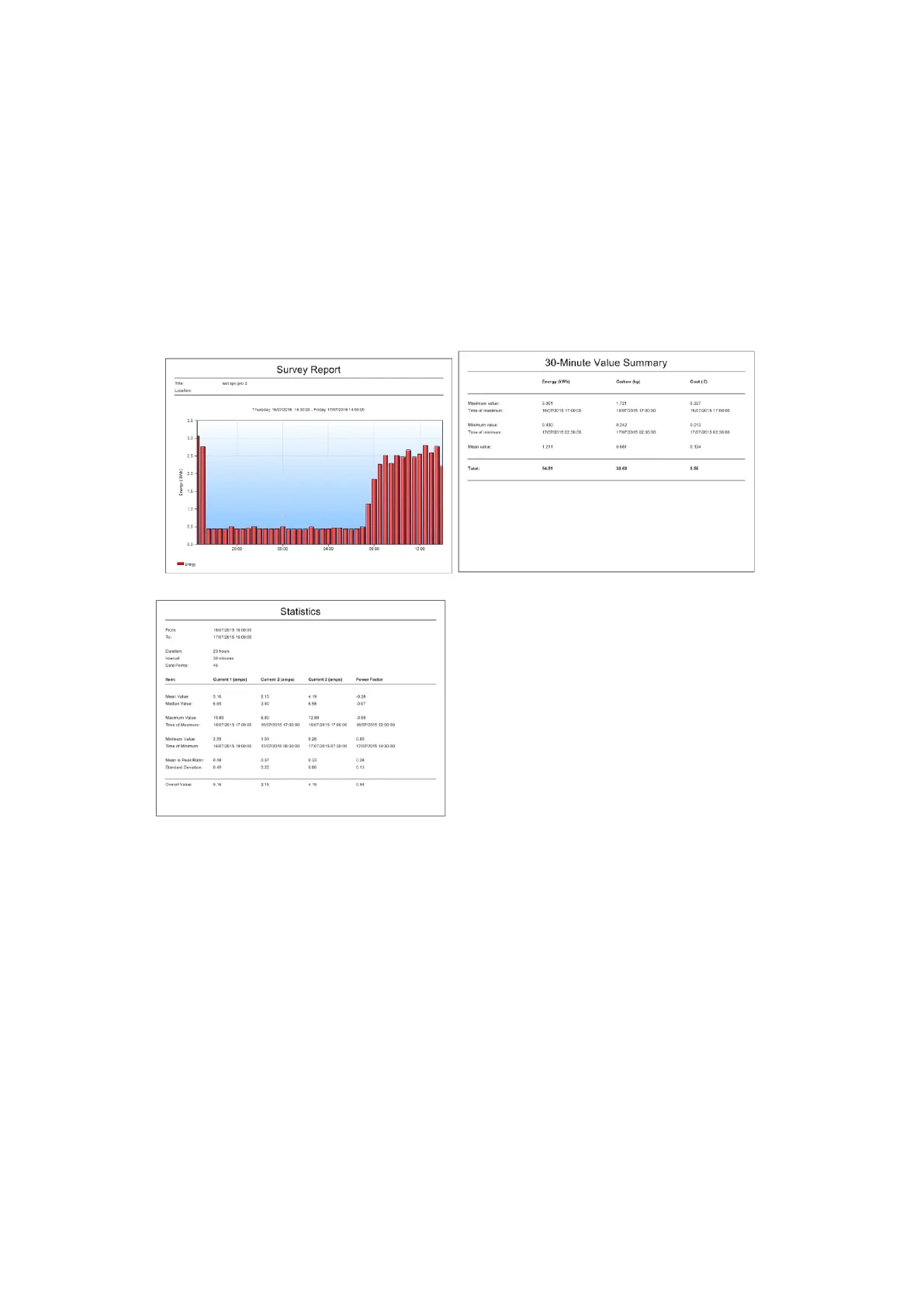
Select “File/Print Report” and change paper orientation to landscape. This will
provide a 3 page report displaying the currently displayed graph, survey
summary, survey statistics and costings. This method can also be used to save
the report as a PDF file.



 To Next Page