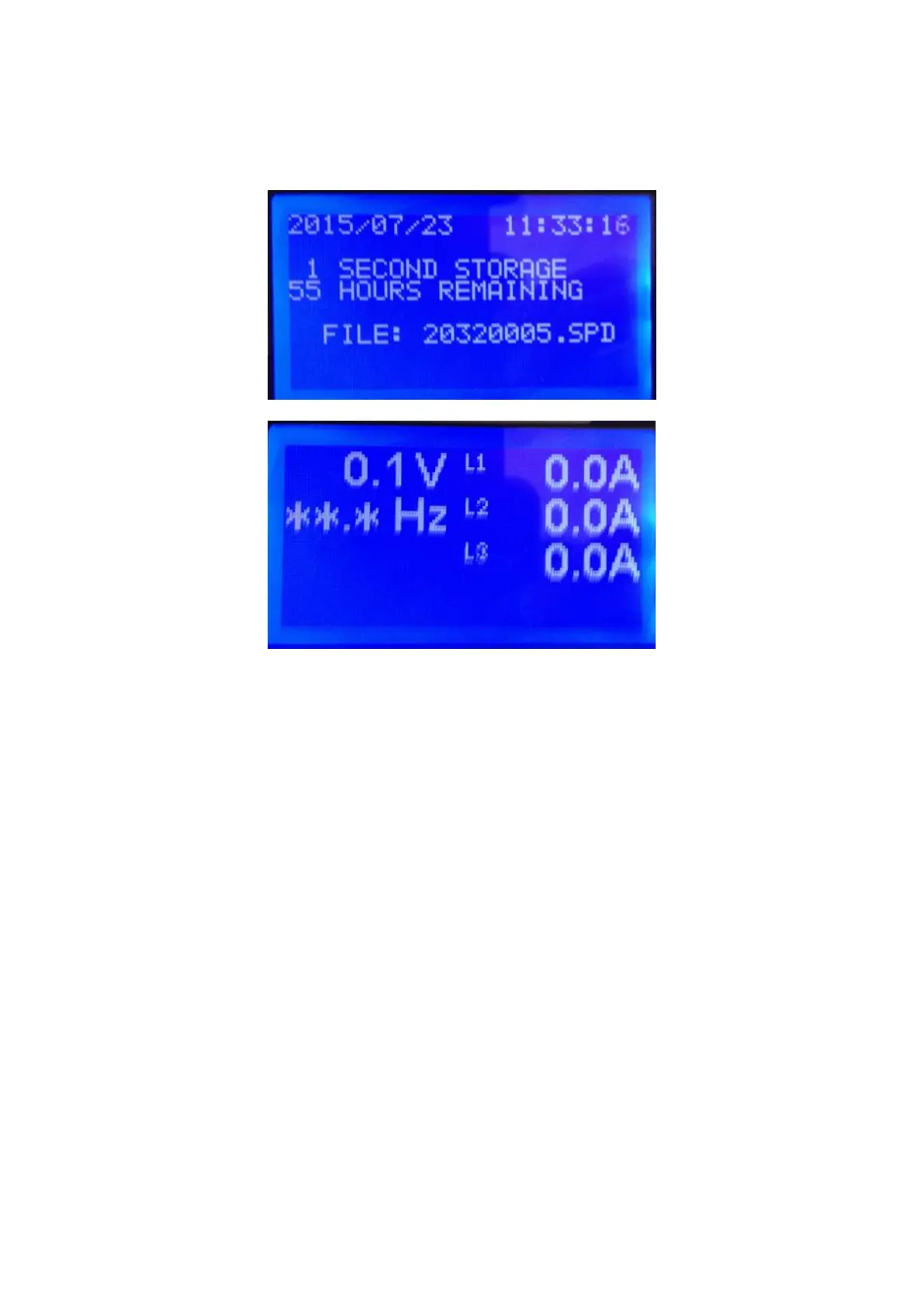
Display:
On start-up the display shows the logger status, followed by measurement
values for current and voltage.
Return to the logger status screen by briefly pressing the “Start/Reset” button.
Sleep Button:
The ‘stop/sleep’ button will switch the unit into standby mode. If the unit is
recording when the button is pressed, the display will warn that the survey will
terminate, and provide a 5 second countdown to avoid unintended operation.
Reset/Start Button:
Pressing the ‘Reset/Start’ button initiates a 5 second countdown prior to
commencing logging.
NOTE: Any data stored in logger memory is erased when a new
survey is started.
NOTE: The USB Memory Stick memory will not be erased when a
new survey is started.



 To Next Page