34
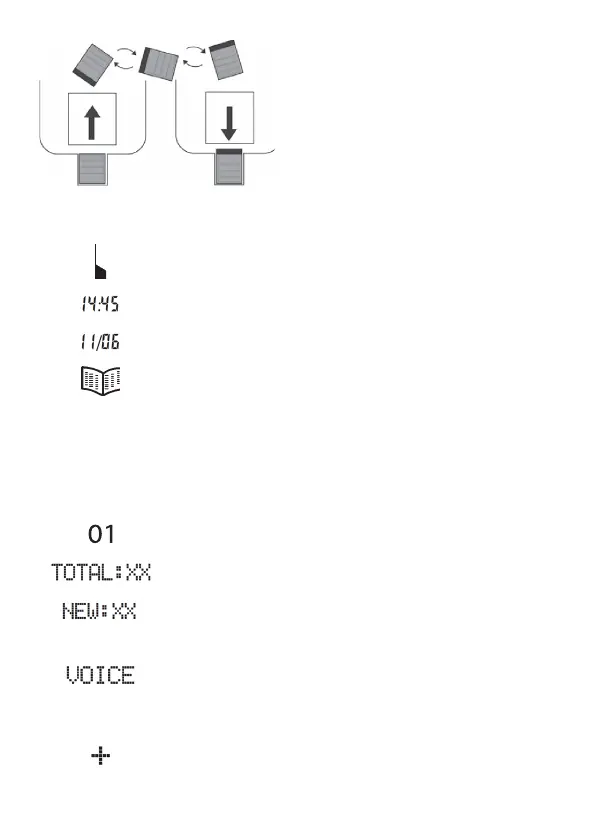
Display icons
Replace the batteries.
Display of the time.
Display of the date.
The phone book is open.
The calls list is open.
The entry in the calls list is new.
Indicates a repeat call.
Position number in the call list.
There are XX entries in the call list.
There are XX new entries in the call list.
Flashing: Recording mode is active
(see pages 42, 46).
On: A name has been recorded for this phone book
entry.
An emergency call number (M1, M2 or M3) has
been dialled (see page 46).
CLIP
NEW
REPEAT
CALLS
4
4
4
4
4
Turn the receiver hook (4) in the
receiver cradle 180° so that the
receiver can be hooked in.


 To Next Page