40
Deleting recordings
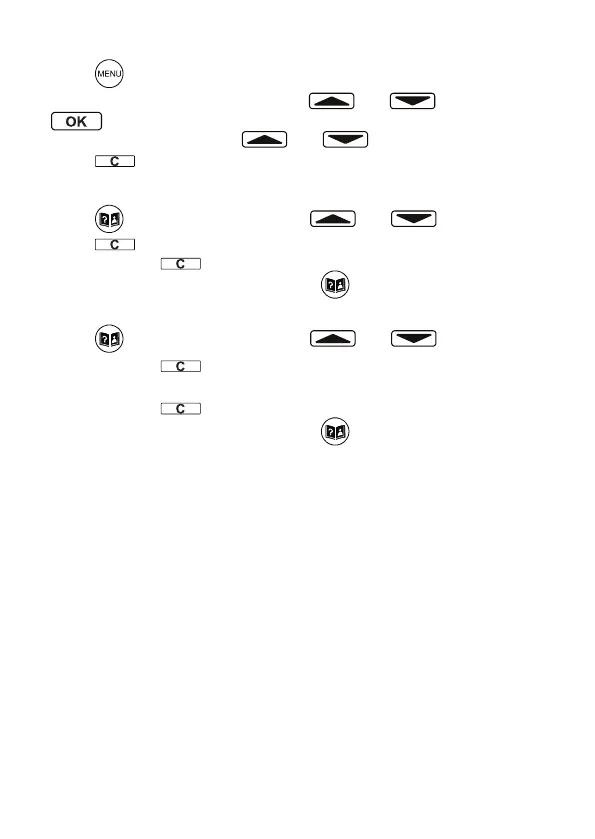
• Press .
• Select NAME RECORDING using and and press
.
• Then select an entry using and .
• Press during playback to delete the recording.
Deleting a single entry from the phone book
• Press and select an entry using and .
• Press . The display shows DELETE?.
• Press and hold for approx. 4 s. Entry is deleted.
• To abort the deleting procedure press .
Delete all entries from the phone book
• Press and select an entry using and .
• Press and hold for approx. 4 s. The display shows DELETE
ALL?.
• Press and hold for approx. 4 s. again.
• To abort the deleting procedure press .
Calls list
Note: The caller number display function, essential for the calls list,
is a supplementary service offered by telephone network providers.
Contact your network provider for further information.
If this function is available with your telephone line, the number of the
caller and the name, if an entry in the telephone book exists, appears in
the display or is spoken when the phone rings.
If the caller has suppressed transmission of his phone number or it is
otherwise unavailable, a corresponding message appears in the display.
The phone number is not displayed and, as a result, is not stored in the
calls list.
The idle display shows, how many entries are in the calls list and how
many of them are NEW (not yet seen). A total of 64 call numbers can be
stored in the calls list. The ashing red LED indicates new calls in the
calls list. This LED will ash as long as there are still new (not read)
calls in the calls list.


 To Next Page