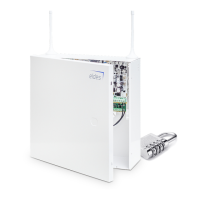
1.1. EKB2 - LCD Keypad
Main features:
• Alarm system arming and disarming
• Arming and disarming in Stay mode
• System parameter conguration
• PGM output control
• System information display
• Keypad partition switch
• Audio indication by built-in buzzer.
• Wireless device information display
• Temperature display
• Time display
For more details on technical specications and installation, please refer to the latest installation manual of the device located at www.eldes.
lt/download
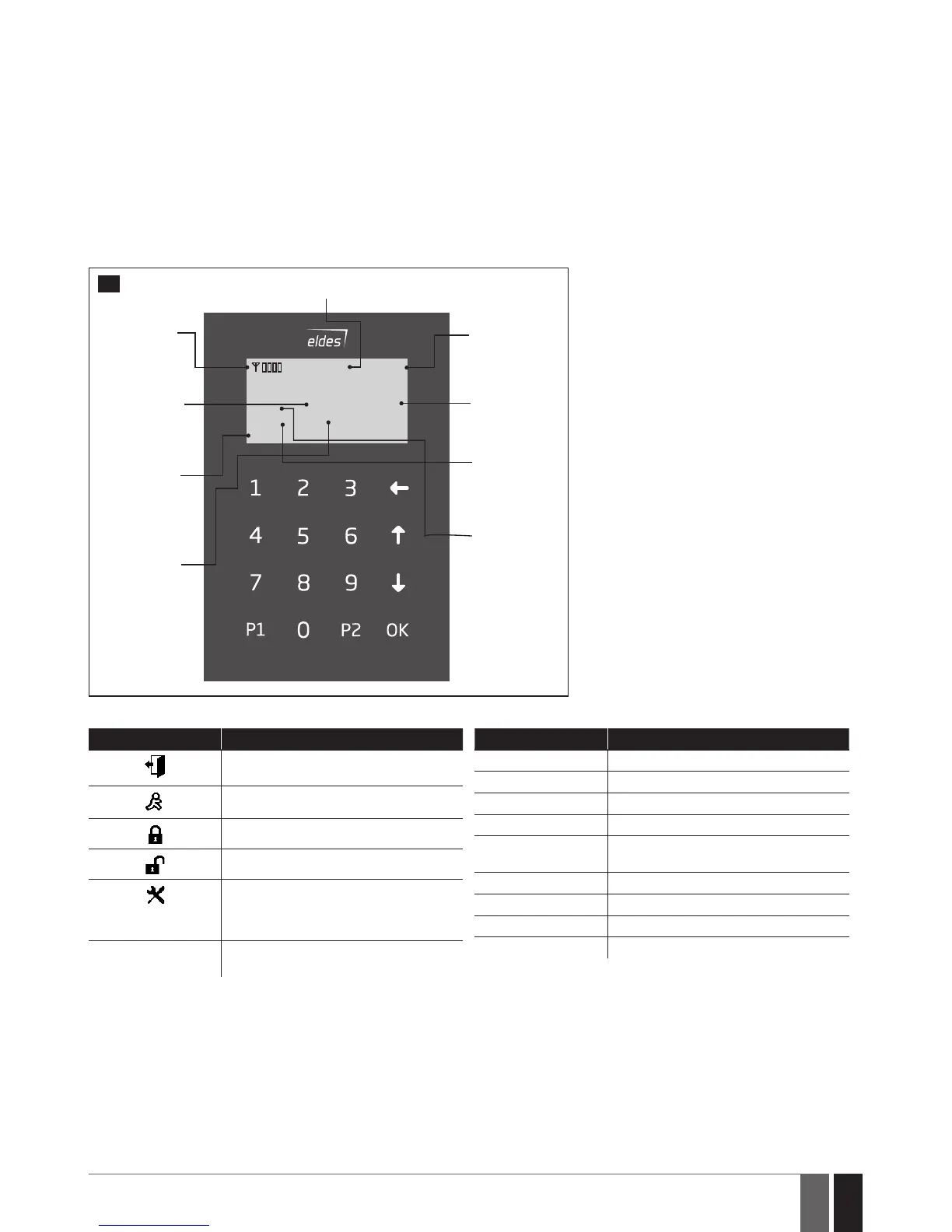
Icons and Messages
READY
GARAGE
TBL
BYP
STAY
00:4520,2
0
C
GSM signal
strength
System
status
message
Home screen
view
One or more
violated
zones are
bypassed
System
armed in Stay
mode
One or
more
system
faults are
present
Custom
partition
name
Digital
clock
Temperature
1
Icon / Message Description
Chime - Delay zone violated when system
is disarmed.
Exit delay countdown initiated.
System is armed and menu is locked.
System is disarmed and menu is unlocked
+ CONFIGURATION
MODE
Conguration mode activated.
BURGLARY ALARM
Delay, Instant or Follow zone violated
when system is armed.
Icon / Message Description
24 ALARM
24H zone violated.
FIRE ALARM
Fire zone violated.
TAMPER ALARM
Tamper violated
READY
System is ready to be armed.
NOT READY
System is not ready to be armed – one or
more zones / tampers violated.
ARMED
System is armed (optional feature).
STAY
Stay mode activated
BYP
System armed in Stay mode
TBL
One or more system faults are present



 To Next Page