SoilTest PRO Auto Soils Consolidator (ASC)
25-0500
Original Instructions 14 9901X0275 Issue 2
5 Operation
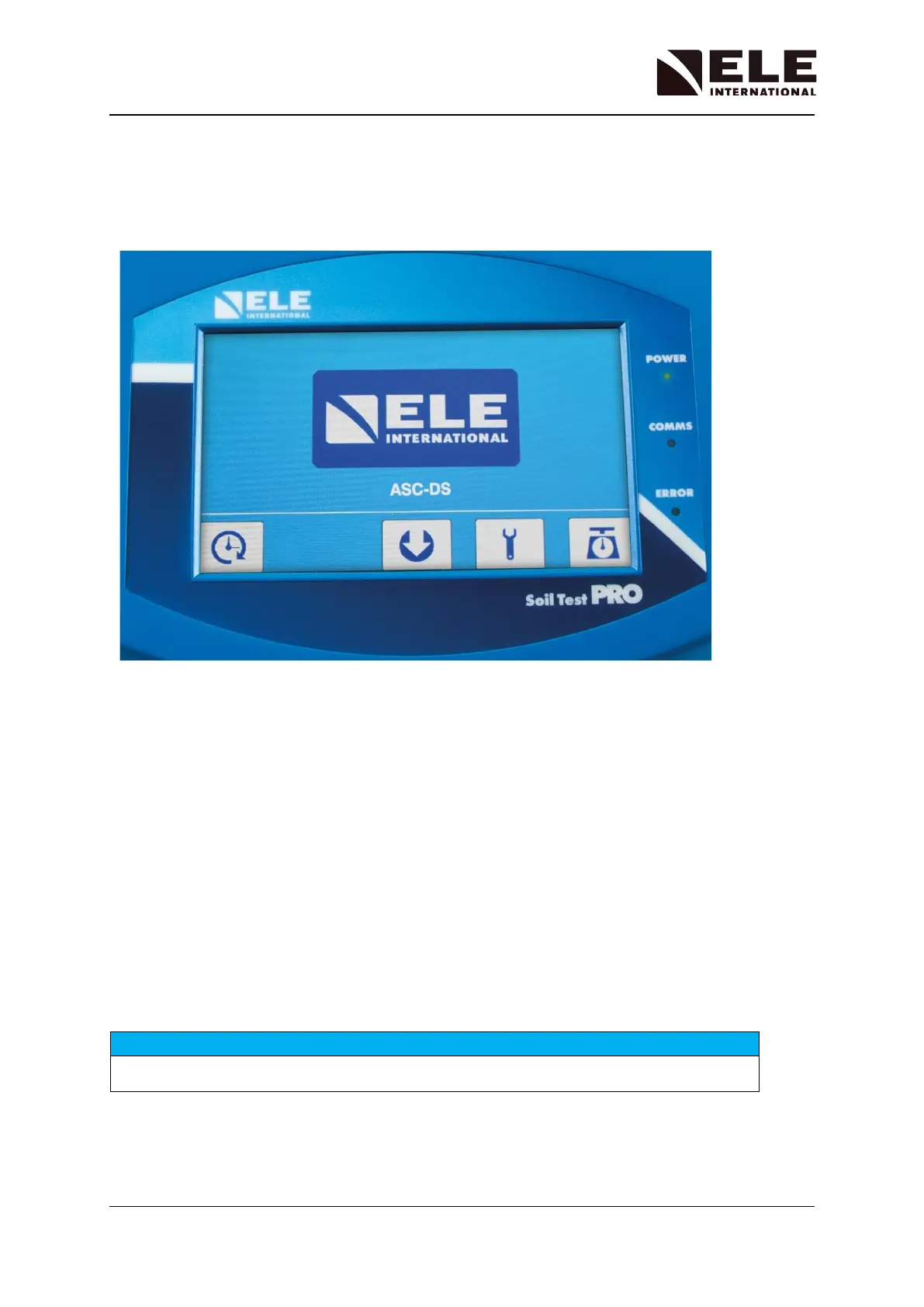
Turn the ASC machine ON. The screen display will be of the form below with the ASC in DS
Mode (ASC-DS). In this condition tests are configured and initiated from the DS8 application
running on a PC.
The front panel LEDs will show the following status:
• Power LED: Blue
o ON: Power On
o OFF: Power Off
• Comms LED: Green
o ON: The machine is connecting with DS8
o OFF: There is no DS8 connection
• Error LED: Red
o ON: At power ON, to show power interruption has occurred
o OFF: After DS8 resets the logging system
Front Panel Display and Controls
All the basic operations of the Auto Soils Consolidator (ASC) are controlled from the 7.0”
touch screen display.
Do not use excessive force when pressing the touch screen panel.



 To Next Page