SoilTest PRO Auto Soils Consolidator (ASC)
25-0500
Original Instructions 15 9901X0275 Issue 2
Display
The 7.0” display has a bright, easy to read character set and function icons which can be
seen under all internal lighting conditions. The screen is not adjustable but set at a
comfortable viewing angle.
Home Screen Keys
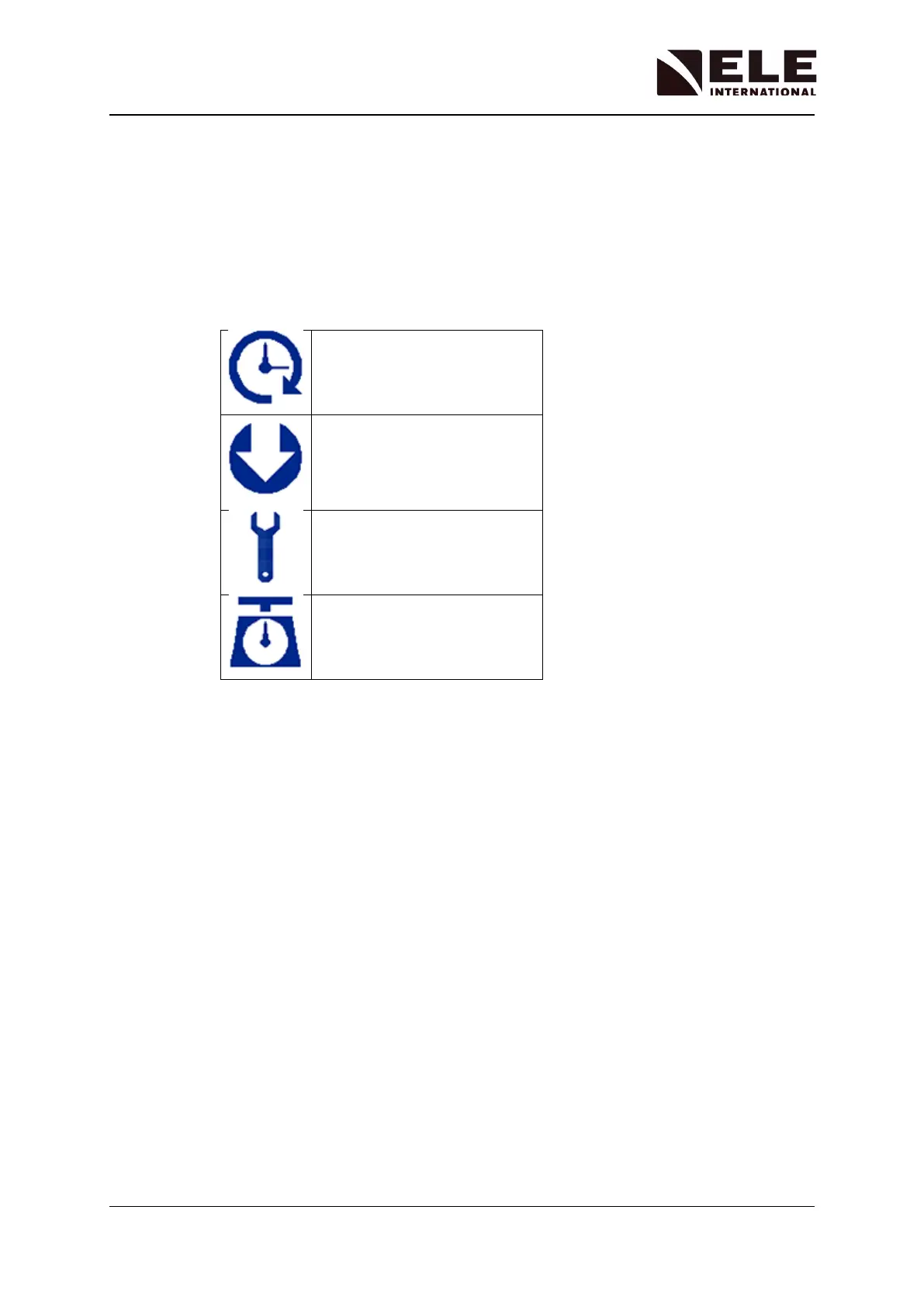
There are 4 short-cut function icons that are used to control the operation of the system.
Test Start Menu
Software Update Menu
Tools/Settings Menu
Calibration Menu
Test Start Menu
This menu screen allows the user to:-
• View the status of test
• Stop a test
• Adjust the frame position
Tools/Settings Menu
This menu screen allows the user to:-
• Change the language and measurement units
• View or adjust comms port settings
• Adjust the date, time and display brightness
Calibration Menu
This menu screen allows the user to:-
• Enter default calibration values for the default transducers
• Use the diagnostic and miscellaneous functions
• Use the service functions



 To Next Page